


Flower Wallpapers - Flowrify
Play on PC with BlueStacks – the Android Gaming Platform, trusted by 500M+ gamers.

Page Modified on: Aug 19, 2025
Play Flower Wallpapers - Flowrify on PC
💠 Features:
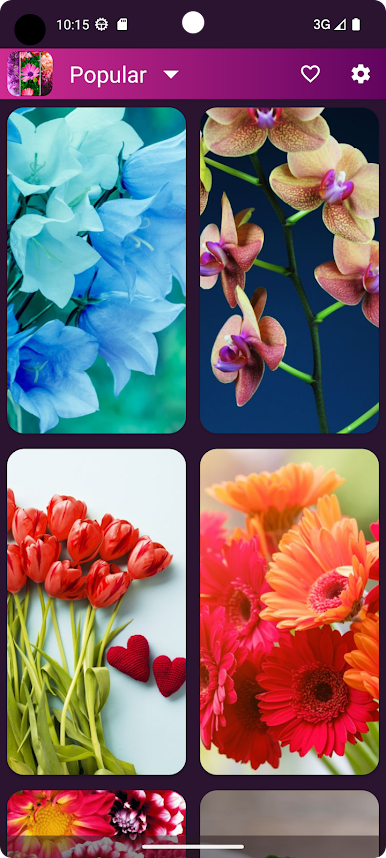
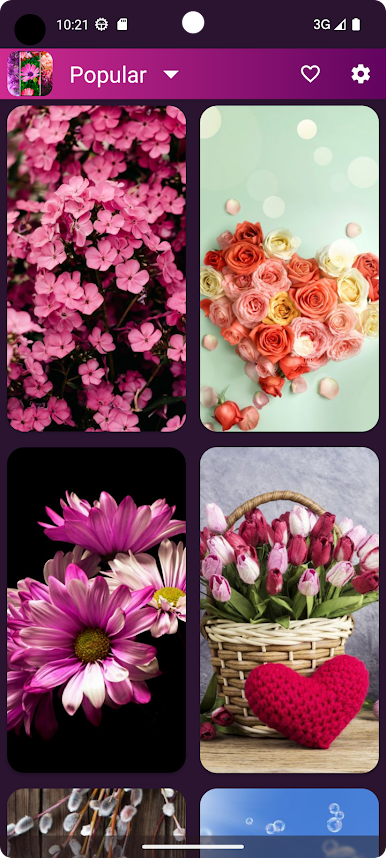
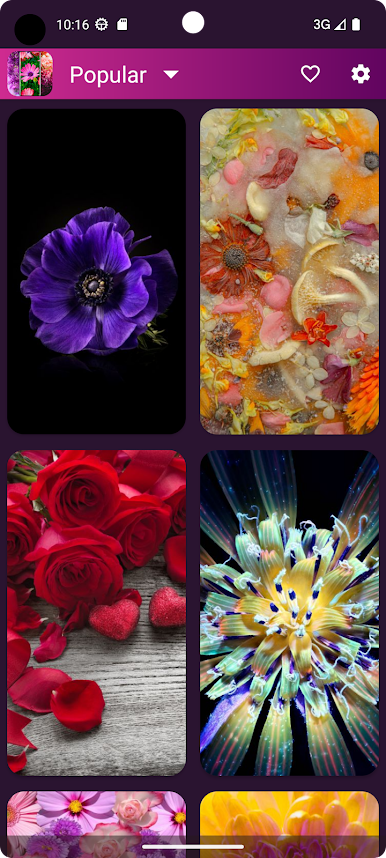
Recent > This is where you see latest updated wallpapers
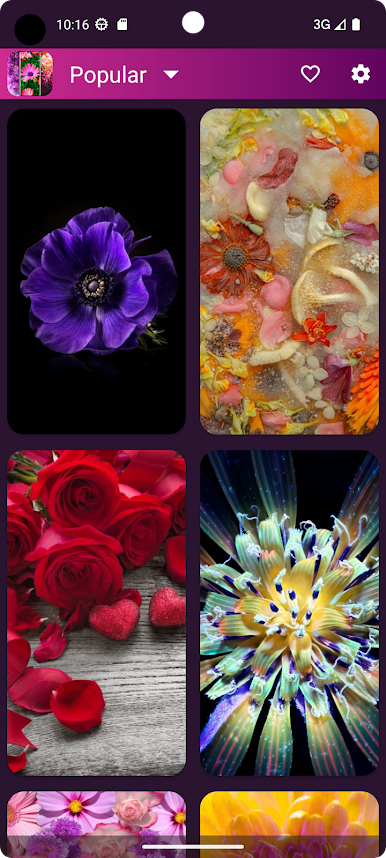
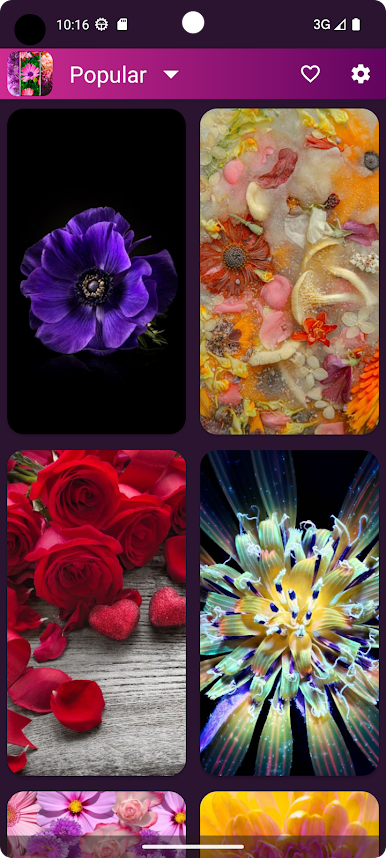
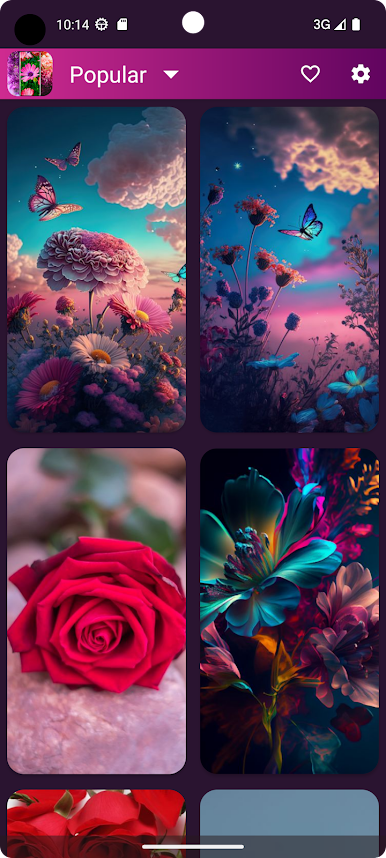
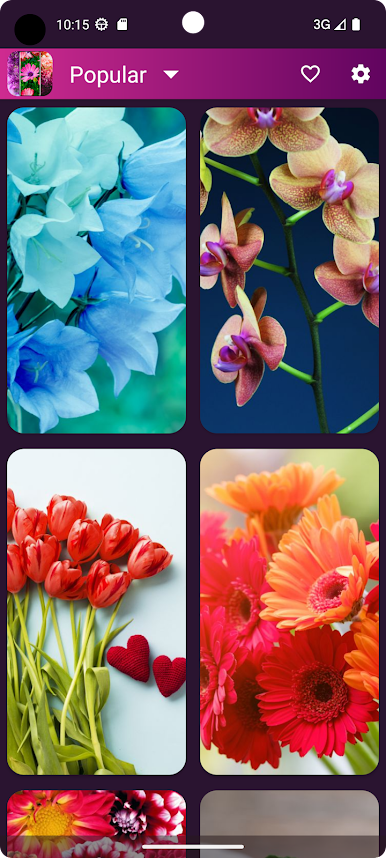
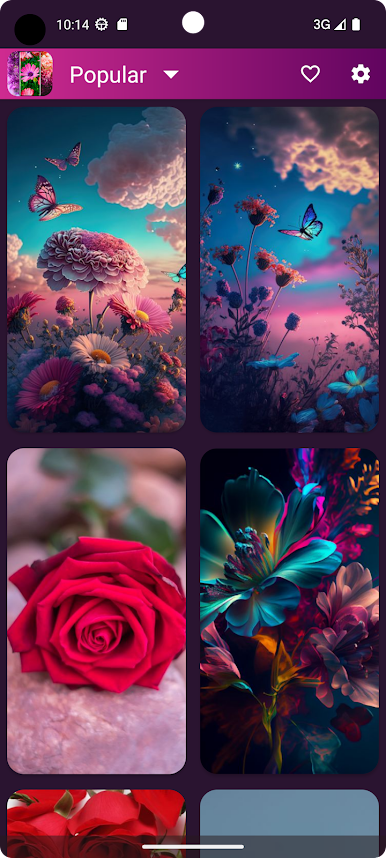
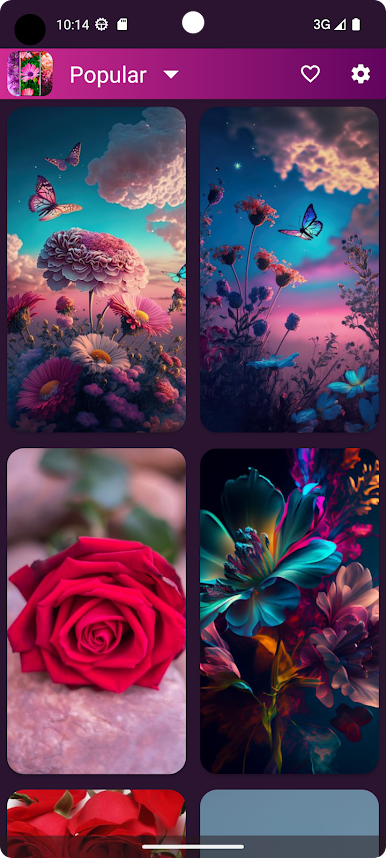
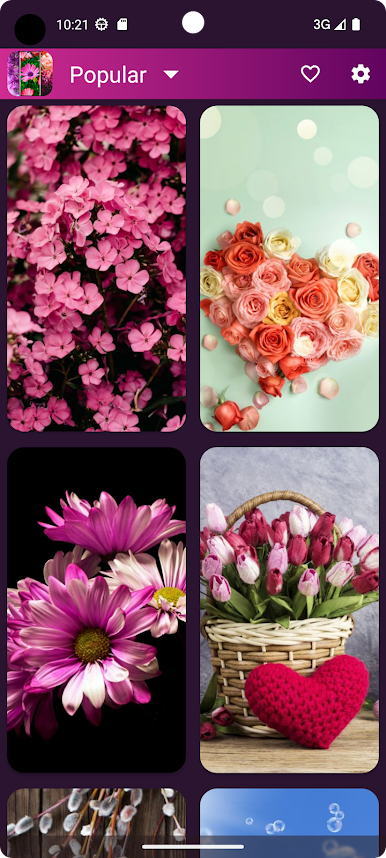
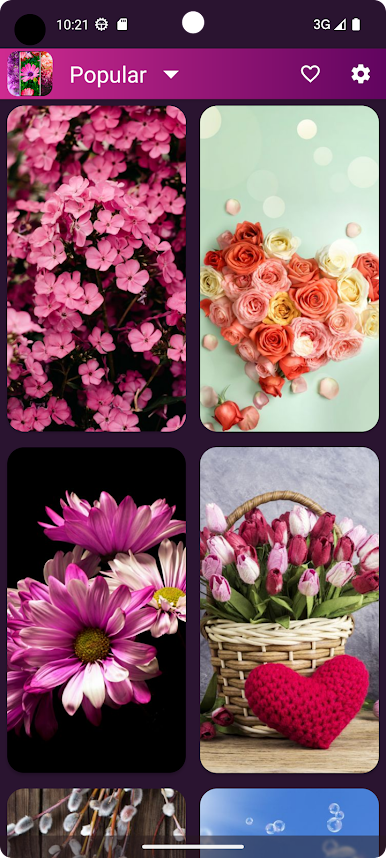
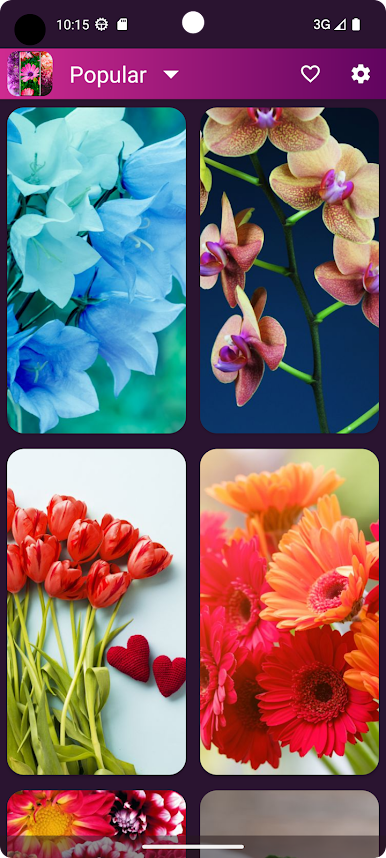
Popular > Popular wallpapers sorted based on user downloads
Random > Wallpapers randomly shown from whole collection on the fly, Swipe down to refresh for more...
💮 Simple & User-friendly interface
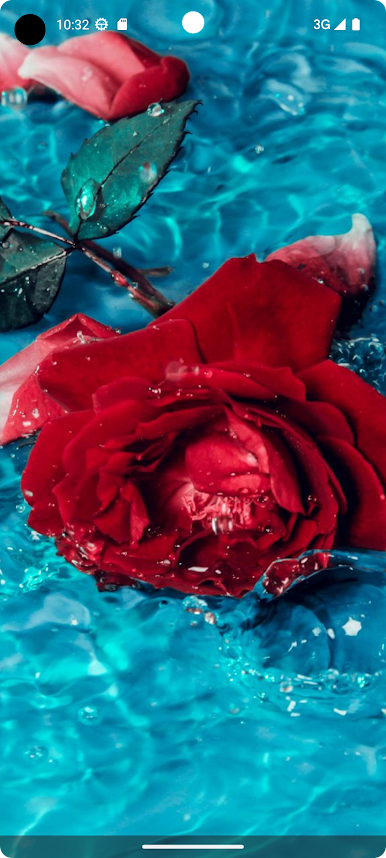
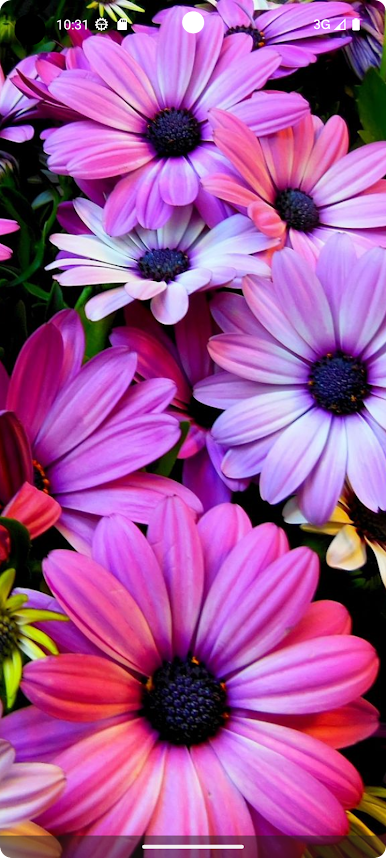
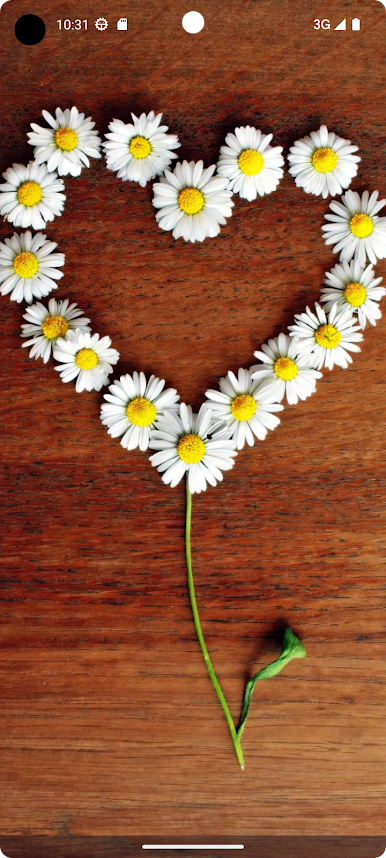
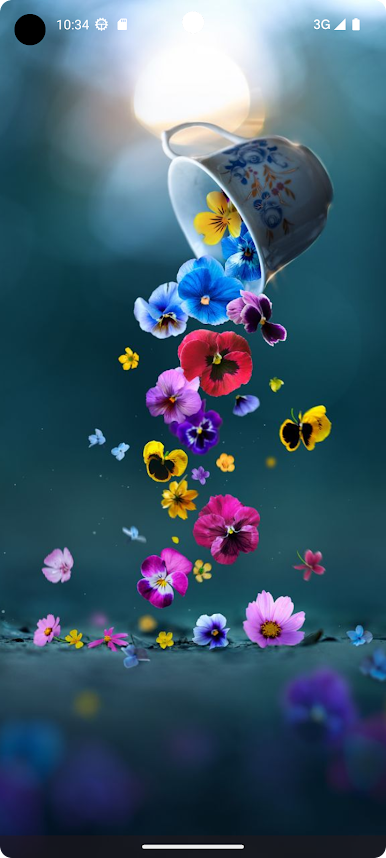
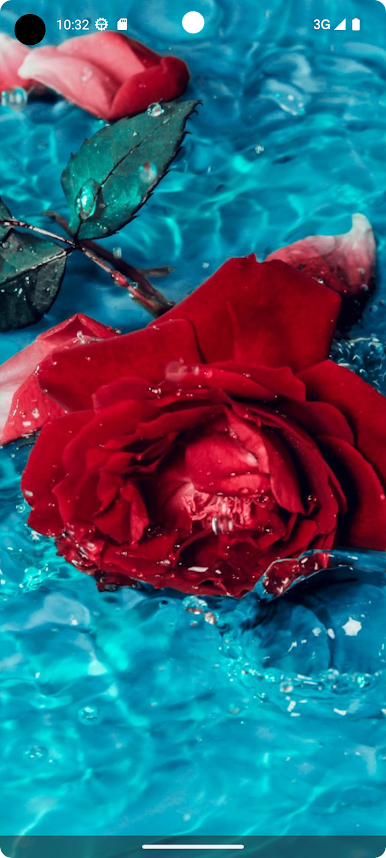
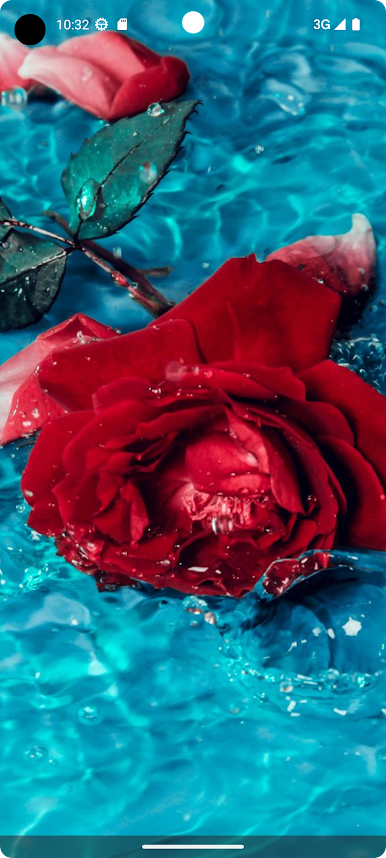
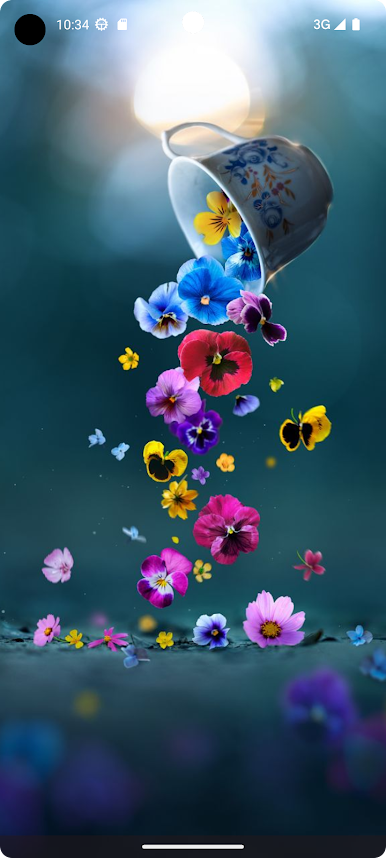
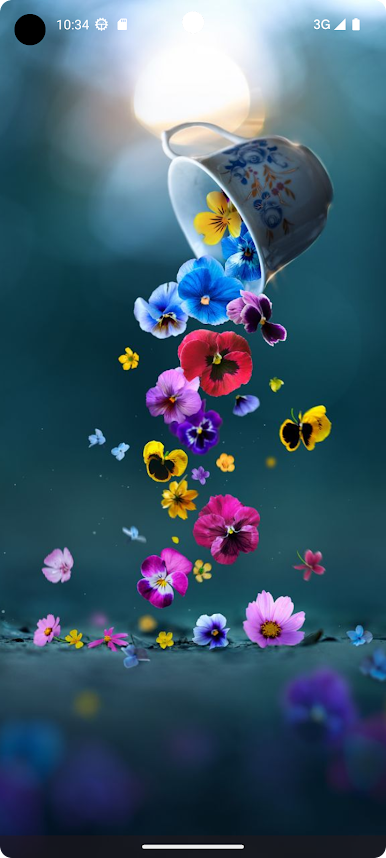
🌼 Download high quality premium flower wallpapers for free
🌻 Daily updates with fresh flower backgrounds everyday
💐 Super-fast & lightweight app
🌹 All wallpapers are suitable for HD, QHD and 4K resolution mobile screens
🌸 Option to clear cache to make app loading faster and save memory & battery
🌺 Option to Share/Send wallpapers through various apps like Whatsapp, Mail, Skype and much more..
🏵️ Like your favorite wallpapers and access them through "Favorites"
🌷 In-app purchase available to remove ads for life-time
Stay glued for more Flower wallpapers and we bet you will be amazed 😍
🌺 We are thankful for all of your support and always welcome your feedback and suggestions 🌺
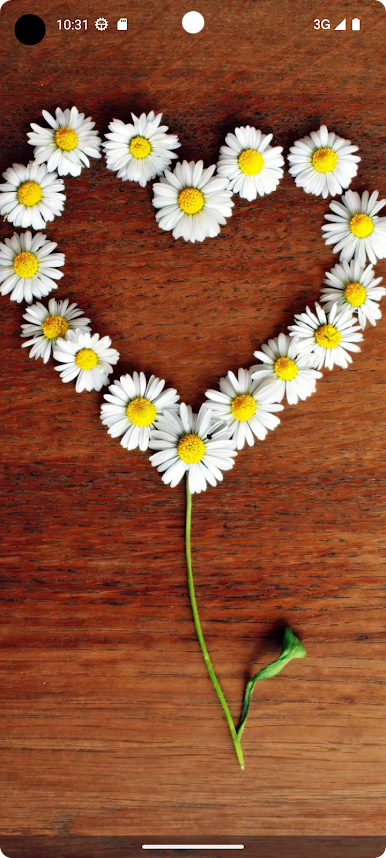
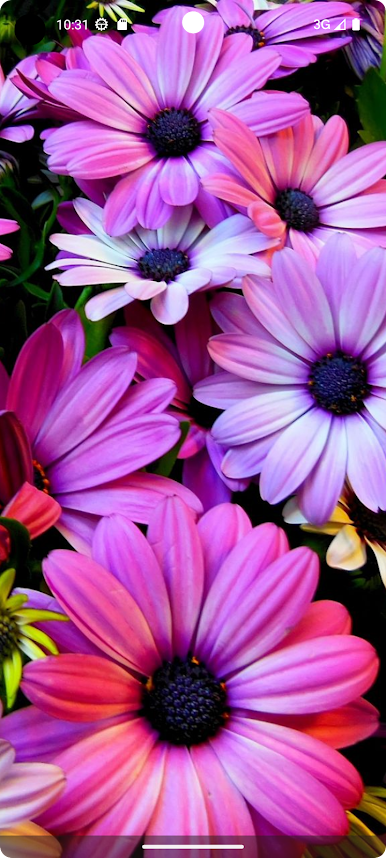
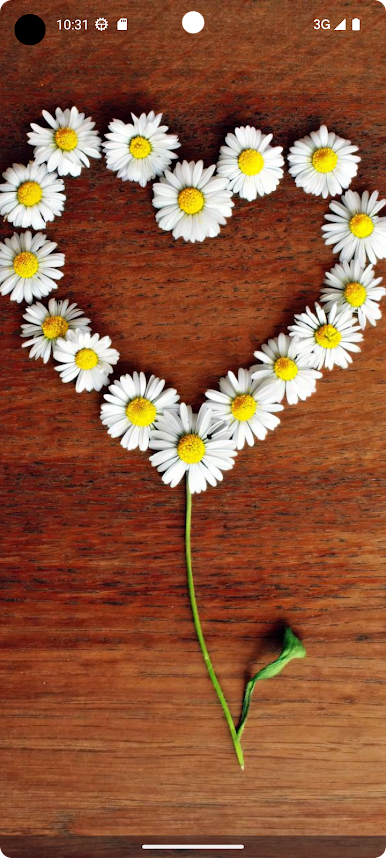
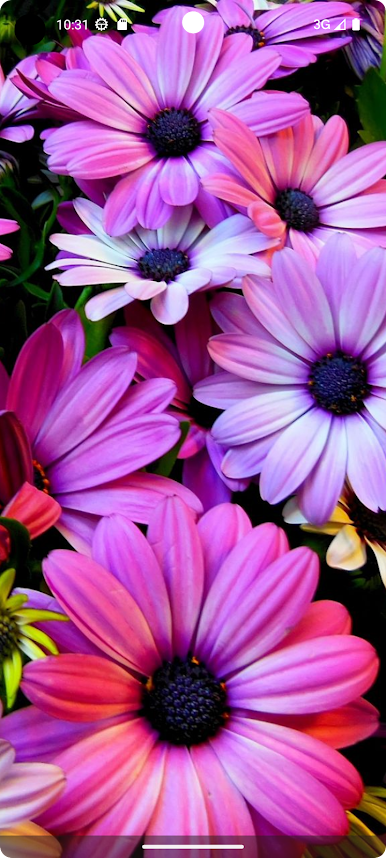
Play Flower Wallpapers - Flowrify on PC. It’s easy to get started.
-
Download and install BlueStacks on your PC
-
Complete Google sign-in to access the Play Store, or do it later
-
Look for Flower Wallpapers - Flowrify in the search bar at the top right corner
-
Click to install Flower Wallpapers - Flowrify from the search results
-
Complete Google sign-in (if you skipped step 2) to install Flower Wallpapers - Flowrify
-
Click the Flower Wallpapers - Flowrify icon on the home screen to start playing

