


Honey Panic: Bear My Heart
Play on PC with BlueStacks – the Android Gaming Platform, trusted by 500M+ gamers.

Page Modified on: May 20, 2026
Main Honey Panic: Bear My Heart on PC
Whoa! The Battle Maidens are channeling their energy into my soul! I can feel their strength awakening.
Wait! One at a time! Everyone is rushing to join the party—this magical power is overwhelming!
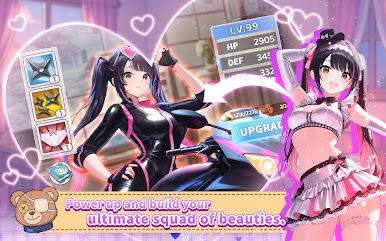
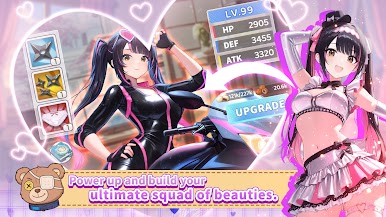
You're a magical doll, gaining incredible power as maidens channel energy into you. Embark on a fantasy adventure with charming girls, uncover mysteries, and repel darkness.
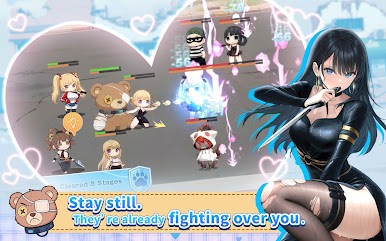
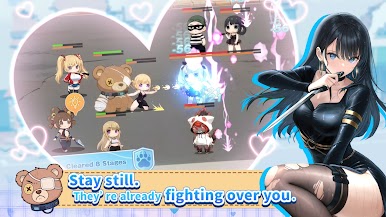
・Casual Idle Combat
Easy controls, auto-battle, level up your skills and gear effortlessly. Choices and luck will determine your victory!
・Summon Battle Maidens
Partner with formidable girls and synchronize your souls to trigger an ultimate awakening.
・Build Bonds & Explore
Meet captivating goddesses, form companionships, and uncover the hidden secrets of the magical world.
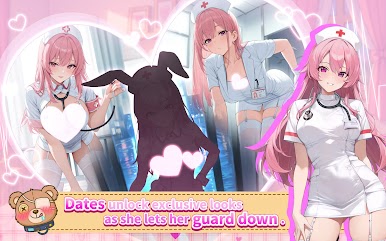
・Heart-Pounding Romance
Strengthen your bonds and discover the secrets of each heroine. By winning their hearts, you'll unlock exclusive character buffs and experience a variety of heartfelt endings.
・Hot Spring Inn Management
Take a break from the battle to manage a charming hot spring inn. Forge unbreakable bonds with your team to unlock heartwarming side stories and special cinematic animation.
CS Support link: https://goplayga.me/HP_contactus
CS Support email: support_honeypanic@6waves.com
Follow Us:
Facebook: https://goplayga.me/HoneyPanic_fb_app_android
Instagram: https://goplayga.me/HoneyPanic_ig_app_android








Play Honey Panic: Bear My Heart on PC. It’s easy to get started.
-
Download and install BlueStacks on your PC
-
Complete Google sign-in to access the Play Store, or do it later
-
Look for Honey Panic: Bear My Heart in the search bar at the top right corner
-
Click to install Honey Panic: Bear My Heart from the search results
-
Complete Google sign-in (if you skipped step 2) to install Honey Panic: Bear My Heart
-
Click the Honey Panic: Bear My Heart icon on the home screen to start playing

