


Traffic Rider
Play on PC with BlueStacks – the Android Gaming Platform, trusted by 500M+ gamers.

Page Modified on: Dec 8, 2025
Main Traffic Rider on PC
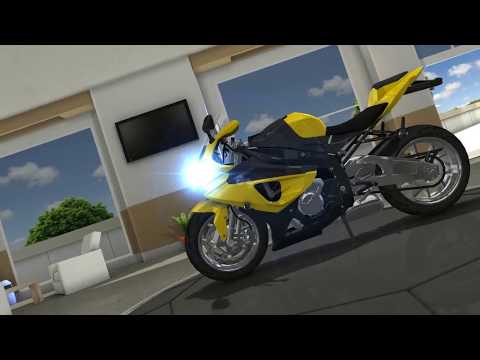
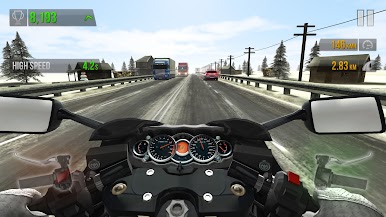
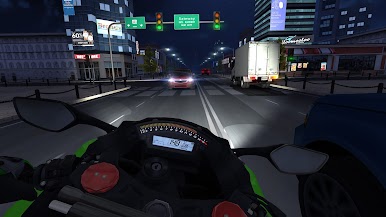
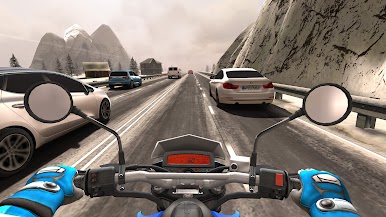
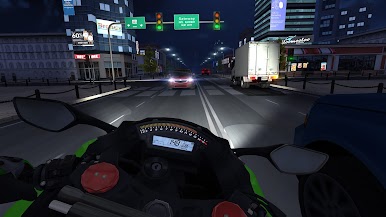
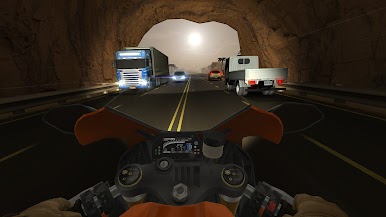
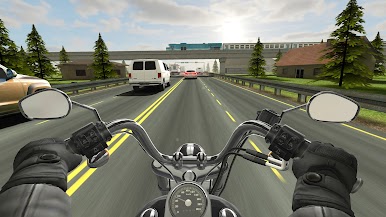
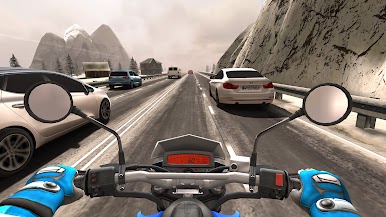
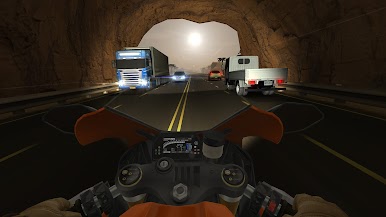
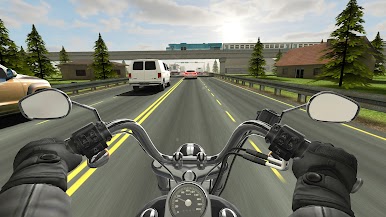
Traffic Rider takes the endless racing genre to a whole new level by adding a full career mode, first person view perspective, better graphics and real life recorded bike sounds. The essence of smooth arcade racing is still there but in the shell of the next generation. Ride your bike in the endless highway roads overtaking the traffic, upgrade and buy new bikes to beat the missions in career mode.
Now it is time to hit the roads with a motorcycle!
FEATURES
- First person camera view
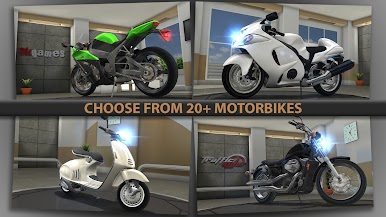
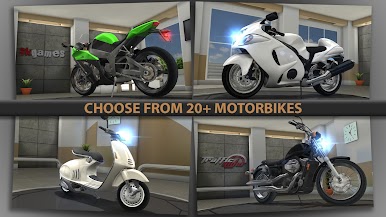
- 34 motorbikes to choose from
- Real motor sounds recorded from real bikes
- Detailed environments with day and night variations
- Career mode with 90+ missions
- Online leaderboards and 30+ achievements
- Support for 19 languages
TIPS
- The faster you ride, the more scores you get
- When driving over 100 kmh, overtake traffic cars closely to get bonus scores and cash
- Driving in opposite direction in two-way gives extra score and cash
- Do wheelies to get extra score and cash
FOLLOW US
* http://facebook.com/trafficridergame
* http://twitter.com/traffic_rider
*** No Timers, No Fuel *** Just pure endless fun!
Traffic Rider will be updated regularly with your suggestions. Don't forget to leave a review with your feedback.
Privacy Policy: https://www.skgames.net/privacy-policy.html
Terms of Service & Refund Policy: https://www.skgames.net/terms-of-service.html
Copyright © 2026 skgames. All rights reserved. Traffic Rider is a trademark of skgames.
Play Traffic Rider on PC. It’s easy to get started.
-
Download and install BlueStacks on your PC
-
Complete Google sign-in to access the Play Store, or do it later
-
Look for Traffic Rider in the search bar at the top right corner
-
Click to install Traffic Rider from the search results
-
Complete Google sign-in (if you skipped step 2) to install Traffic Rider
-
Click the Traffic Rider icon on the home screen to start playing

