

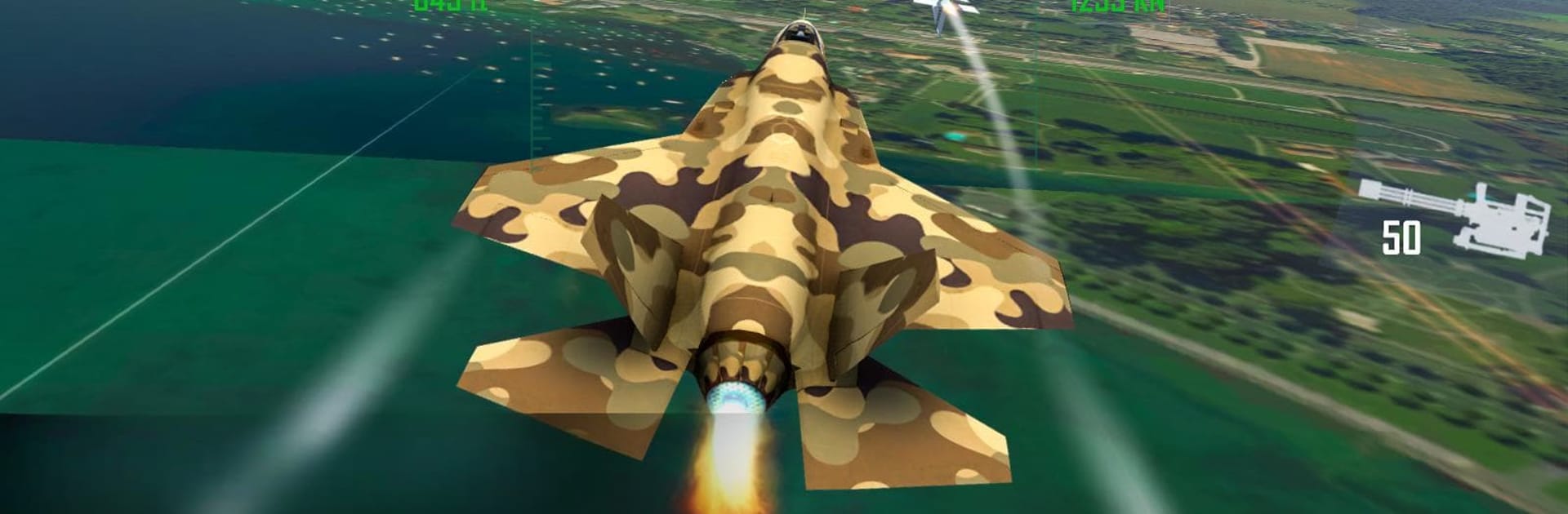
FlyVRX Fighter Jet - Air Force
Play on PC with BlueStacks – the Android Gaming Platform, trusted by 500M+ gamers.

Page Modified on: Oct 13, 2025
Play Fighter Jet Air Strike - New 2020, with VR on PC or Mac
Explore a whole new adventure with Fighter Jet Air Strike – New 2020, with VR, a Action game created by Skippy Games. Experience great gameplay with BlueStacks, the most popular gaming platform to play Android games on your PC or Mac.
About the Game
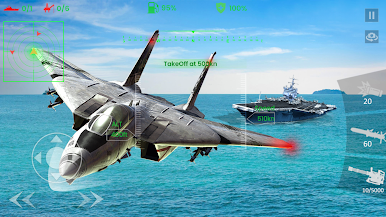
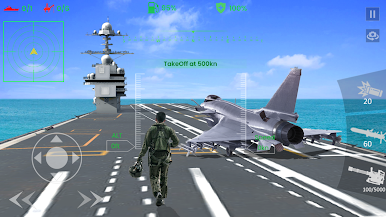
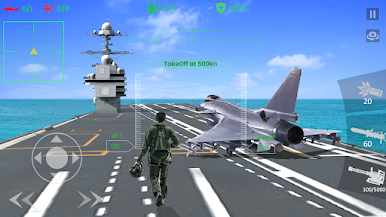
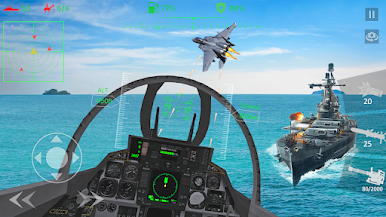
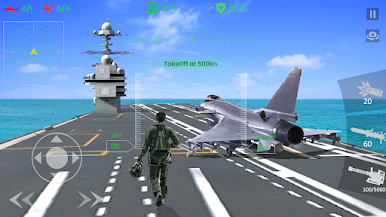
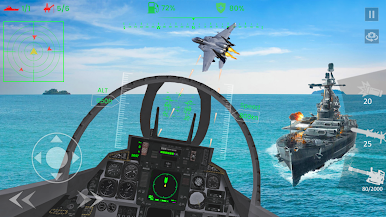
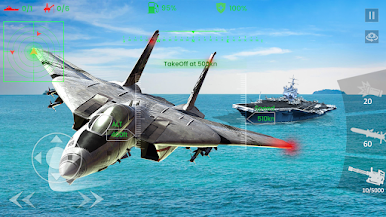
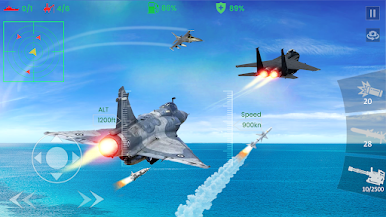
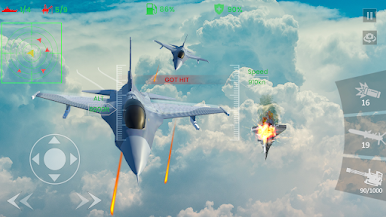
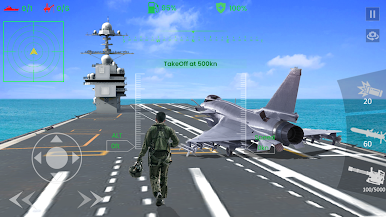
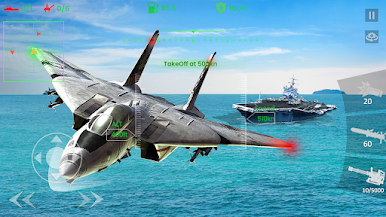
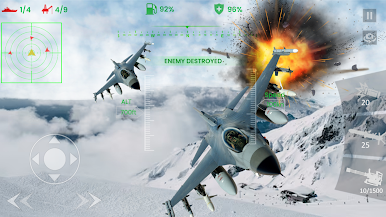
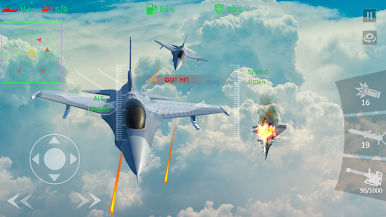
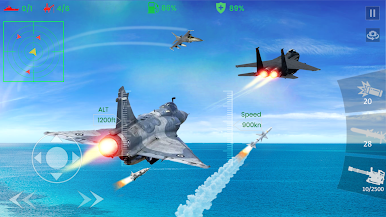
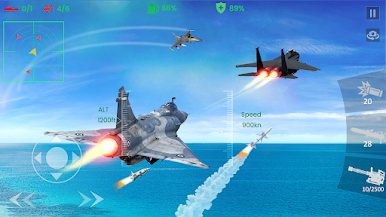
Ever wanted to know how it feels to pilot a fighter jet? Fighter Jet Air Strike – New 2020, with VR throws you right into the heart of intense aerial battles. Whether you’re doing barrel rolls above a sparkling blue ocean or weaving between mountains, this Action game from Skippy Games gives you a shot of adrenaline and a real sense of flying. You’ll find yourself hooked, eyes glued to the cockpit, and maybe yelling at imaginary wingmen when things get wild.
Game Features
-
Immersive 3D Environments
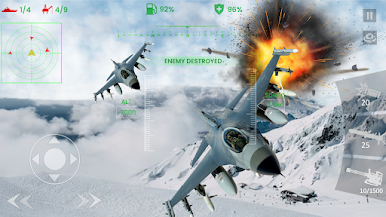
Cruise over sweeping seas or twist through rugged mountains rendered in super-sharp 3D. The sights alone might make you forget you’re not actually up in the air. -
Multiple Camera Angles
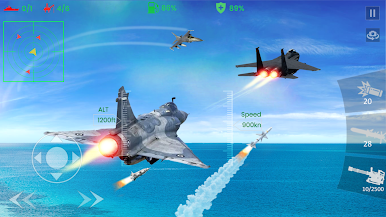
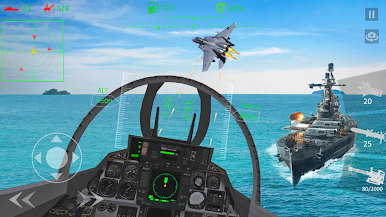
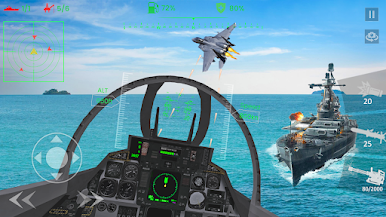
Prefer a pilot’s-eye view or want to scope out your jet from the outside? Switch between cockpit and external perspectives with a single tap and see the action your way. -
Straightforward Controls
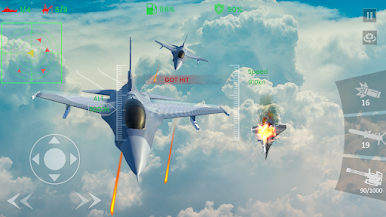
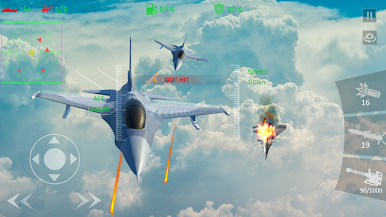
Tilt your device to steer, keep an eye on your fuel, and tap just a couple buttons to fire missiles or bullets. Feels natural, and when things get hectic, you won’t miss a beat. -
VR Mode Support
Got a VR headset handy? Slide it on for a fully immersive dogfighting experience. No joystick? Just tilt your head to maneuver—firing kicks in automatically when your target’s in your sights. -
Bluetooth Gamepad Compatibility
Want that arcade vibe? Connect a Bluetooth gamepad for even tighter controls. Separate buttons let you fire off missiles or bullets with a satisfying click. -
Authentic Jet Audio
The roar of the engine and missile launches crank up the excitement and make the action feel more lifelike. -
Radar Navigation
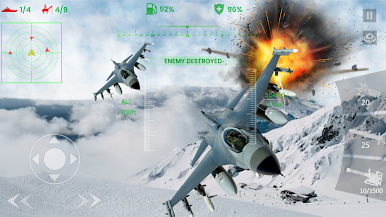
Enemies sneaking up on you? Scanner keeps you aware, so you’ll never get caught off guard. -
Playable on BlueStacks
If you’re craving bigger visuals and even smoother play, BlueStacks is a solid way to try these air battles on your computer. -
Jets to Look Forward To
New camouflage and flag-themed models are on the horizon, adding extra flair to your fleet.
Ready to top the leaderboard? We bet you do. Let precise controls and sharp visuals optimized on BlueStacks lead you to victory.
Play FlyVRX Fighter Jet - Air Force on PC. It’s easy to get started.
-
Download and install BlueStacks on your PC
-
Complete Google sign-in to access the Play Store, or do it later
-
Look for FlyVRX Fighter Jet - Air Force in the search bar at the top right corner
-
Click to install FlyVRX Fighter Jet - Air Force from the search results
-
Complete Google sign-in (if you skipped step 2) to install FlyVRX Fighter Jet - Air Force
-
Click the FlyVRX Fighter Jet - Air Force icon on the home screen to start playing

