


Плеер для малыша
Play on PC with BlueStacks – the Android Gaming Platform, trusted by 500M+ gamers.

Page Modified on: Apr 4, 2025
Play Плеер для малыша on PC
Is free
Doesn't require an internet connection.
Introduce the kids to the songs of your childhood.
Plunge with your children into the world of your favorite tunes and good cartoons.
Any child who can't read can handle this app.
Two modes of the player:
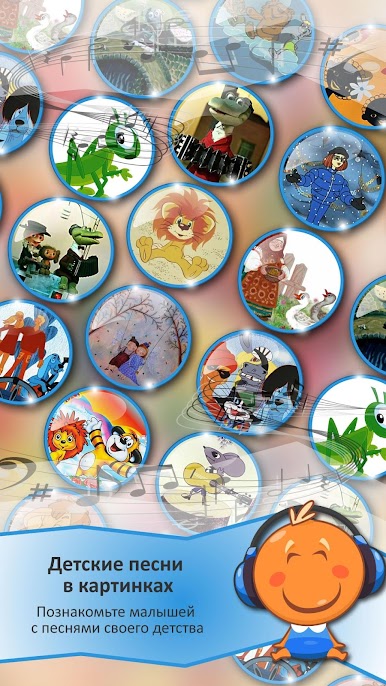
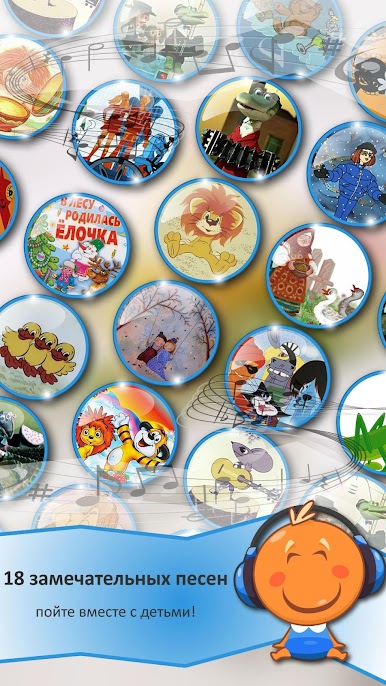
The first one is in the form of a set of 27 pictures-buttons corresponding to songs. The buttons are located on one screen, which will allow the child himself, without distracting you, for example, on the way, to find out and choose the melody he likes.
And the second - the classic version of the player - autoplay.
Works without internet.
27 wonderful songs - sing along with the children!
1. Antoshka
2. A grasshopper was sitting in the grass
3. Song of the baby mammoth
4. Lion's song
5. Two funny geese lived with a grandmother
6. Chunga changa
7. Let them run awkwardly
8. A ray of golden sun
9. Clouds, white-winged horses
10. If there was no winter
11. A Christmas tree was born in the forest
12. Winged swing
13. Dance of little ducklings
14. Blue carriage
15. What a wonderful day
16. There is nothing better in the world
17. Maybe a crow
18. When my friends are with me
19. White boats
20. Tired toys sleep
21. Lullaby of the bear
22. From a smile
23. Winnie the Pooh Song
24. We say Byaki - Buki
25. The dog is missing
26. Buratino
27. Little Red Riding Hood's Song
Play Плеер для малыша on PC. It’s easy to get started.
-
Download and install BlueStacks on your PC
-
Complete Google sign-in to access the Play Store, or do it later
-
Look for Плеер для малыша in the search bar at the top right corner
-
Click to install Плеер для малыша from the search results
-
Complete Google sign-in (if you skipped step 2) to install Плеер для малыша
-
Click the Плеер для малыша icon on the home screen to start playing

