


Tap to Turn!
Play on PC with BlueStacks – the Android Gaming Platform, trusted by 500M+ gamers.

Page Modified on: Mar 14, 2026
Play Tap to Turn! on PC
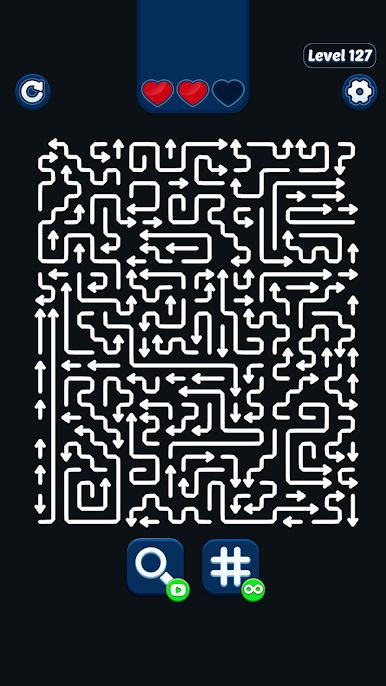
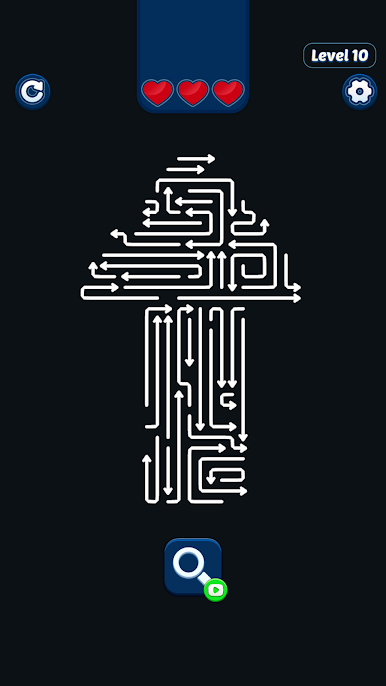
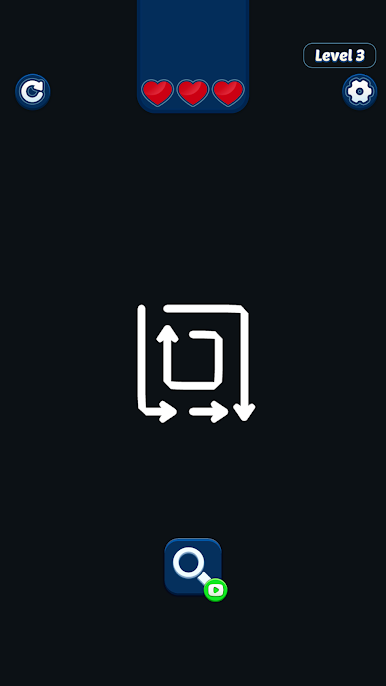
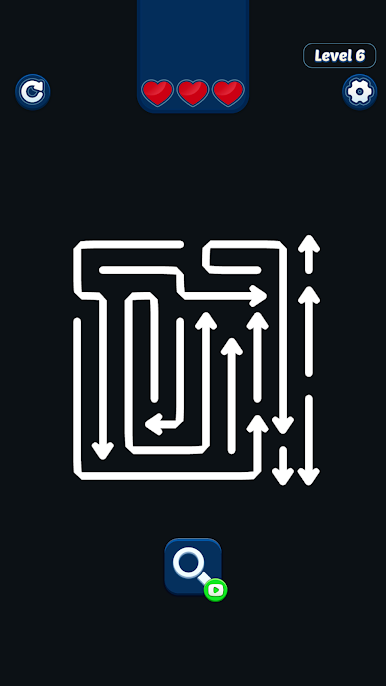
Tap arrows to rotate them, guide the correct path, and clear the board step by step. Each move matters — one wrong turn can block your route, while the right decision creates a smooth and satisfying solution.
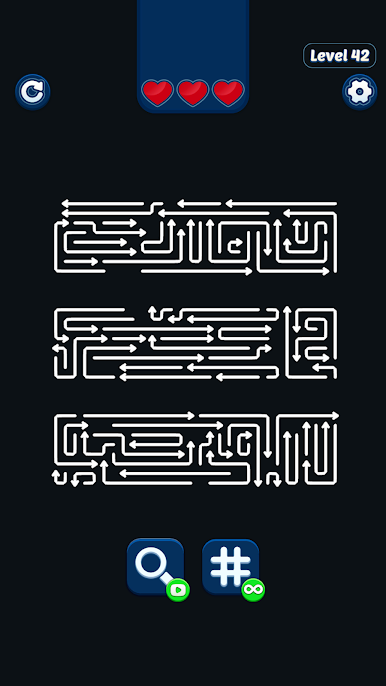
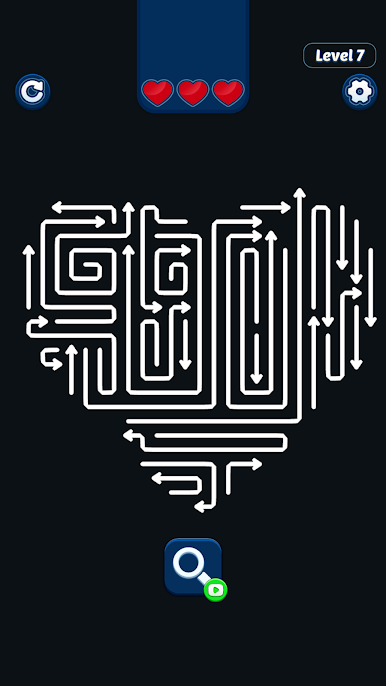
As you progress, puzzles become more complex with tighter spaces, tricky layouts, and new maze patterns that challenge your logic and problem-solving skills.
How to Play
• Tap arrows to change their direction
• Create the correct path through the maze
• Plan your moves carefully
• Clear the board and move to the next challenge
Why You'll Love Tap to Turn
• Minimalist design with black background and white arrows
• Simple tap controls and intuitive gameplay
• Clever maze puzzles that test your logic
• Smooth and satisfying puzzle solutions
• Hundreds of engaging levels
The high-contrast black and white visuals make every arrow clear and every move easy to follow, creating a calm yet engaging puzzle experience.
Think ahead, turn the arrows, and clear the path.

Play Tap to Turn! on PC. It’s easy to get started.
-
Download and install BlueStacks on your PC
-
Complete Google sign-in to access the Play Store, or do it later
-
Look for Tap to Turn! in the search bar at the top right corner
-
Click to install Tap to Turn! from the search results
-
Complete Google sign-in (if you skipped step 2) to install Tap to Turn!
-
Click the Tap to Turn! icon on the home screen to start playing

