

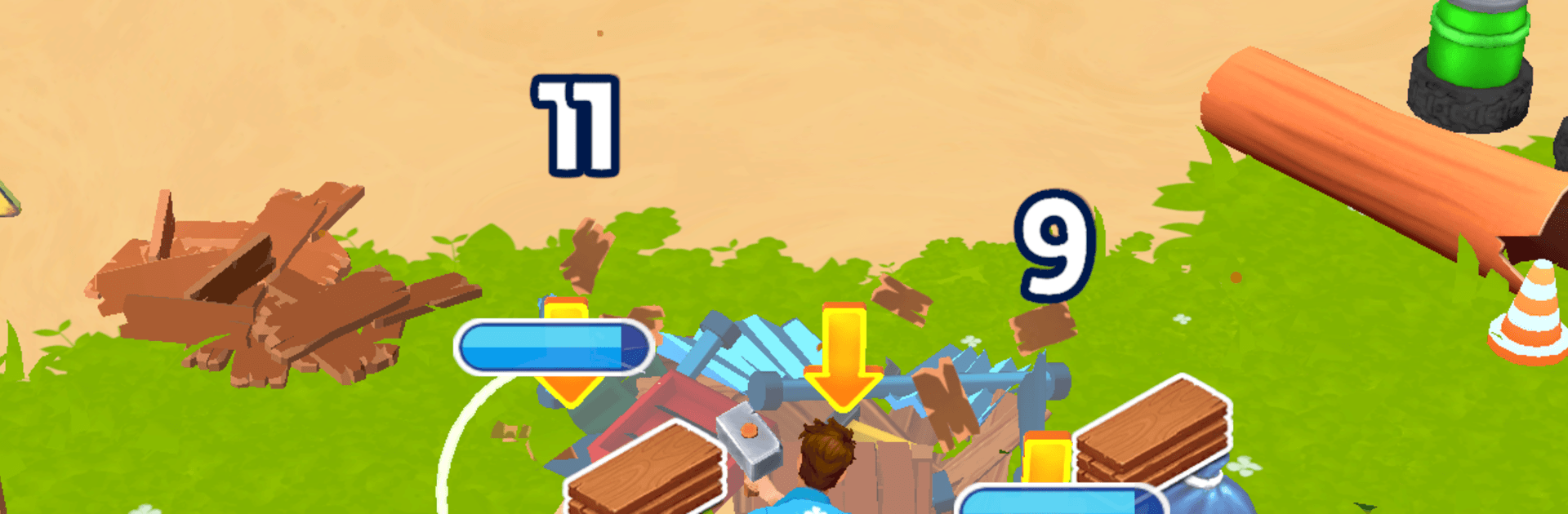
My Tropical Resort
Play on PC with BlueStacks – the Android Gaming Platform, trusted by 500M+ gamers.

Page Modified on: Mar 30, 2026
Play My Tropical Resort on PC or Mac
Step into the World of My Tropical Resort, a thrilling Simulation game from the house of Skyloft Yazılım Bilişim ve Anonim Şirketi. Play this Android game on BlueStacks App Player and experience immersive gaming on PC or Mac.
About the Game
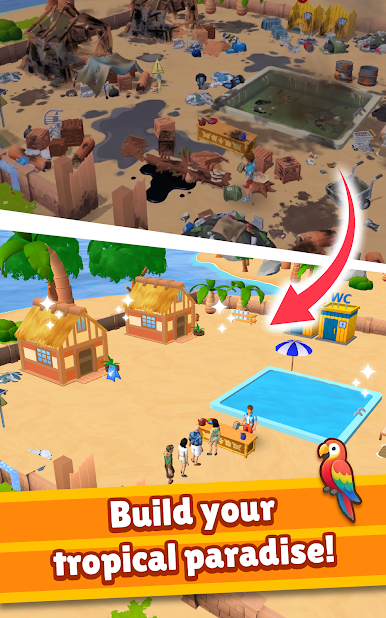
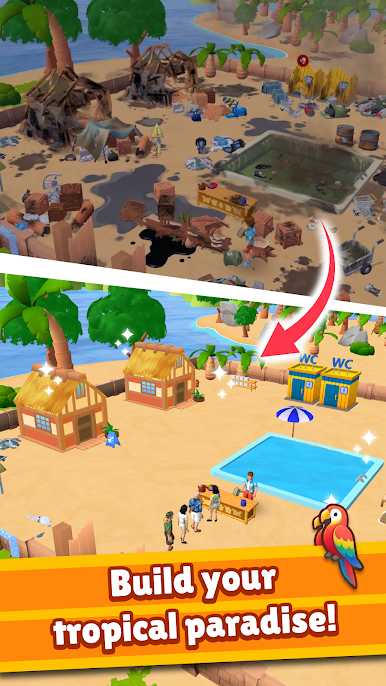
My Tropical Resort hands you a run-down island and asks, “Think you can turn this into a vacation hotspot?” This Simulation title from Skyloft Yazılım Bilişim ve Anonim Şirketi is all about rolling up your sleeves—smashing junk, salvaging supplies, and building a sunny escape one project at a time. Prefer a bigger screen and mouse control? You can play it comfortably on BlueStacks as well.
Game Features
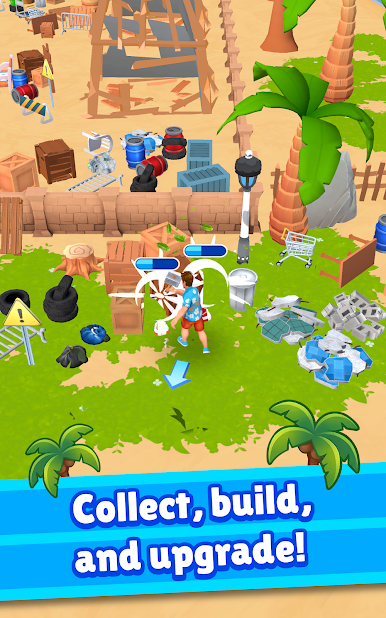
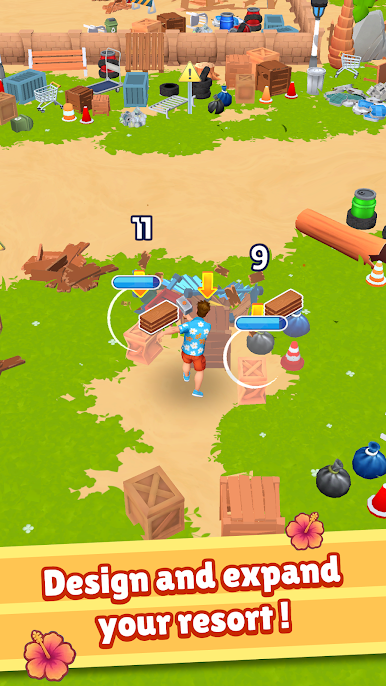
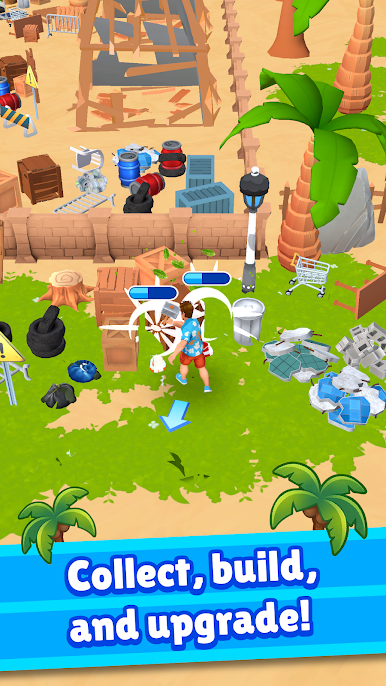
- Start from scraps: Clear debris, break old structures, and reuse what you find to lay the foundation for your first beachside spots.
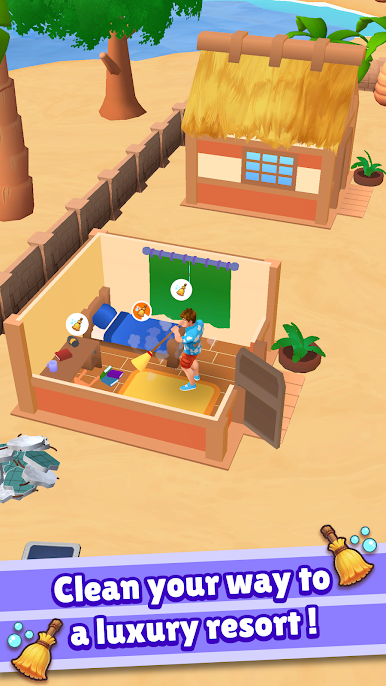
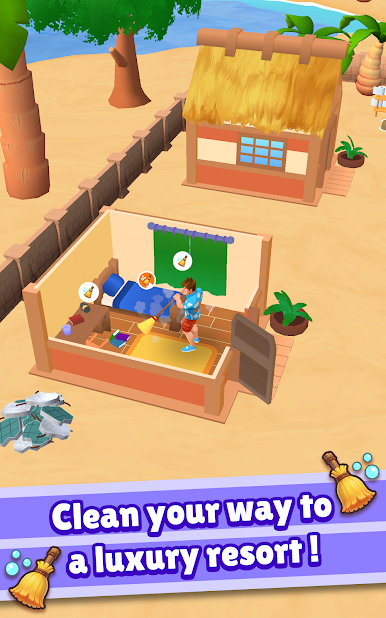
- Clean and repair: Sweep beaches, fix piers and rooftops, and bring neglected buildings back to life.
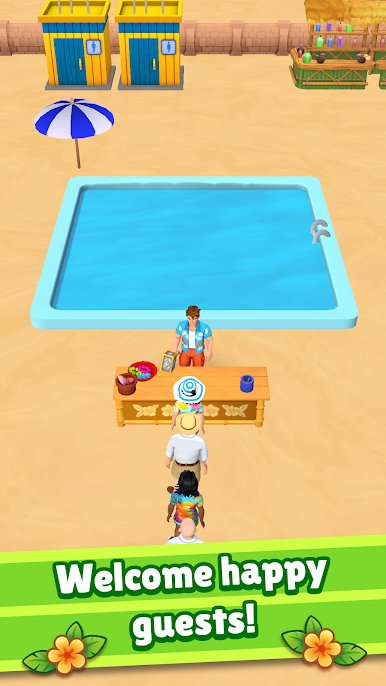
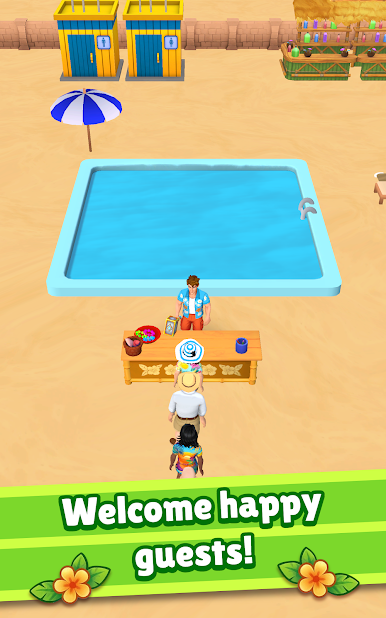
- Guest care: Check travelers in, prep cozy rooms, and respond to requests so ratings climb and word spreads.
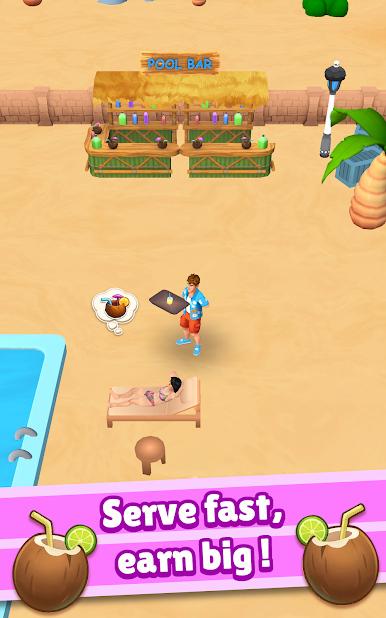
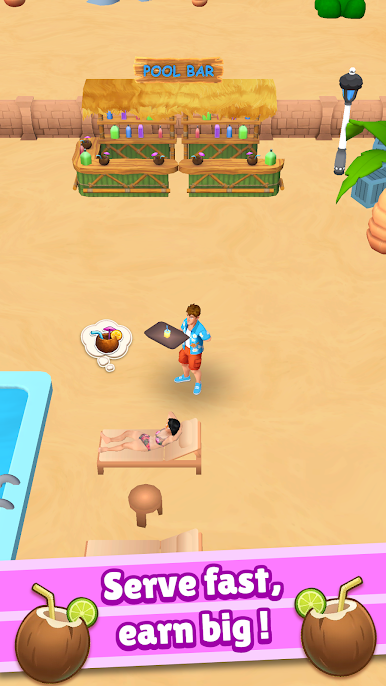
- Drinks and snacks: Mix refreshing cocktails, deliver treats, and keep the good vibes going around the pool and bar.
- Tool upgrades: Improve your gear to work faster, reach blocked paths, and tackle bigger renovation jobs.
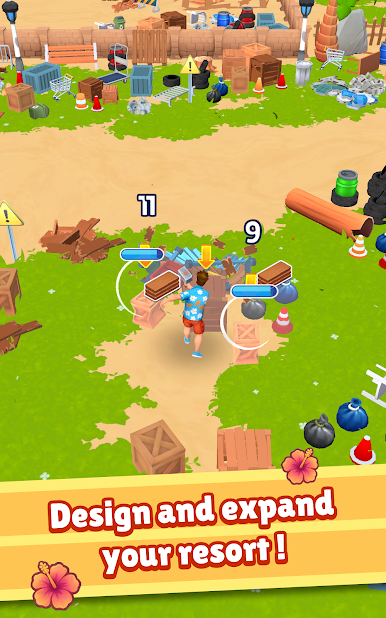
- Unlock new zones: Open hidden coves, forest trails, and cliff overlooks as your resort expands across the island.
- Smooth, satisfying flow: Relax with quick, tactile tasks that feel great to complete—perfect for short sessions or longer rebuild marathons.
- Grow the business: Add bungalows, lounges, and activities to attract more guests and watch your tropical project turn profitable.
Make your gaming sessions memorable with precise controls that give you an edge in close combats and visuals that pop up, bringing every character to life.
Play My Tropical Resort on PC. It’s easy to get started.
-
Download and install BlueStacks on your PC
-
Complete Google sign-in to access the Play Store, or do it later
-
Look for My Tropical Resort in the search bar at the top right corner
-
Click to install My Tropical Resort from the search results
-
Complete Google sign-in (if you skipped step 2) to install My Tropical Resort
-
Click the My Tropical Resort icon on the home screen to start playing

