


Colorful Words: Word Connect
Play on PC with BlueStacks – the Android Gaming Platform, trusted by 500M+ gamers.

Page Modified on: Oct 2, 2026
Play Colorful Words: Word Connect on PC
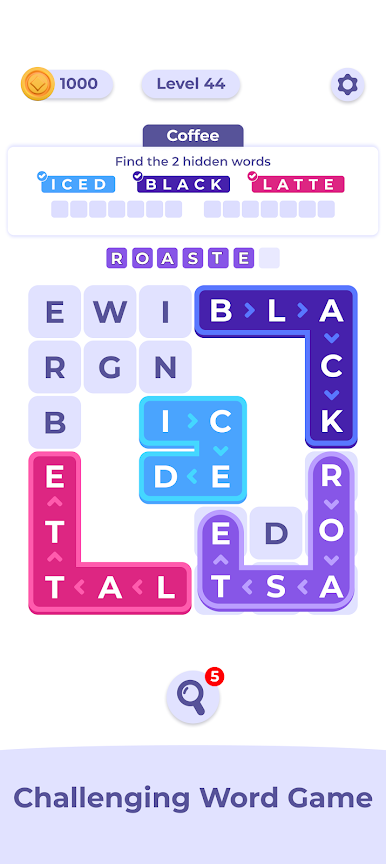
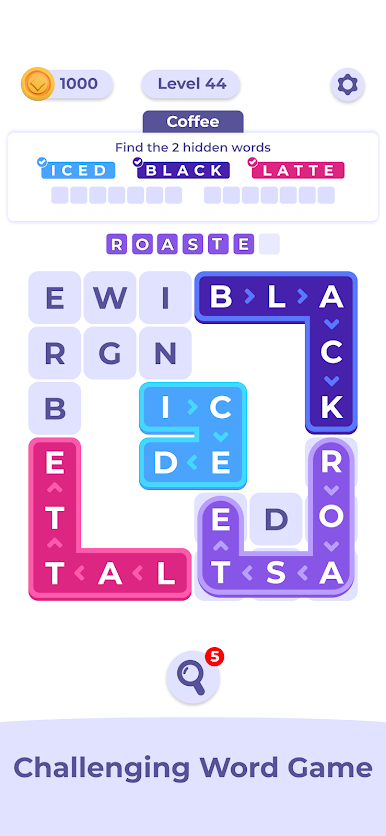
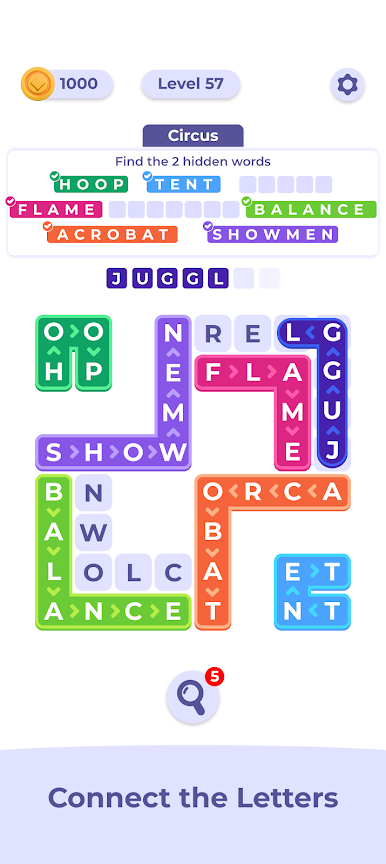
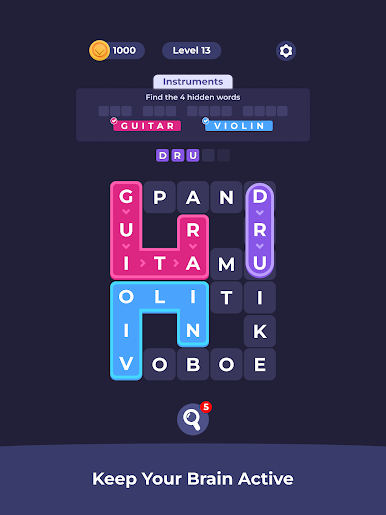
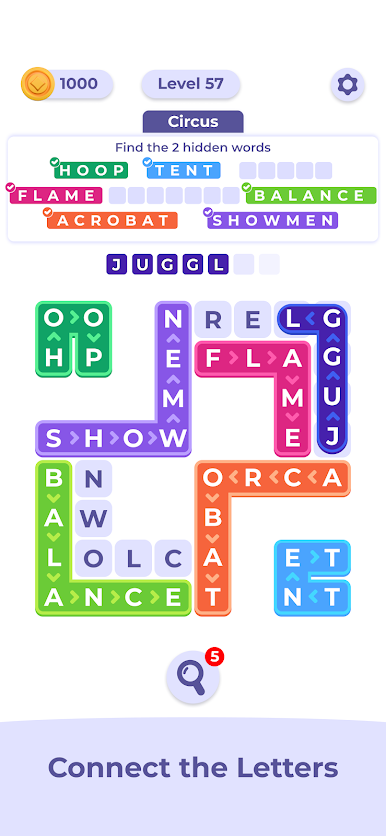
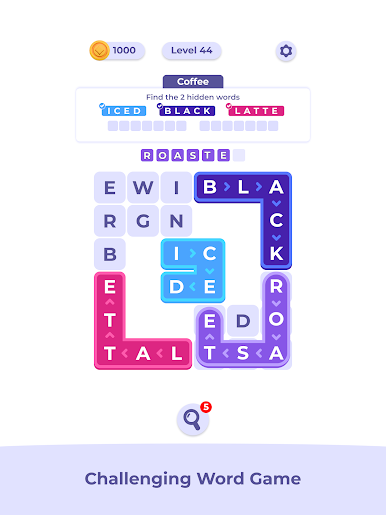
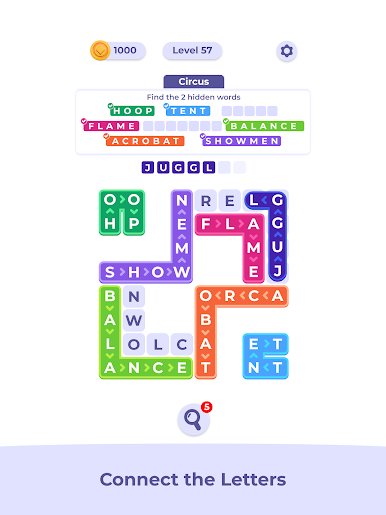
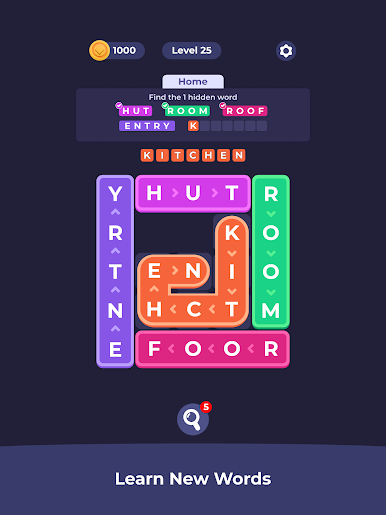
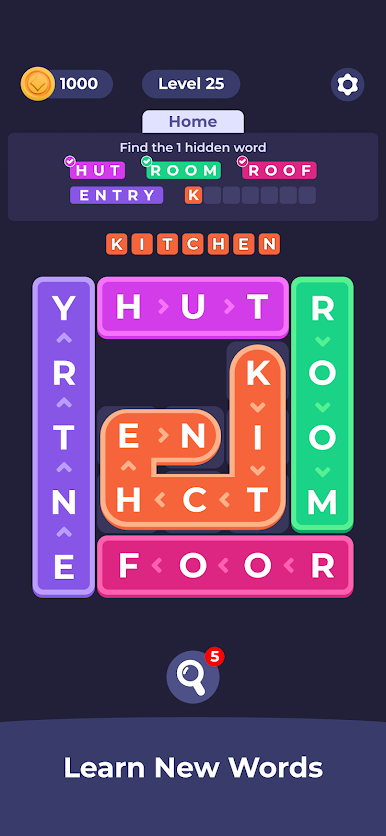
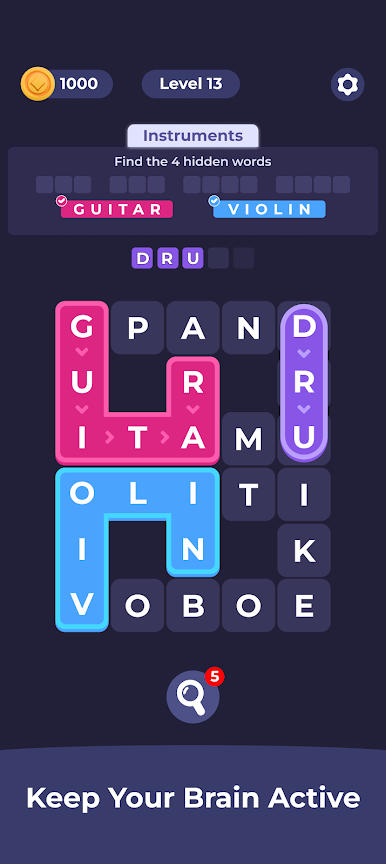
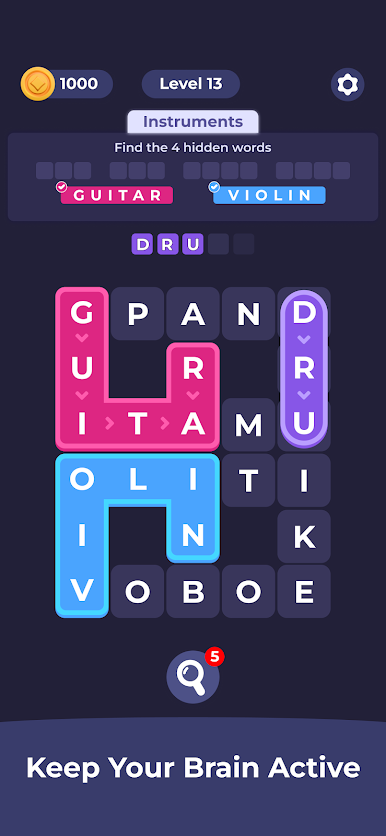
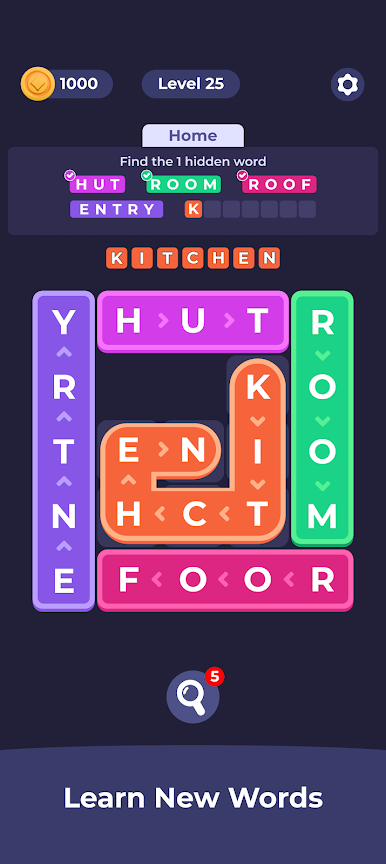
Welcome to Colorful Words — the word puzzle that turns every crossword into a burst of color! Connect letters to build words, fill the board, and watch your puzzle come to life, one colorful word at a time.
✏️ HOW TO PLAY
Look at your letters, spot the hidden words, and connect them to fill the crossword board. Every word you find fills the grid with color. Complete the board to finish the level — and find bonus words along the way for extra rewards!
✨ FEATURES
✅ Thousands of crossword puzzles, from easy warm-ups to real vocabulary challenges
✅ Vibrant, colorful design that makes every solved word satisfying
✅ No timer, no pressure — play at your own pace and relax
✅ Bonus words and rewards for sharp-eyed word hunters
✅ Daily puzzles to keep your mind fresh every morning
✅ Play offline, anywhere — perfect for commutes and coffee breaks
✅ Easy to learn, suitable for all ages — from young players to seniors
🧠 TRAIN YOUR BRAIN, ONE WORD AT A TIME
Colorful Words is more than a game — it's a daily brain workout disguised as pure relaxation. Expand your vocabulary, sharpen your spelling, and keep your mind active while unwinding with calm, beautiful puzzles.
Perfect for fans of crossword games, word connect puzzles, word search, anagram games, and anyone who loves relaxing brain teasers.
🌈 Find the words. Fill the board. Feel the colors.
Download Colorful Words now and start solving!
Play Colorful Words: Word Connect on PC. It’s easy to get started.
-
Download and install BlueStacks on your PC
-
Complete Google sign-in to access the Play Store, or do it later
-
Look for Colorful Words: Word Connect in the search bar at the top right corner
-
Click to install Colorful Words: Word Connect from the search results
-
Complete Google sign-in (if you skipped step 2) to install Colorful Words: Word Connect
-
Click the Colorful Words: Word Connect icon on the home screen to start playing

