


NotiEasy - Save Notification
Play on PC with BlueStacks – the Android Gaming Platform, trusted by 500M+ gamers.

Page Modified on: Oct 21, 2020
Play NotiEasy - Save Status & Notification History log on PC
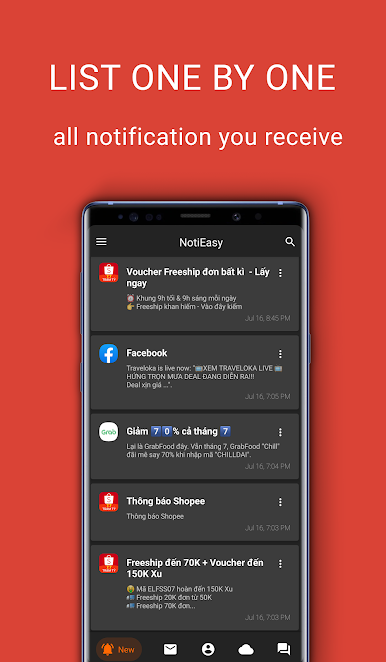
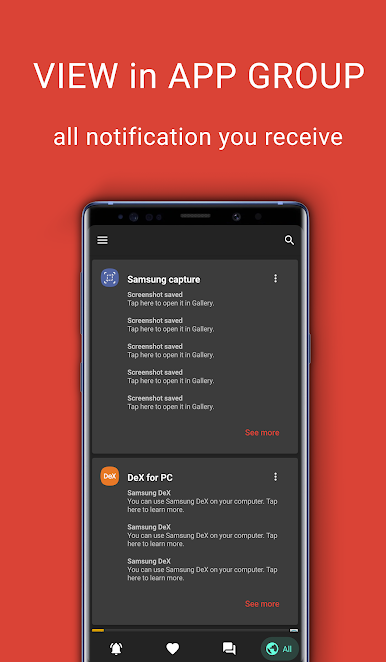
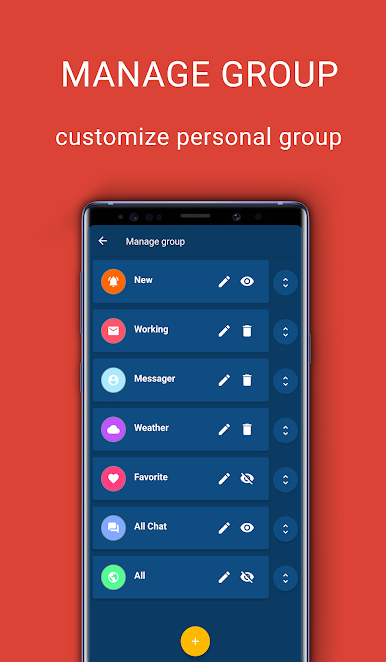
✓ Save notifications shown on notification bar for you to review later
✓ Prevent you from disturbing notifications
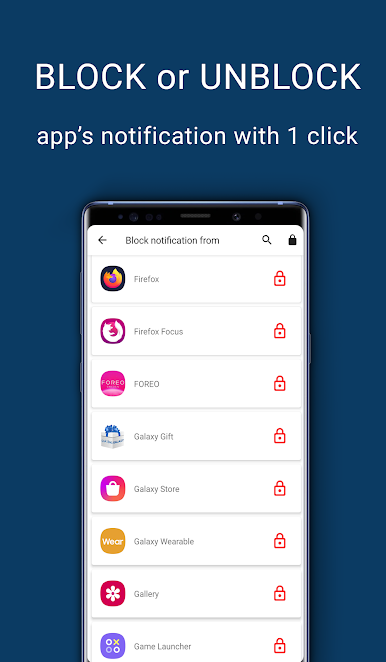
✓ Blacklist notifications from being displayed in notification bar, you can block any prevent them disturb you with only single touch
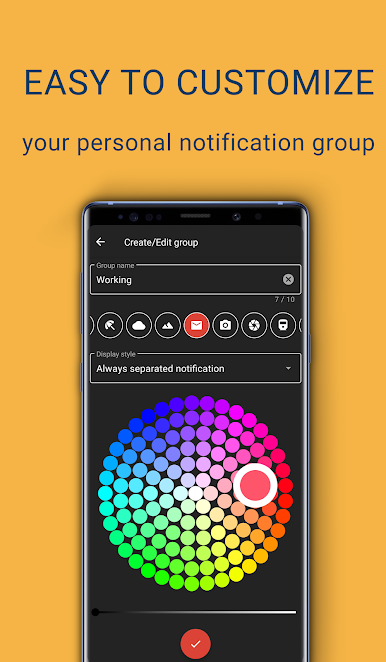
✓ Keep your notification bar clean or with only useful notifications
✓ Auto-save, auto-remove outdated notification, everything is supported in NotiEasy
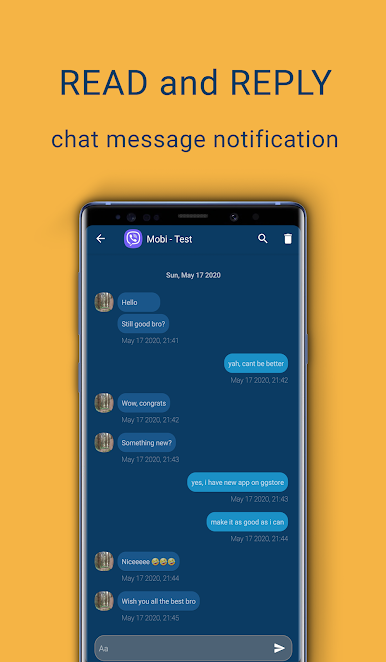
✓ Read them privately, without leaving a "read mark" (now only supports WhatsApp, Messenger, Telegram, Instagram and 5 more chat apps, will support more applications. Send us feedback the app you want, we will plan to do it as soon as possible)
NOTE:
• NotiEasy only save new notifications you receive SINCE THE TIME YOU INSTALL,
if you want to get old history, this app is not a solution.
• NotiEasy only store your data in your device
- About required permissions:
• BILLING: Let you buy developer a drink :) and disable ads in NotiEasy
• ACCESS_NOTIFICATION : To help you save incoming notification
• READ_EXTERNAL_STORAGE: Read media files mentioned on notifications
• WRITE_EXTERNAL_STORAGE : Use media file or data in notifications
Play NotiEasy - Save Notification on PC. It’s easy to get started.
-
Download and install BlueStacks on your PC
-
Complete Google sign-in to access the Play Store, or do it later
-
Look for NotiEasy - Save Notification in the search bar at the top right corner
-
Click to install NotiEasy - Save Notification from the search results
-
Complete Google sign-in (if you skipped step 2) to install NotiEasy - Save Notification
-
Click the NotiEasy - Save Notification icon on the home screen to start playing

