


Q-Diary
Play on PC with BlueStacks – the Android Gaming Platform, trusted by 500M+ gamers.

Page Modified on: Nov 5, 2025
Play Q-Diary on PC
A diary is a letter to yourself. Nowadays, in a fast-paced life, find some time to slow down and send some letters of the Q-time years to the future.
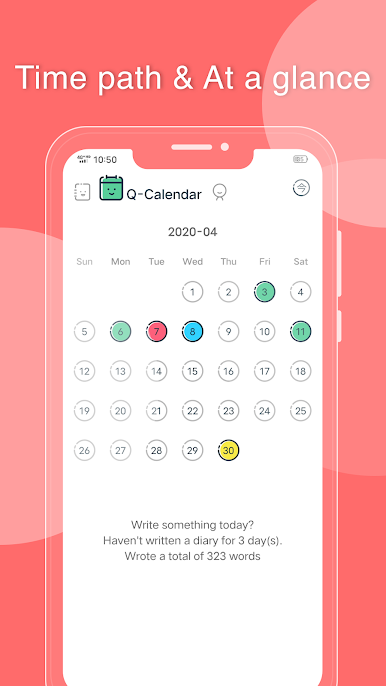
There is also a Q-calendar to mark time with colors, start putting a variety of mood colors on it!
Features:
* MBE illustration style, simple, and direct
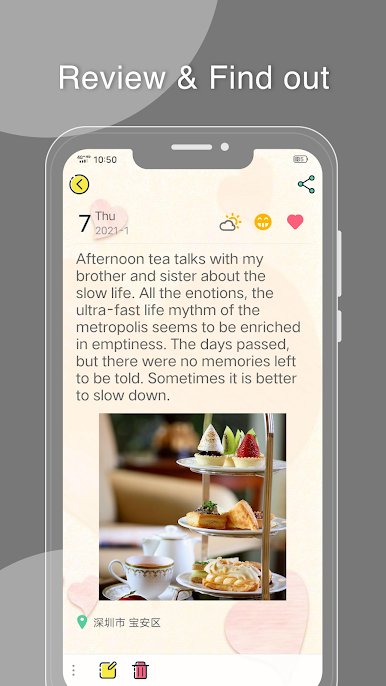
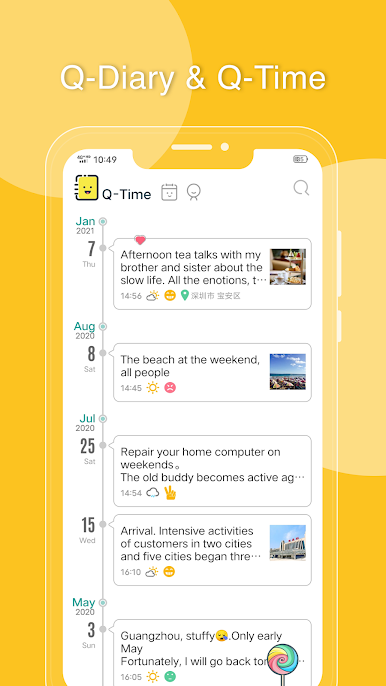
* Diary list expands over time for easy preview and viewing
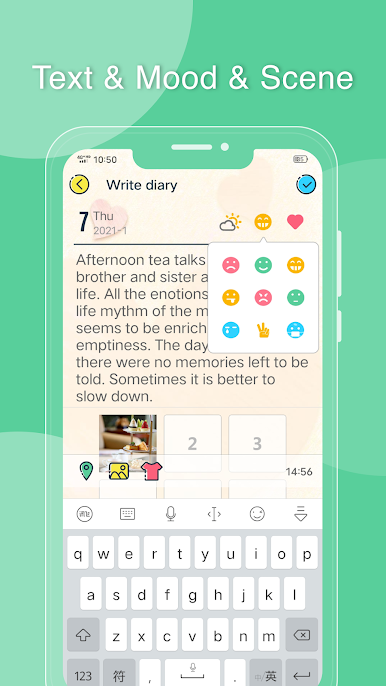
* Writing a diary is quick and easy, and you can record it at your fingertips
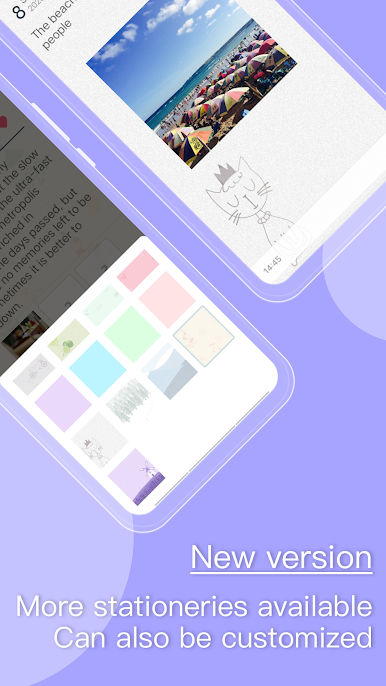
* Each diary can be set with different backgrounds, twelve backgrounds to choose from
* Support recording current location
* Up to six photos can be attached to each diary
* The calendar page shows the color of the mood every day, at a glance
* The calendar page prompts to keep the number of days in the diary to help develop habits
* Support large, medium and small font sizes
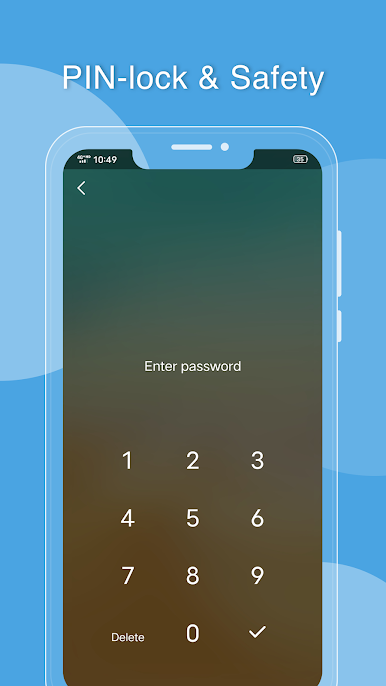
* Password protection can be turned on to protect privacy
* Support sharing diary
* Support account login
We are happy to hear from you~
Play Q-Diary on PC. It’s easy to get started.
-
Download and install BlueStacks on your PC
-
Complete Google sign-in to access the Play Store, or do it later
-
Look for Q-Diary in the search bar at the top right corner
-
Click to install Q-Diary from the search results
-
Complete Google sign-in (if you skipped step 2) to install Q-Diary
-
Click the Q-Diary icon on the home screen to start playing

