


Slient Zoombie 3D
Play on PC with BlueStacks – the Android Gaming Platform, trusted by 500M+ gamers.

Page Modified on: Nov 5, 2026
Main Slient Zoombie 3D on PC
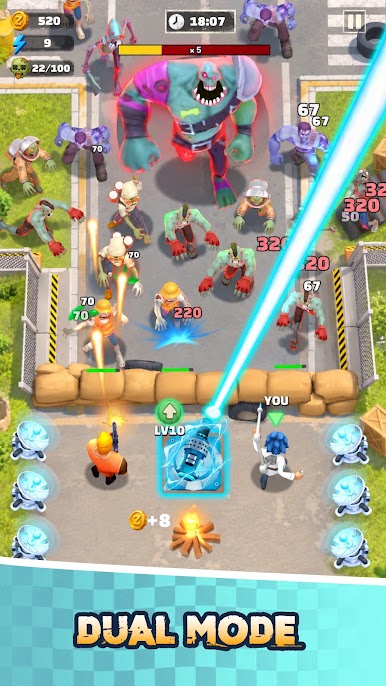
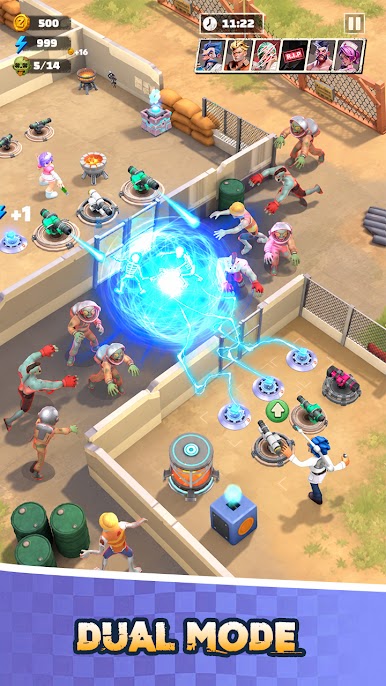
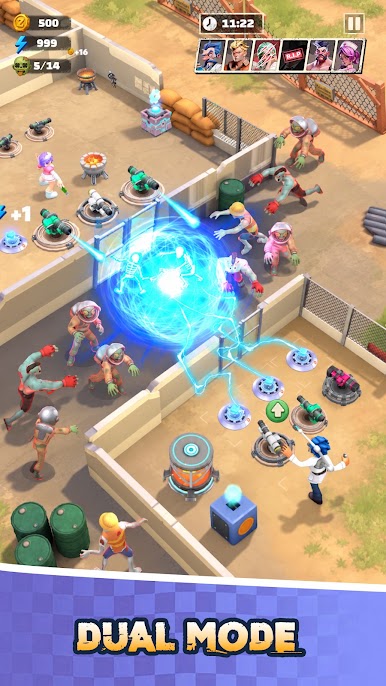
Improve your setup as the challenge grows. Every round brings stronger enemies and new situations that require better timing and strategy.
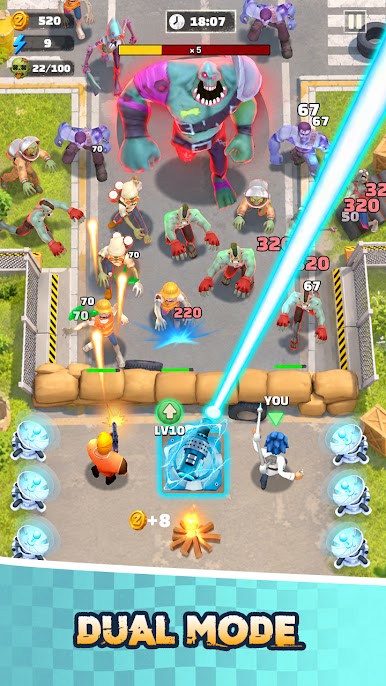
PLAY DIFFERENT MODES
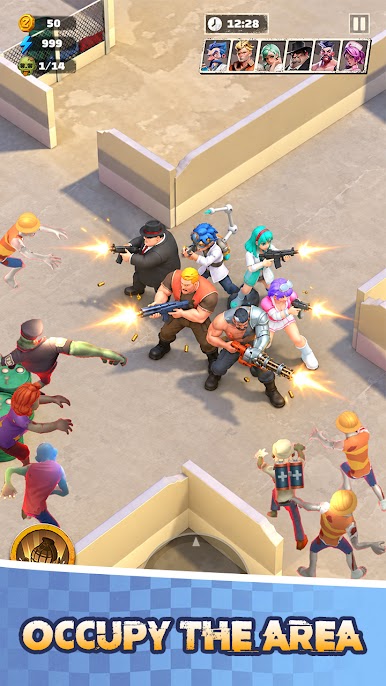
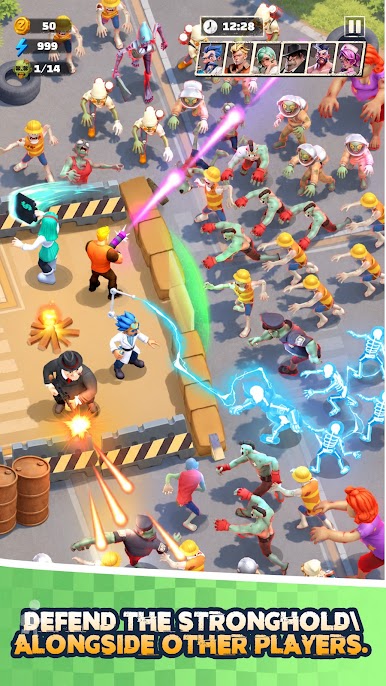
• Survival – Hold your position against continuous zombie waves
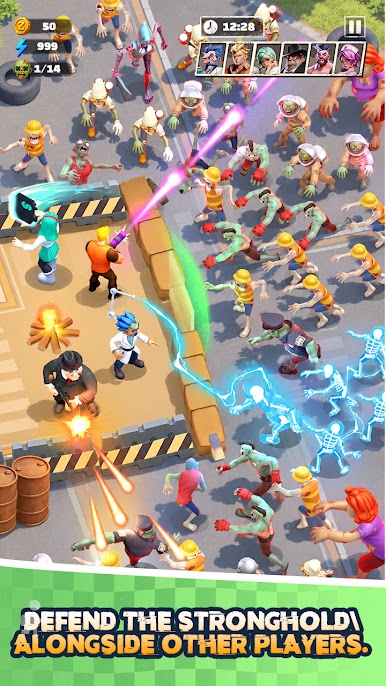
• PvP – Compete with other players and test your strategy
• Challenge – Complete special stages with different objectives
GAME FEATURES
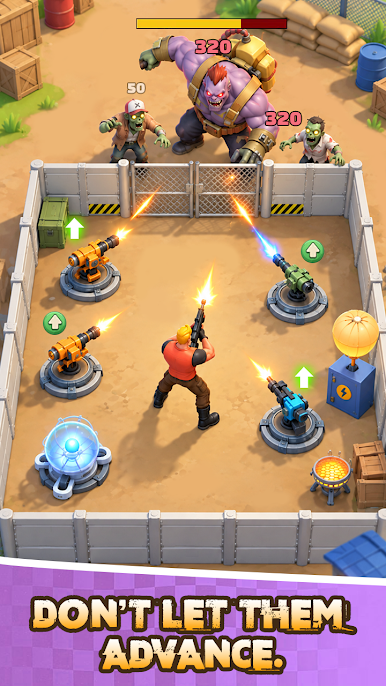
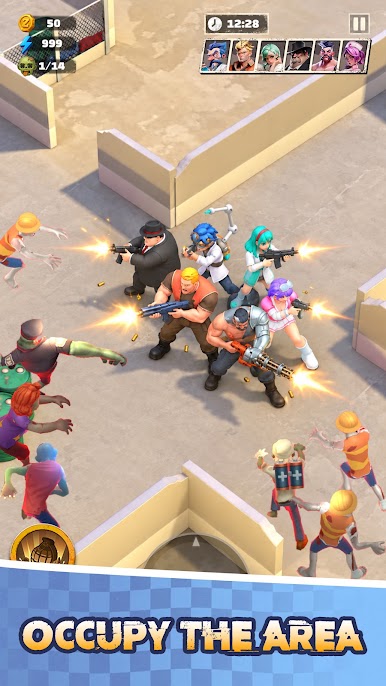
• 3D zombie survival gameplay
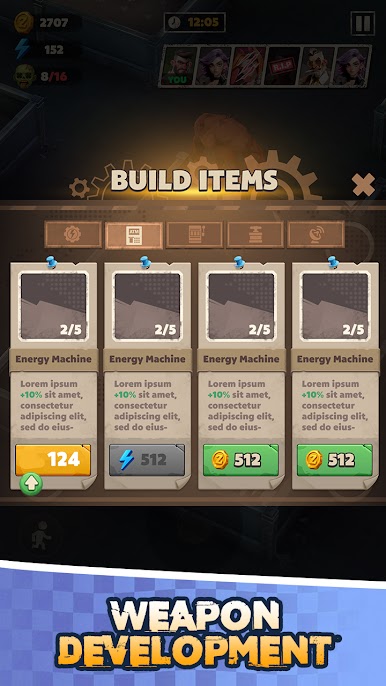
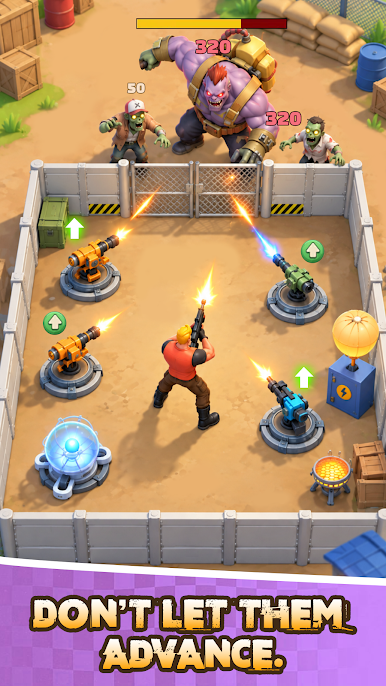
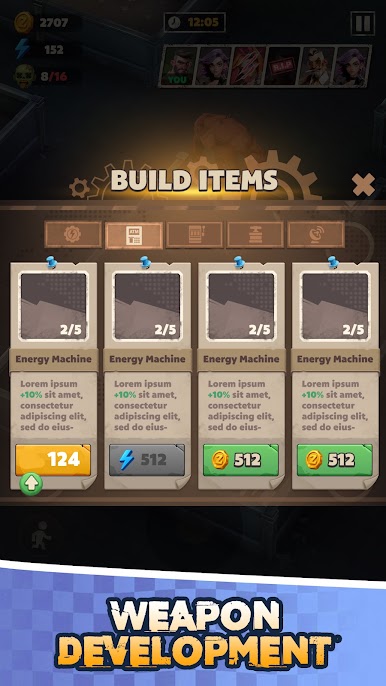
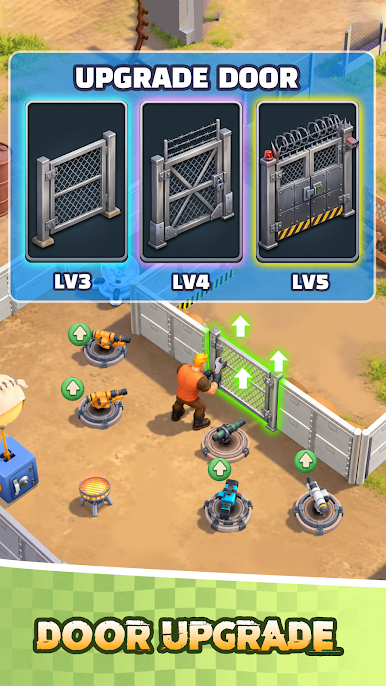
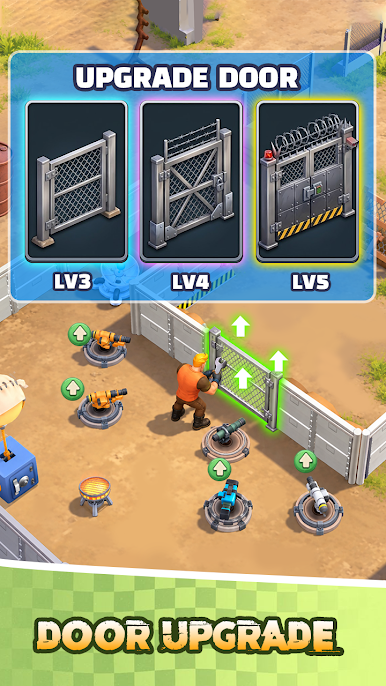
• Build and improve your defenses
• Collect resources during each round
• Survival, PvP and Challenge modes
• Face increasingly difficult waves
• Unlock stronger upgrades
• Simple controls with strategic gameplay
Prepare your defense, survive the night, and see how far you can go in Silent Zombie 3D.
Play Slient Zoombie 3D on PC. It’s easy to get started.
-
Download and install BlueStacks on your PC
-
Complete Google sign-in to access the Play Store, or do it later
-
Look for Slient Zoombie 3D in the search bar at the top right corner
-
Click to install Slient Zoombie 3D from the search results
-
Complete Google sign-in (if you skipped step 2) to install Slient Zoombie 3D
-
Click the Slient Zoombie 3D icon on the home screen to start playing

