


Slime Warrior: Age of War
Play on PC with BlueStacks – the Android Gaming Platform, trusted by 500M+ gamers.

Page Modified on: Nov 27, 2024
Play Slime Warrior: Age of War on PC or Mac
Join millions to experience Slime Warrior: Age of War, an exciting Strategy game from SkySoft Studio. With BlueStacks App Player, you are always a step ahead of your opponent, ready to outplay them with faster gameplay and better control with the mouse and keyboard on your PC or Mac.
About the Game
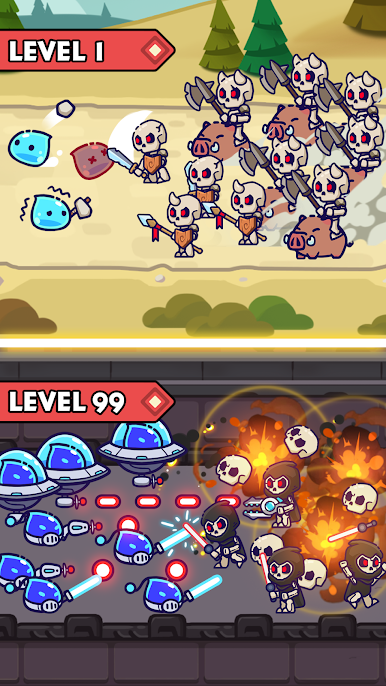
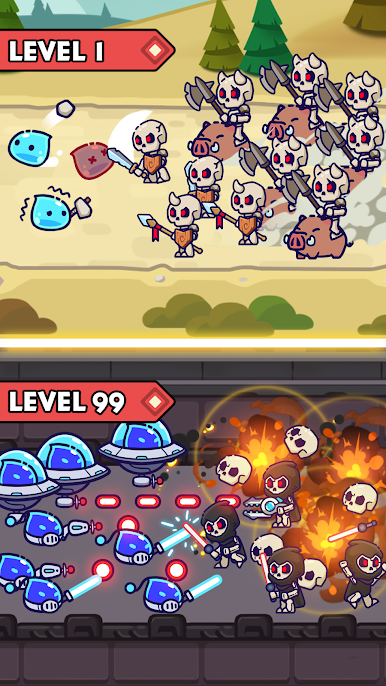
Ever wondered if slime could be heroic? In Slime Warrior: Age of War, you step into the shoes of an unlikely commander, leading a crew of quirky yet brave warriors. This strategy game from SkySoft Studio puts you right at the heart of battles that jump through different eras—from the days of clubs and stone shields to futuristic firefights. Get ready to build your army, make game-changing choices, and watch your tactics play out as you defend your kingdom from persistent invaders.
Game Features
-
Battles Across the Ages
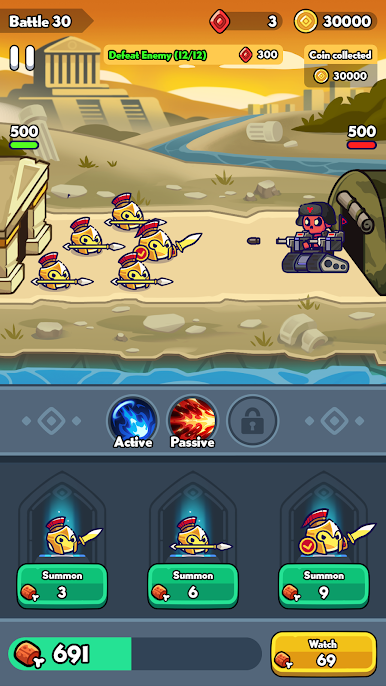
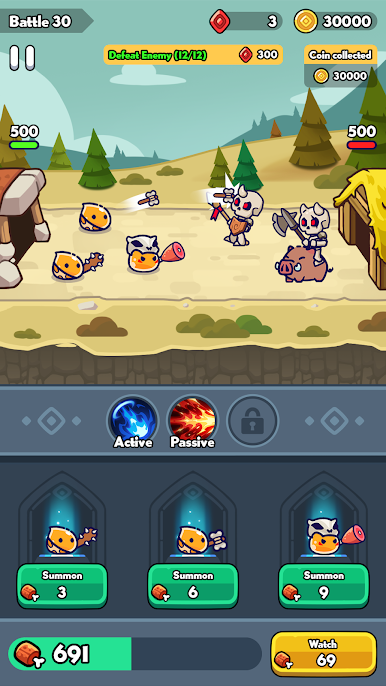
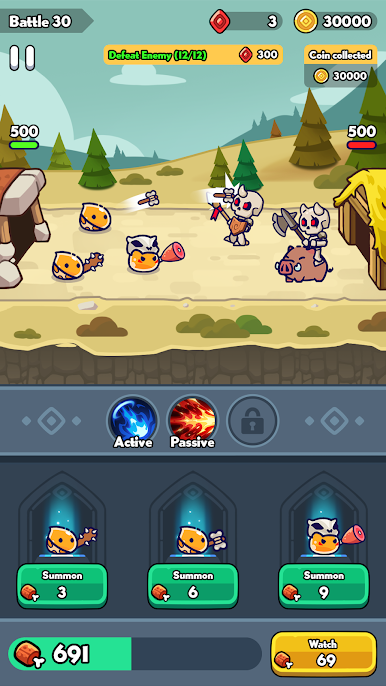
Each stage drops you into a fresh timeline. One moment, you’re strategizing with Stone Age soldiers, the next you’re marshaling high-tech units ready for a modern showdown. Variety keeps things interesting! -
A Unique Army at Your Command
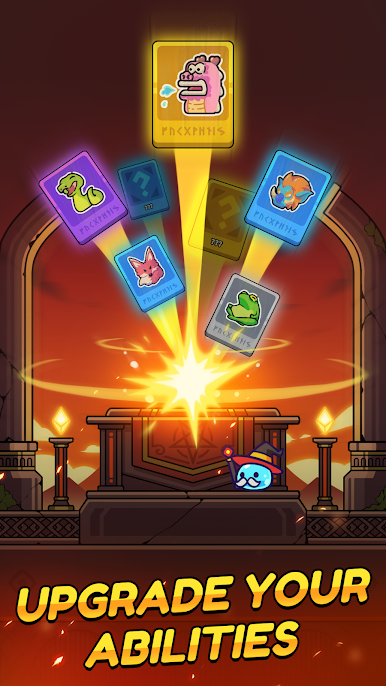
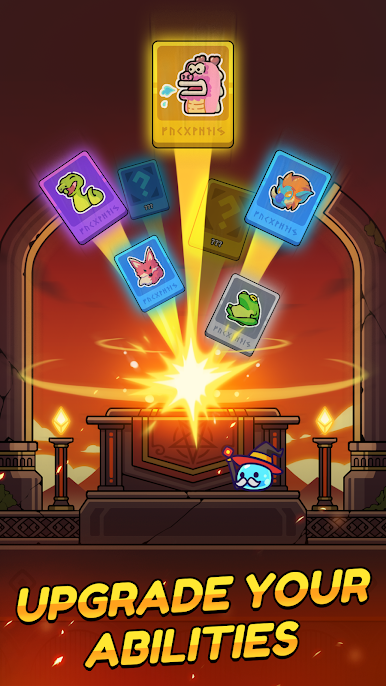
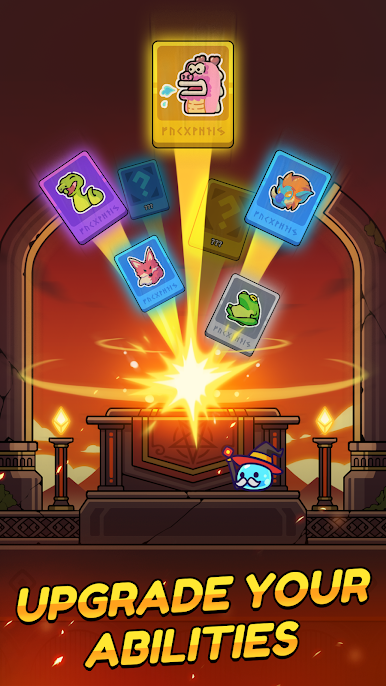
You get to pick your line-up from a roster of wild and wonderful fighters, each bringing their own strategies, weapons, and skills to the field. Mixing and matching for your style is half the fun. -
Resourceful Strategy
It’s not just about picking the biggest brute—managing your resources and making the most of what you’ve got is how you’ll outsmart enemies. Every decision, from which unit to use to where to defend, can turn the tides. -
Visually Vibrant
There’s something oddly satisfying about seeing those slimes and soldiers battle it out in such rich, colorful environments. The visuals give every epic moment a little extra punch without getting too serious. -
Daily Challenges and Progress
Your crew gets stronger the more you play. Build up your team, unlock new units, and face tougher enemies as you climb the ranks—there’s always another challenge on the horizon. -
Easy PC Play with BlueStacks
While it’s made for mobile, running Slime Warrior: Age of War on BlueStacks brings a smooth experience if you like mixing mouse clicks with tactical battles on a bigger screen.
Ready to top the leaderboard? We bet you do. Let precise controls and sharp visuals optimized on BlueStacks lead you to victory.


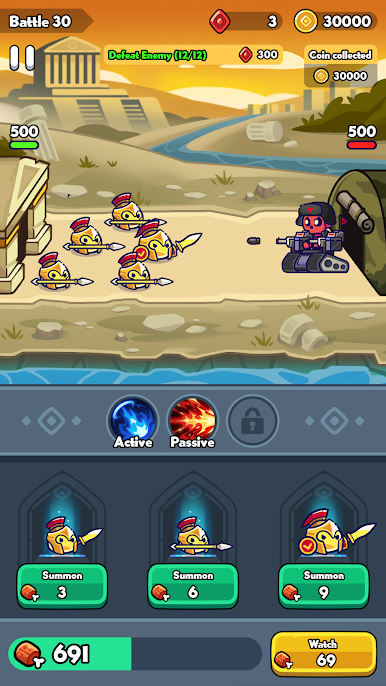



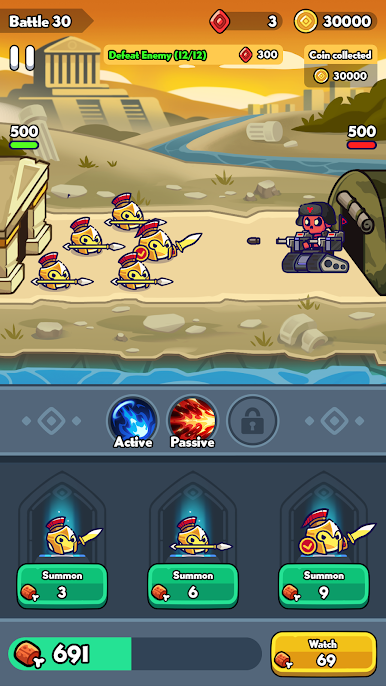
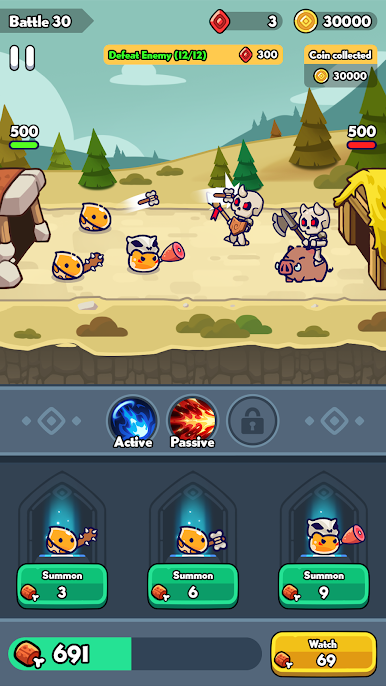

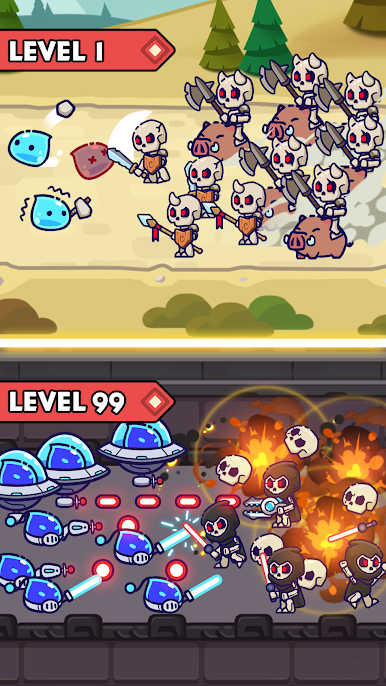

Play Slime Warrior: Age of War on PC. It’s easy to get started.
-
Download and install BlueStacks on your PC
-
Complete Google sign-in to access the Play Store, or do it later
-
Look for Slime Warrior: Age of War in the search bar at the top right corner
-
Click to install Slime Warrior: Age of War from the search results
-
Complete Google sign-in (if you skipped step 2) to install Slime Warrior: Age of War
-
Click the Slime Warrior: Age of War icon on the home screen to start playing

