

Master Legend
Play on PC with BlueStacks – the Android Gaming Platform, trusted by 500M+ gamers.

Page Modified on: Nov 1, 2024
Play Master Legend on PC or Mac
Master Legend is an Adventure game developed by Moonistaix. BlueStacks app player is the best Android emulator to play this Android game on your PC or Mac for an immersive gaming experience.
About the Game
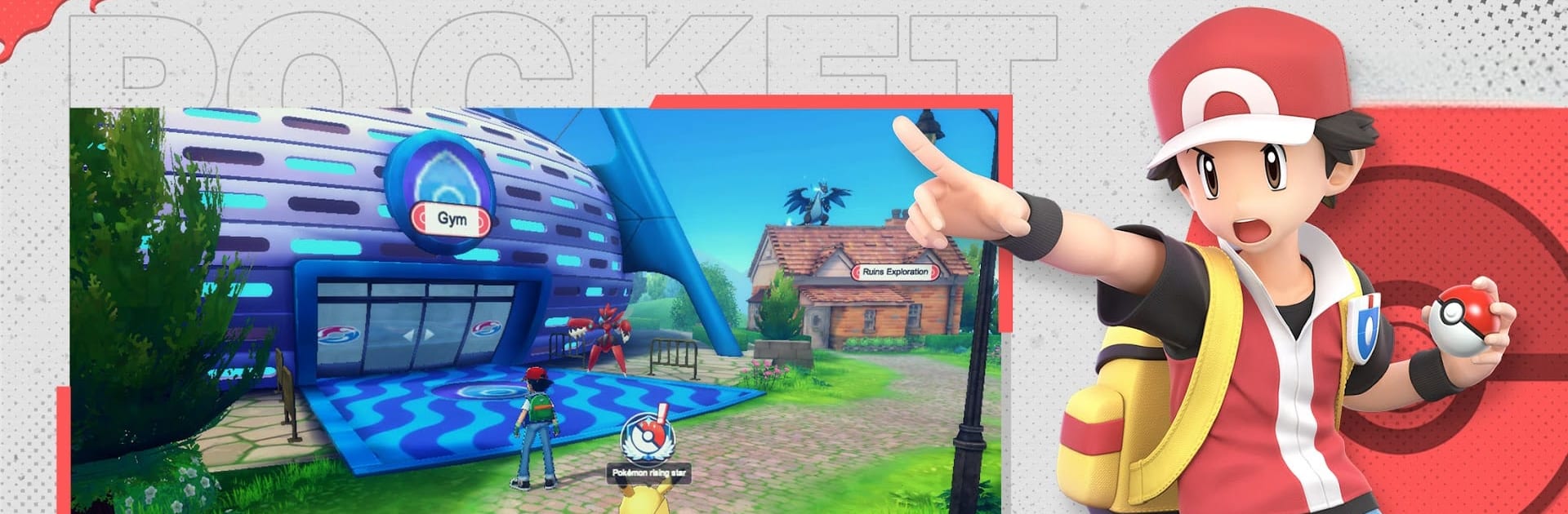
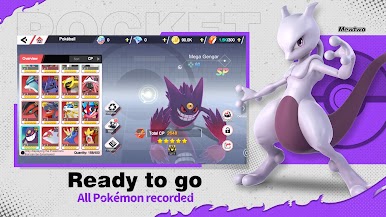
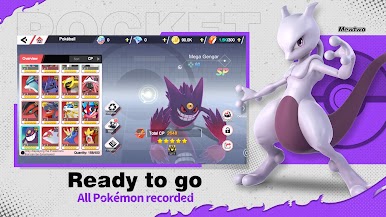
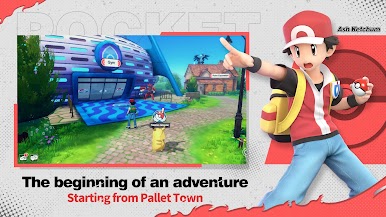
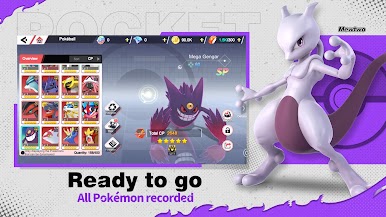
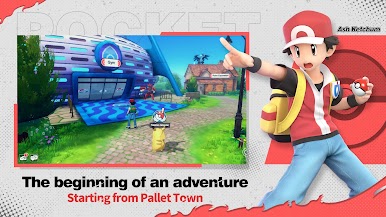
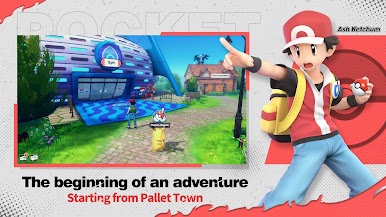
Master Legend by Moonistaix is an adventure game that transports you to a world brimming with excitement and mystery. Engage in breathtaking battles and strategic gameplay, where every decision could tip the scales. Expect an adventure filled with dynamic weather, powerful skills, and incredible 3D graphics.
Game Features
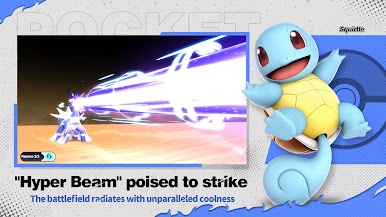
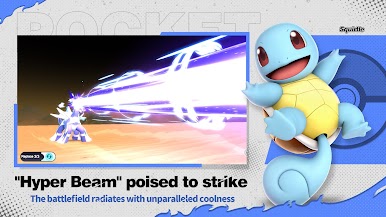
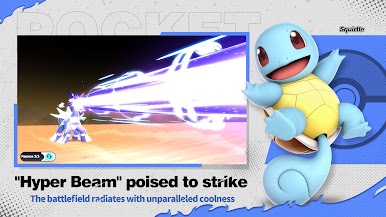
- Explosive 3D Graphics: Get ready for battle scenes that awe. Each ultimate skill unfolds like a cinematic spectacle, with pets showcasing unique, dramatic animations.
- Weather Control: Harness the power of the elements—gust, rain, sandstorms, and more. Utilize weather to boost pet familiarity, adding a strategic layer to combat.
- Dynamax Skills: Unleash Dynamax abilities in battle, letting your pets evolve temporarily and max out their power for those crucial moments.
Experience the adventure in Master Legend, where strategy meets stunning visuals, ensuring an unforgettable journey. And yes, you can enjoy it all on PC with BlueStacks.






Play Master Legend on PC. It’s easy to get started.
-
Download and install BlueStacks on your PC
-
Complete Google sign-in to access the Play Store, or do it later
-
Look for Master Legend in the search bar at the top right corner
-
Click to install Master Legend from the search results
-
Complete Google sign-in (if you skipped step 2) to install Master Legend
-
Click the Master Legend icon on the home screen to start playing

