


SMART-TIME PRO
Play on PC with BlueStacks – the Android Gaming Platform, trusted by 500M+ gamers.

Page Modified on: Dec 10, 2025
Overview
Main features:
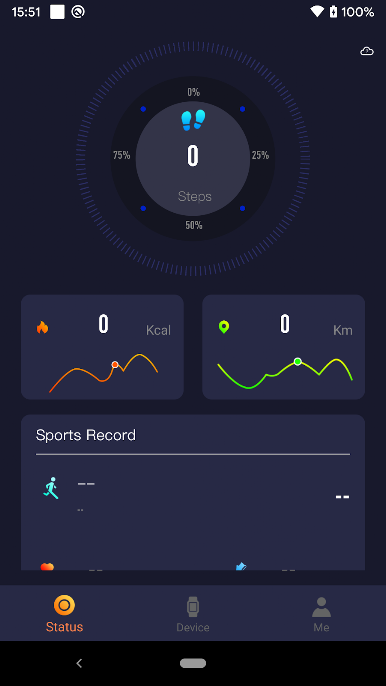
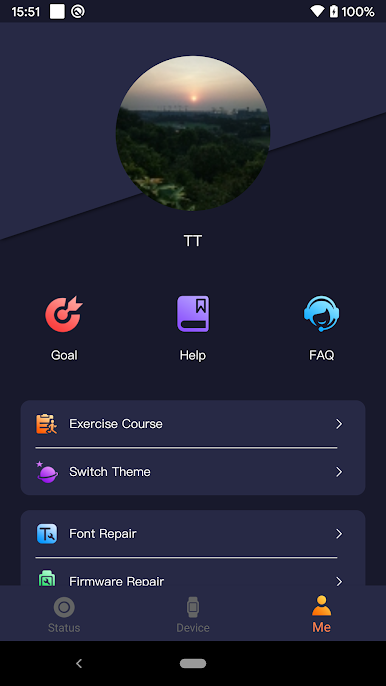
Sync your steps,calories,mileage,heart rate,blood pressure,sleep and your exercise records recorded by your watch. The newly designed UI can display the data more intuitively.
After you bind and authorize,we will push your phone’s incoming call and SMS to your watch to avoid you missing information.
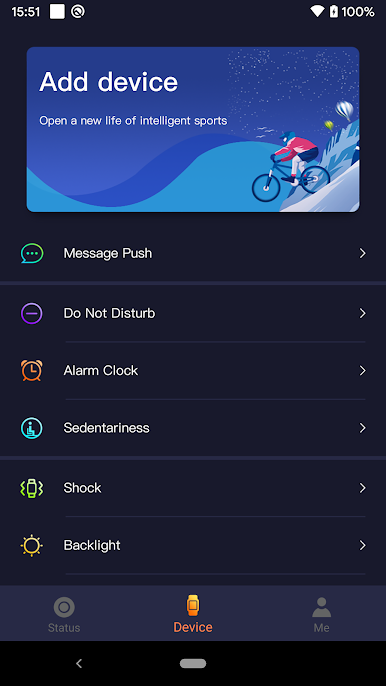
You can use the app to configure your watch’s sedentary alert,alarm clocks,schedules,backlight as well as sync weather and AGPS files(assisting the watch itself to locate) and other features, so you can use your watch better.
Supported watches:
Q3 / R4 / R5 series watches, if there is subsequent update support, we will update it in time
In the course of your use, if you have any questions, you can always ask, we will listen to your suggestions and make improvements.
Play SMART-TIME PRO on PC. It’s easy to get started.
-
Download and install BlueStacks on your PC
-
Complete Google sign-in to access the Play Store, or do it later
-
Look for SMART-TIME PRO in the search bar at the top right corner
-
Click to install SMART-TIME PRO from the search results
-
Complete Google sign-in (if you skipped step 2) to install SMART-TIME PRO
-
Click the SMART-TIME PRO icon on the home screen to start playing

