


Smart Quick Settings
Play on PC with BlueStacks – the Android Gaming Platform, trusted by 500M+ gamers.

Page Modified on: Sep 20, 2026
Run Smart Quick Settings on PC or Mac
Multitask effortlessly on your PC or Mac as you try out Smart Quick Settings, a Productivity app by SMARTWHO on BlueStacks.
About the App
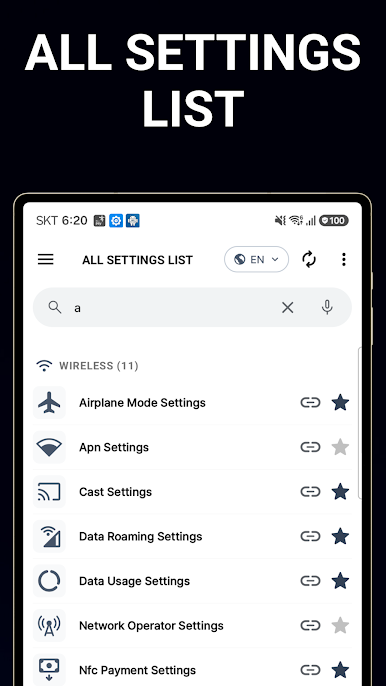
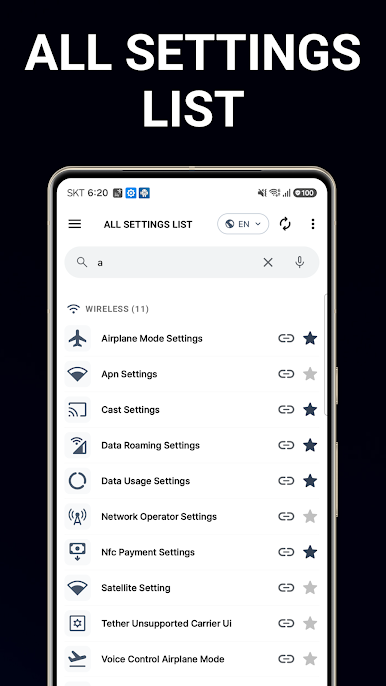
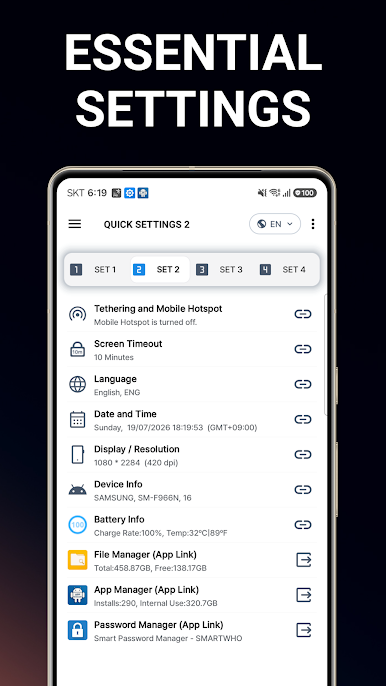
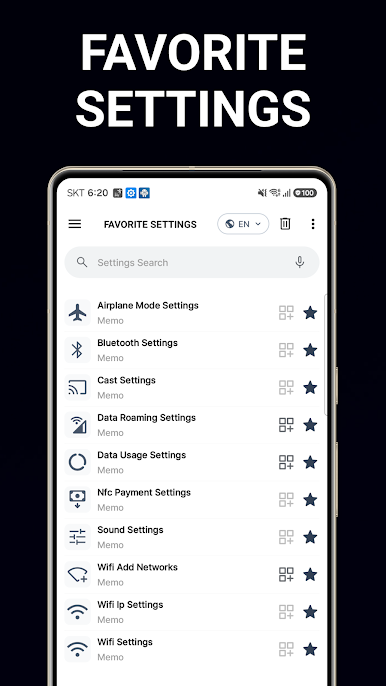
Want an easier way to handle your device’s everyday settings? Smart Quick Settings by SMARTWHO is here to help. Whether you’re tweaking your phone late at night or just need quick access throughout the day, this app streamlines adjustments—without hunting through endless menus. Simpler controls, organized status checks, and handy shortcuts make your Android feel way more manageable. And if you want to use it on a bigger screen, BlueStacks lets you do just that.
App Features
-
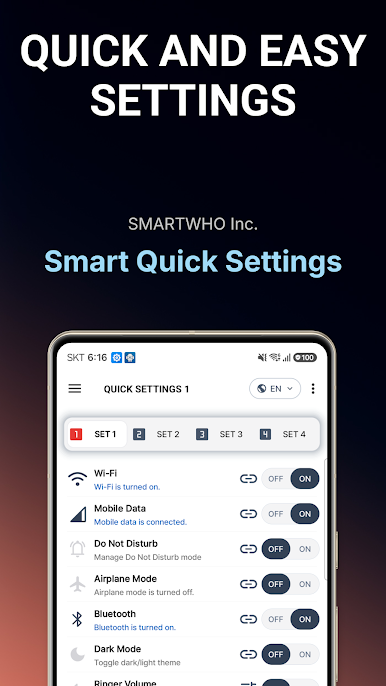
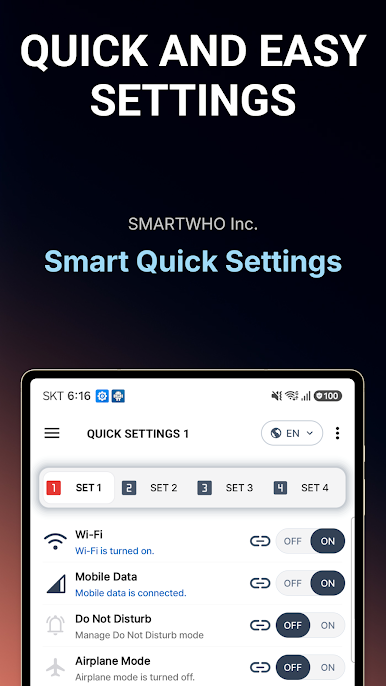
One-Tap Wi-Fi Controls
Instantly check if your Wi-Fi’s on and connect or disconnect in a snap. No digging into your phone’s menus. -
Mobile Data Made Simple
Need to turn your mobile data on or off, fast? Quick links let you jump right to your data settings and see what’s happening at a glance. -
GPS Status Check
See immediately whether your GPS is active, and hop to settings if you want to make changes. -
Airplane Mode Toggle
Heading on a flight or just want to disconnect for a bit? Switch Airplane Mode on or off with barely any effort. -
Sound & Vibration Settings
Adjust your ringtone, switch to silent or vibrate, and fine-tune those little audio bits without bouncing through multiple screens. -
Bluetooth Access
Connect to speakers, headphones, or other devices easily with a quick switch for Bluetooth. -
Screen Controls
Manage auto-rotation, brightness (auto or manual), and even set how long your screen stays on—all from one place. -
Sync and Tethering
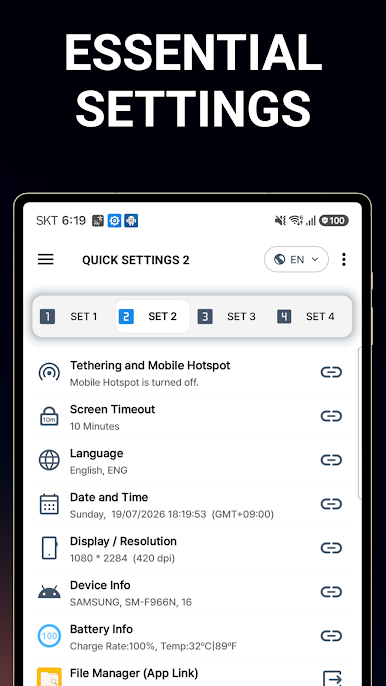
Want to share your connection or keep your apps updated? Tethering and auto-sync settings are right at your fingertips. -
Battery and Device Info
Keep tabs on your battery’s charge, temperature, and get the lowdown on your device specs anytime. -
Language, Date & Time
Need to check your language settings or sync up your device’s clock? Quick links bring you there without a hitch. -
Background Tweaks
Swap out your lock screen or background images with just a tap. -
Handy App and Password Managers
Launch SMARTWHO’s app and password tools straight from Smart Quick Settings—ideal for a quick digital tidy-up. -
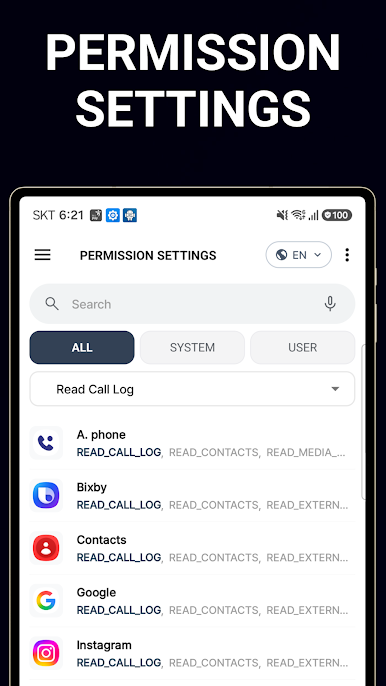
Permission Checker
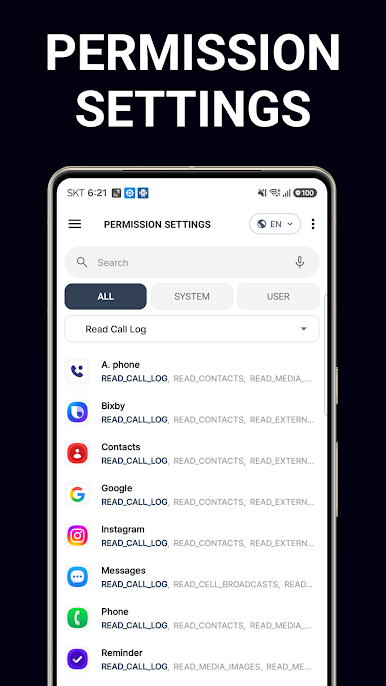
Curious what each app’s allowed to do? Review and manage app permissions the easy way. -
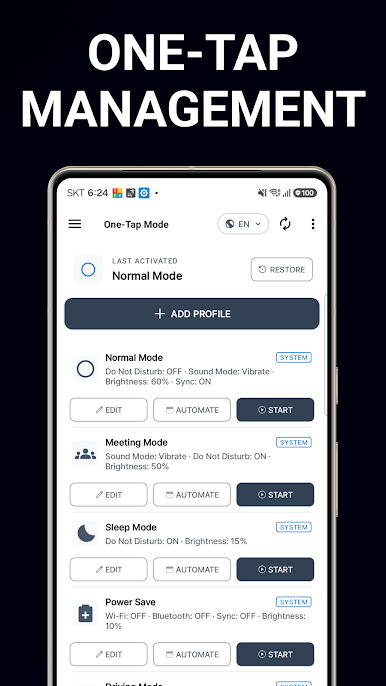
Automatic Scheduling
Set up custom routines that automatically turn Wi-Fi, Bluetooth, sound, or even brightness on or off at set times—great for battery life or just staying focused. -
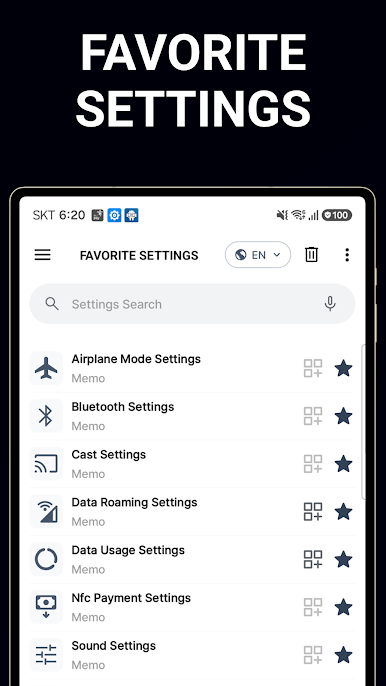
Customizable Widgets
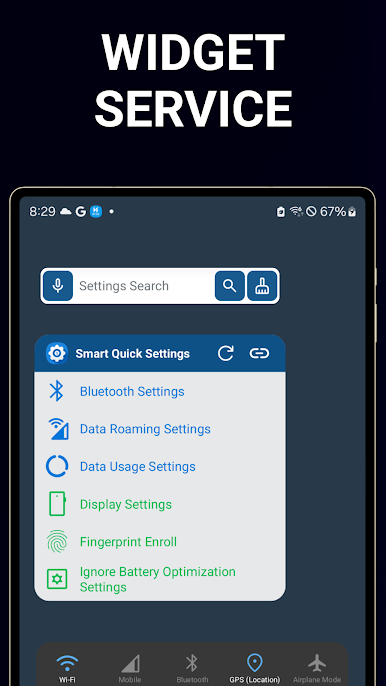
Add Smart Quick Settings widgets to your home screen for the fastest possible access to your favorite shortcuts. Several sizes available to suit your style.
Switch to BlueStacks and make the most of your apps on your PC or Mac.

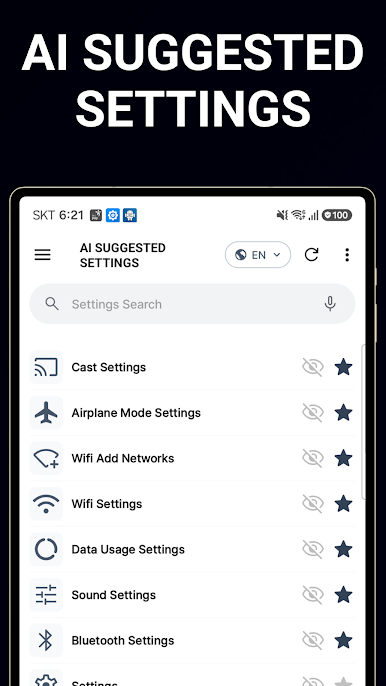
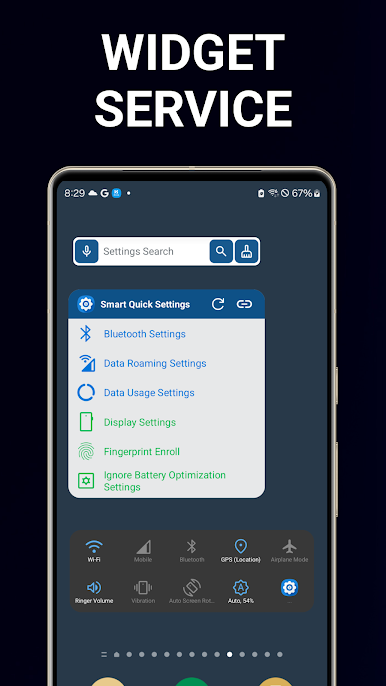
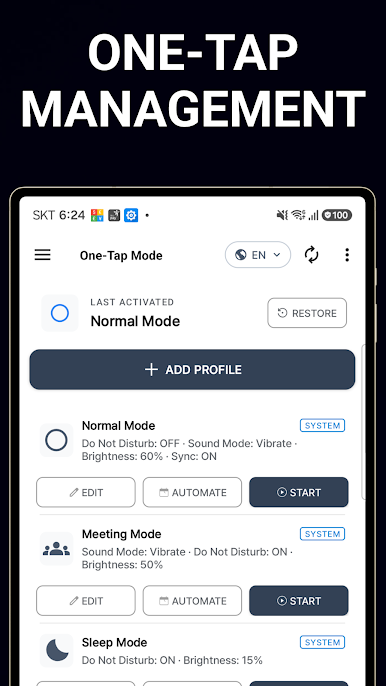
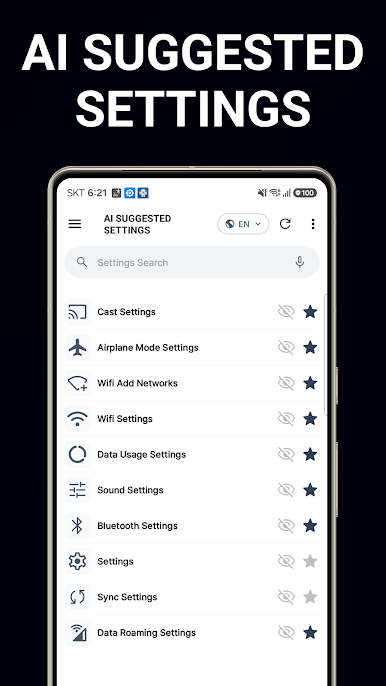
Play Smart Quick Settings on PC. It’s easy to get started.
-
Download and install BlueStacks on your PC
-
Complete Google sign-in to access the Play Store, or do it later
-
Look for Smart Quick Settings in the search bar at the top right corner
-
Click to install Smart Quick Settings from the search results
-
Complete Google sign-in (if you skipped step 2) to install Smart Quick Settings
-
Click the Smart Quick Settings icon on the home screen to start playing

