


Chaos Zero Nightmare
Play on PC with BlueStacks – the Android Gaming Platform, trusted by 500M+ gamers.

Page Modified on: Mar 12, 2026
Main Chaos Zero Nightmare on PC
Smilegate's new title, "Chaos Zero Nightmare," is now open!
Board the SS Nightmare now!
Chaos.
A cosmic disaster that struck without warning.
The beginning, or the end, of every story.
"Chaos," a black fog that consumes planets, distorting their environment and lifeforms.
..
[The Blue Pot], a Chaos located on Earth, the birthplace of humanity. There have been reports of unidentifiable creatures being discovered.
And for some reason, a strange phenomenon that couldn't—no, shouldn't—be happening to the Captain is occurring.
▶ A World Drenched in Darkness, A Story Etched in Memory
Dive into a vast and haunting dark fantasy narrative!
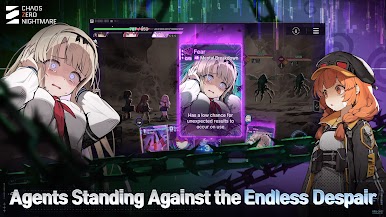
Crushing stress, collapsing agents... and yet, the mission continues.
Break through the encroaching crisis and immerse yourself in a brutally vivid dark fantasy experience.
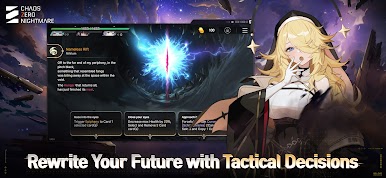
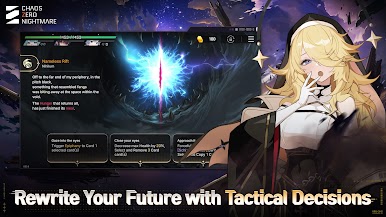
▶ A New Kind of RPG, Rewritten with Every Choice
Aim through the agents' eyes and feel the weight of combat at your fingertips!
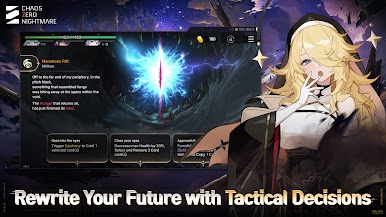
Unique cards, branching choices, and evolving "Save Data" shaped by your journey through the Chaos.
Every run is unique. Build your own strategy and master the ever-changing battlefield.
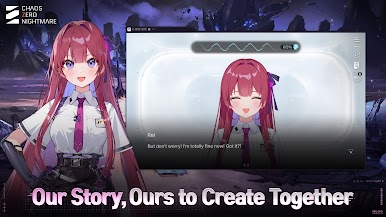
▶ Characters That Dazzle the Eyes and Steal the Heart
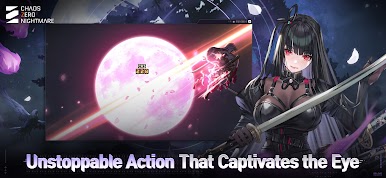
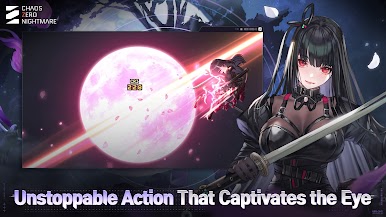
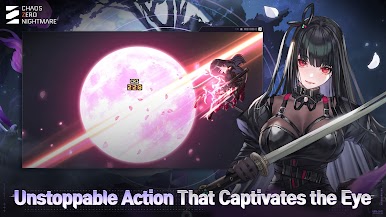
Gorgeous 2D illustrations and striking animations make every moment a visual delight!
Fully voiced by top-tier voice actors, each scene draws you deeper into the story.
Join a cast of unforgettable characters in battle and beyond, and cherish every moment of your journey together!
※ How to Manage Permissions
After allowing access to permissions, you can reset or deny them as follows.
[OS version 6.0 or higher]
Settings > Apps > Select the App > Permissions > Allow or Deny Permissions
[OS version below 6.0]
Upgrade the OS to revoke permissions, or delete the app.
⁜⁜Stay up to date with the latest news on Chaos Zero Nightmare! ⁜⁜
Brand Page: https://chaoszeronightmare.onstove.com/
Official Community: https://page.onstove.com/chaoszeronightmare/en
Official YouTube: https://www.youtube.com/@ChaosZeroNightmare_EN
Official X: https://x.com/CZN_Official_EN






Play Chaos Zero Nightmare on PC. It’s easy to get started.
-
Download and install BlueStacks on your PC
-
Complete Google sign-in to access the Play Store, or do it later
-
Look for Chaos Zero Nightmare in the search bar at the top right corner
-
Click to install Chaos Zero Nightmare from the search results
-
Complete Google sign-in (if you skipped step 2) to install Chaos Zero Nightmare
-
Click the Chaos Zero Nightmare icon on the home screen to start playing

