


Smoq Games 27
Play on PC with BlueStacks – the Android Gaming Platform, trusted by 500M+ gamers.

Page Modified on: Oct 26, 2026
Play Smoq Games 27 on PC or Mac
Play Smoq Games 27 by Smoq games on PC or Mac with BlueStacks. Use a bigger screen, mouse and keyboard controls, and smoother performance while you play.
About the Game
Smoq Games 27 puts you in charge of building a dream football club, one card at a time. It’s a Sports game that blends pack-opening thrills with smart tactics, online competition, and even full 3D matches when it’s time to prove you can coach as well as collect. Prefer a bigger screen? It also plays smoothly on BlueStacks.
Game Features
- Pack Openings That Pop: Rip into unlimited packs with a slick new animation and the constant chance to pull a game-changing star.
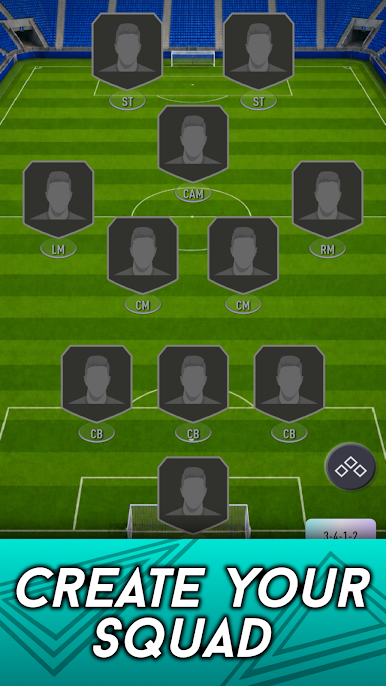
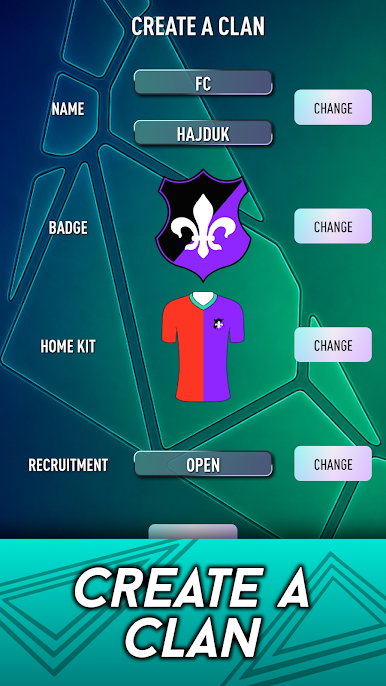
- Build Your FC: Create your own club, set formations, and fine-tune tactics to match how you like to play.
- Ultimate Draft & Draft Master: Draft from rotating choices to assemble a balanced squad, then put it to the test in Draft Master mode.
- SBCs Reimagined: Tackle revamped Squad Building Challenges that demand smart chemistry links and role-fitting lineups.
- Evolutions, Not Just Upgrades: Grow favorite cards over time with Evolutions so your trusted players keep pace.
- Transfer Market & Trading: Fill gaps by buying on the Transfer Market Online and swap extras with friends in Trade Online.
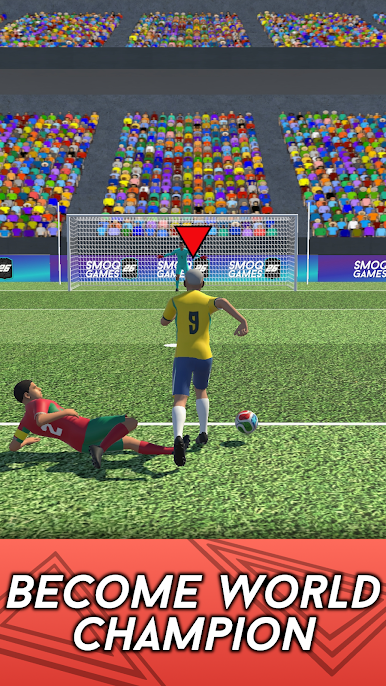
- Online Tournaments & 3D Matches: Compete for bragging rights in online tournaments and settle scores on the pitch in the new 3D mode.
- Clans & Leagues: Form a Clan, coordinate strategies, and push together for the League title.
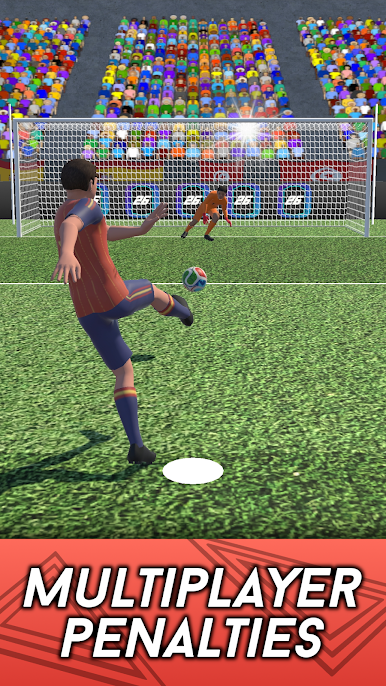
- Penalty Shootouts with Friends: Face off from the spot in tense, quick showdowns that test nerves and timing.
- Create-a-Player: Design your own footballer and fit them into your system.
- Player Picks: Choose between curated options to nail chemistry and cover tricky positions.
- Numbers That Matter: Track achievements, records, and deep stats for both players and your club.
- Make It Yours: Customize your stadium, try football mini-games, and rely on a complete player database to plan every move.
BlueStacks gives you more room to focus on the game and less time adjusting around mobile limitations.

Play Smoq Games 27 on PC. It’s easy to get started.
-
Download and install BlueStacks on your PC
-
Complete Google sign-in to access the Play Store, or do it later
-
Look for Smoq Games 27 in the search bar at the top right corner
-
Click to install Smoq Games 27 from the search results
-
Complete Google sign-in (if you skipped step 2) to install Smoq Games 27
-
Click the Smoq Games 27 icon on the home screen to start playing

