


intruck - Truckstop App
Play on PC with BlueStacks – the Android Gaming Platform, trusted by 500M+ gamers.

Page Modified on: Jul 17, 2025
Run intruck - Truckstop App on PC or Mac
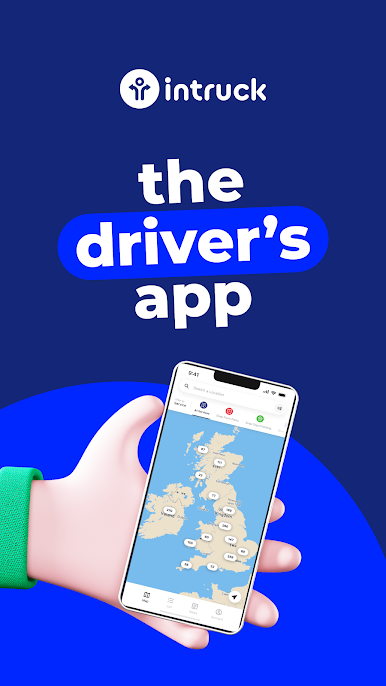
Let BlueStacks turn your PC, Mac, or laptop into the perfect home for intruck – Truckstop App, a fun Maps & Navigation app from ETP Card Processing Ltd.
About the App
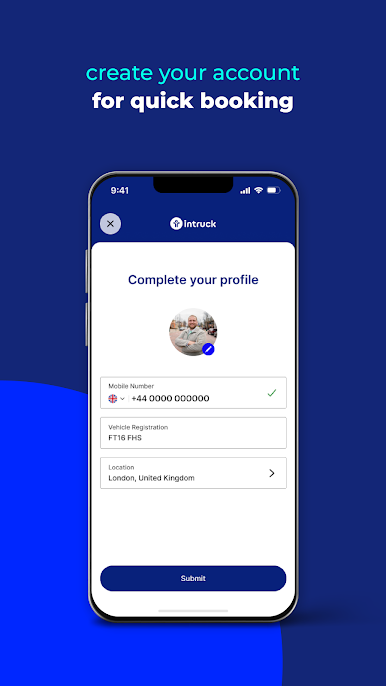
Looking for a smoother ride when it comes to finding truckstops? The intruck – Truckstop App from ETP Card Processing Ltd keeps things simple and stress-free for drivers on the go. No more guessing where to stop or how to pay—this app has you covered, from planning your route to securing a parking spot. Whether you’re on a tight schedule or just want peace of mind about where you’ll park for the night, intruck – Truckstop App takes a lot of the hassle out of the road.
App Features
-
Smart Truckstop Finder
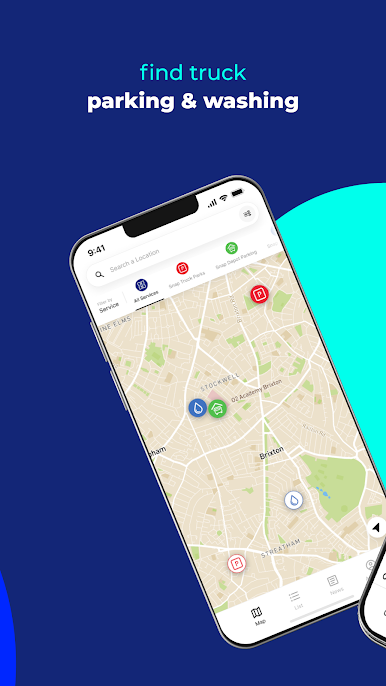
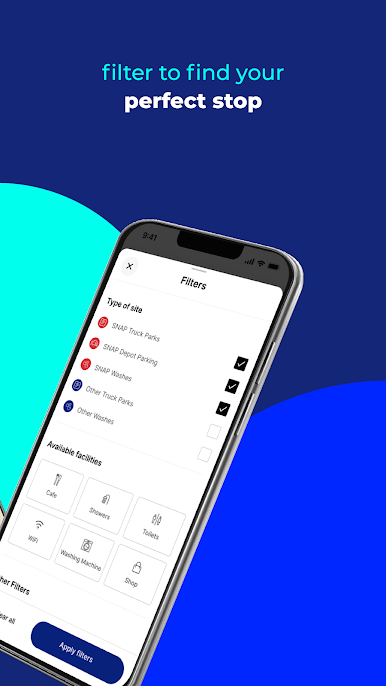
Quickly search for nearby truckstops, and even filter results to see which accept SNAP Accounts or are exclusive SNAP locations. Your next break spot is just a tap away. -
Prebook Parking Spaces
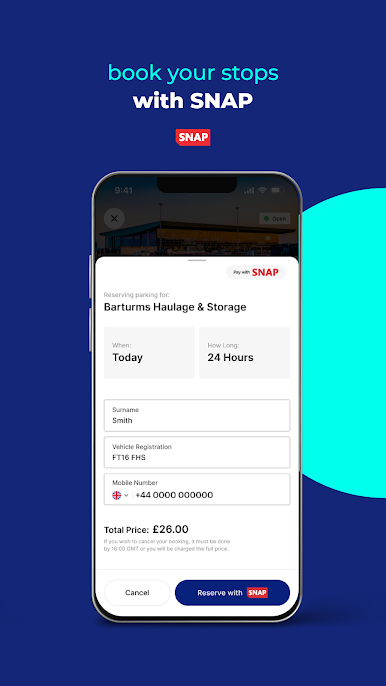
Hate rolling up to a full lot? Secure your parking in advance at SNAP exclusive depot sites right from the app, so you can relax knowing there’s a reserved space waiting for you. -
Easy SNAP Payments
Forget about cash and receipts—just pay with SNAP through the app. A few taps and your payment’s sorted, automatically added to your SNAP invoice. -
Real-Time Availability
Check live parking space info before you arrive. No surprises, just up-to-date details on what’s open and what’s not. -
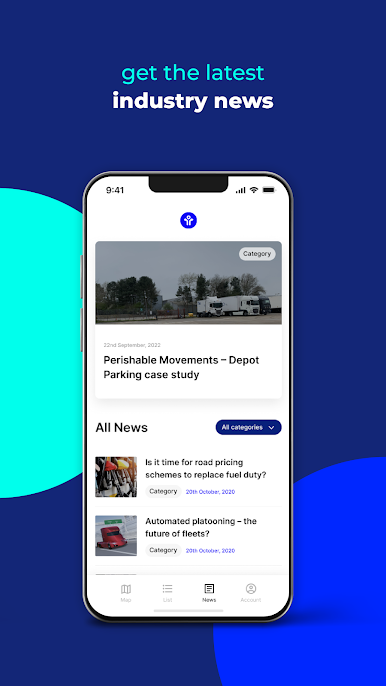
Site Info at Your Fingertips
Get all the key details you need, like opening hours, address, and a rundown of the on-site facilities—makes planning those breaks a lot easier. -
Daily Vehicle Checks
Handling your daily checks is simple with built-in tools that let you log inspections and upload photos right from your phone.
You can even use intruck – Truckstop App with BlueStacks for a bigger screen experience if you’re planning things from your PC or Mac.
BlueStacks brings your apps to life on a bigger screen—seamless and straightforward.
Play intruck - Truckstop App on PC. It’s easy to get started.
-
Download and install BlueStacks on your PC
-
Complete Google sign-in to access the Play Store, or do it later
-
Look for intruck - Truckstop App in the search bar at the top right corner
-
Click to install intruck - Truckstop App from the search results
-
Complete Google sign-in (if you skipped step 2) to install intruck - Truckstop App
-
Click the intruck - Truckstop App icon on the home screen to start playing

