


Garden of Sinsin
Play on PC with BlueStacks – the Android Gaming Platform, trusted by 500M+ gamers.

Page Modified on: Apr 12, 2026
Play Garden of Sinsin on PC
But something is wrong...
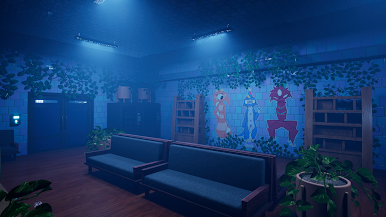
It's been one week since the disaster. Play as Jack as he searches for his missing girlfriend, one of the teachers at the kindergarten. Will he be able to find his girlfriend, or will the monsters inside make his story end violently?
Enter the garden. Find your girlfriend. Stay alive.
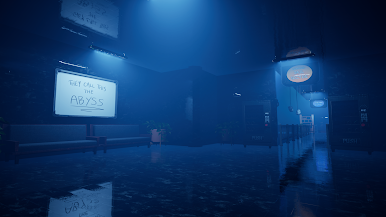
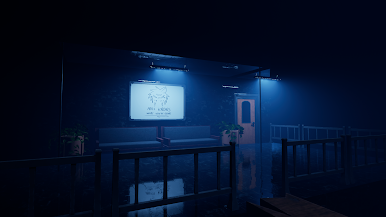
Garden of Sinsin is a mascot horror game set inside a plant-themed kindergarten. The game contains things such as bounce pads, interactable mascots, interactable items, pets, abilities such as dash and low gravity, adventure, and lots of cool things to explore.
Other games developed by Lovechirp Entertainment:
Care of Gongon: https://play.google.com/store/apps/details?id=com.sniker.careofgongon
Hopper's Hotel: https://play.google.com/store/apps/details?id=com.sniker.hoppershotel


Play Garden of Sinsin on PC. It’s easy to get started.
-
Download and install BlueStacks on your PC
-
Complete Google sign-in to access the Play Store, or do it later
-
Look for Garden of Sinsin in the search bar at the top right corner
-
Click to install Garden of Sinsin from the search results
-
Complete Google sign-in (if you skipped step 2) to install Garden of Sinsin
-
Click the Garden of Sinsin icon on the home screen to start playing

