


Sniper 3D: Alien War
Play on PC with BlueStacks – the Android Gaming Platform, trusted by 500M+ gamers.

Page Modified on: Jan 11, 2026
Main Sniper 3D: Alien War on PC
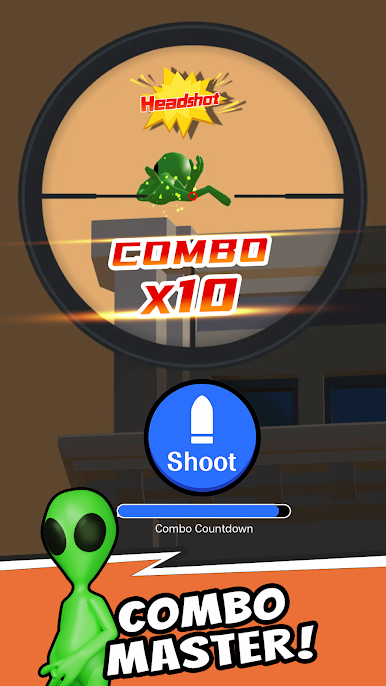
As an elite sniper, you must rely on sharp eyes and quick instincts.
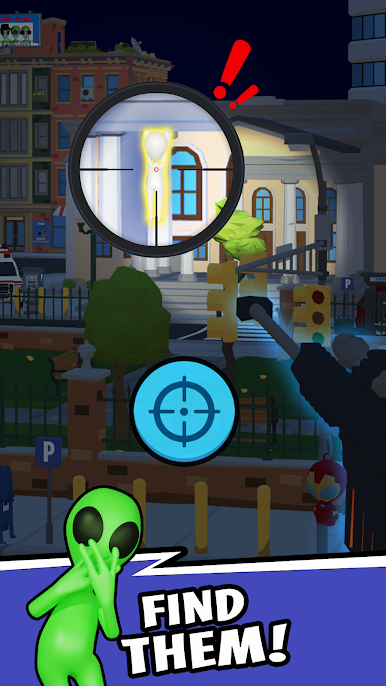
Find them. Aim. Eliminate!
🎯 Game Features
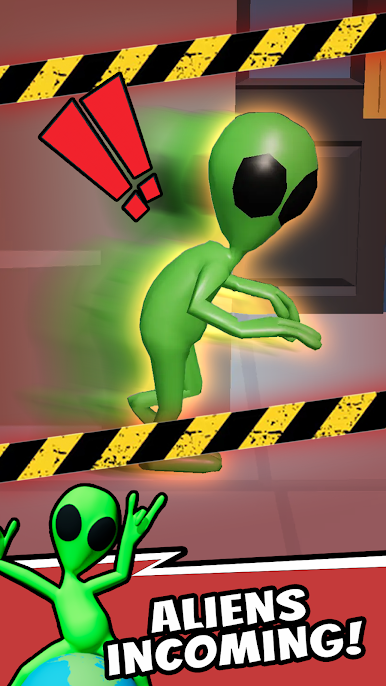
• Detect the Disguise: Aliens transform into map objects and environmental details — stay alert!
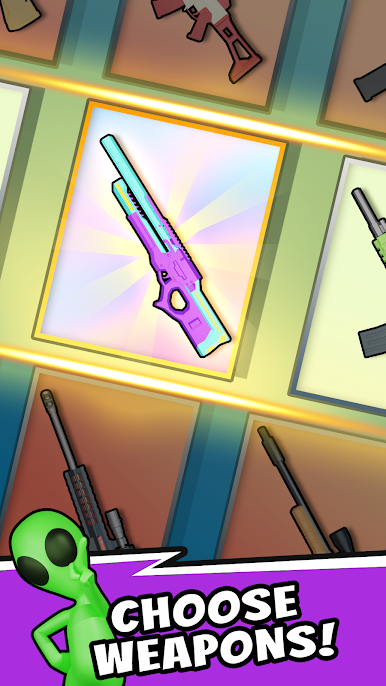
• Stylish Weapons: Unlock unique sniper skins and decorations to show off your battle style!
• Diverse Maps: Explore city streets, tall buildings, small towns, and secret bases — each with new challenges!
• Hidden Secrets: Every map hides clues and surprises waiting for you to discover!
Grab your weapon, unmask the aliens, and defend Earth!
Become the ultimate Alien Hunter!
Download Sniper 3D: Alien War now —
experience the most thrilling Casual Sniper Shooting Game,
and open your scope for action!

Play Sniper 3D: Alien War on PC. It’s easy to get started.
-
Download and install BlueStacks on your PC
-
Complete Google sign-in to access the Play Store, or do it later
-
Look for Sniper 3D: Alien War in the search bar at the top right corner
-
Click to install Sniper 3D: Alien War from the search results
-
Complete Google sign-in (if you skipped step 2) to install Sniper 3D: Alien War
-
Click the Sniper 3D: Alien War icon on the home screen to start playing

