


Snow Race
Play on PC with BlueStacks – the Android Gaming Platform, trusted by 500M+ gamers.

Page Modified on: Sep 10, 2026
Main Snow Race on PC
Welcome to Snow Race, the most thrilling and frosty winter competition! ❄️ Are you ready to roll the biggest snowball and claim the championship?
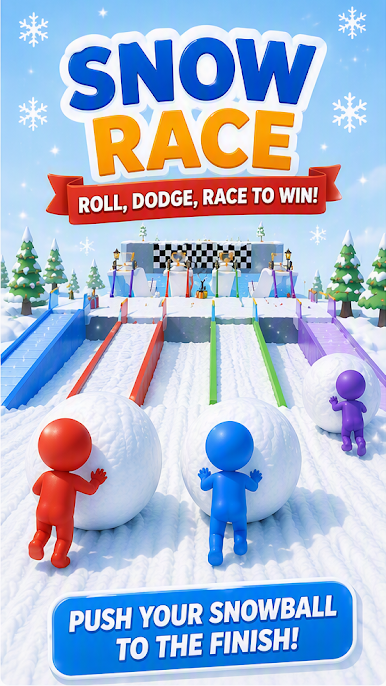
Get ready for endless winter fun! In this hyper-casual racing game, your goal is simple: gather snow, build your path, survive the chaos, and be the first to cross the finish line! 🏁
HOW TO PLAY:
⛄ Roll to Grow: Swipe to move your character and roll a giant snowball. The bigger your snowball, the better your chances!
🌉 Build Your Bridge: Use your collected snow to pave your own colored path across deep gaps and watery obstacles.
⚠️ Dodge the Giants: Watch out! If an opponent has a snowball bigger than yours, they can crush you! Dodge them fast or get knocked down.
🏆 Race to the Finish: Outsmart your rivals, build the fastest bridge, and claim the ultimate winter trophy!
GAME FEATURES:
🎮 Simple & Addictive: Easy one-finger control, perfect for playing anywhere, anytime.
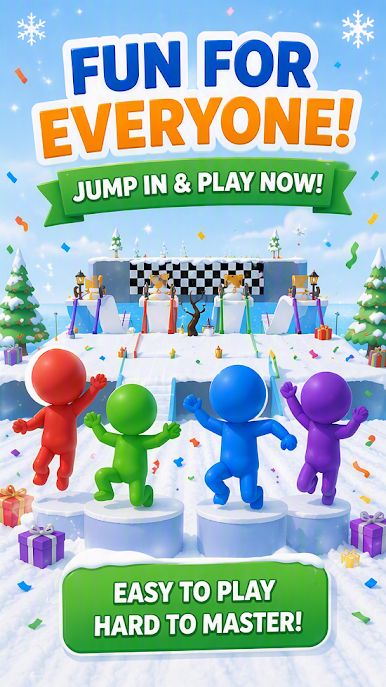
🎨 Colorful Characters: Play as Red, Blue, Green, or Purple stickmen in a vibrant 3D winter wonderland.
⚔️ Thrilling Competition: It’s not just a race; it’s a battle of size! Grow your snowball to dominate or dodge to survive.
🎄 Festive Vibe: Enjoy beautiful snowy tracks, Christmas trees, and a joyful holiday atmosphere.
Do you have what it takes to pave the way to victory? Download Snow Race now and start rolling! 🚀❄️


Play Snow Race on PC. It’s easy to get started.
-
Download and install BlueStacks on your PC
-
Complete Google sign-in to access the Play Store, or do it later
-
Look for Snow Race in the search bar at the top right corner
-
Click to install Snow Race from the search results
-
Complete Google sign-in (if you skipped step 2) to install Snow Race
-
Click the Snow Race icon on the home screen to start playing

