


soChicken
Play on PC with BlueStacks – the Android Gaming Platform, trusted by 500M+ gamers.

Page Modified on: Jan 26, 2024
Play soChicken on PC
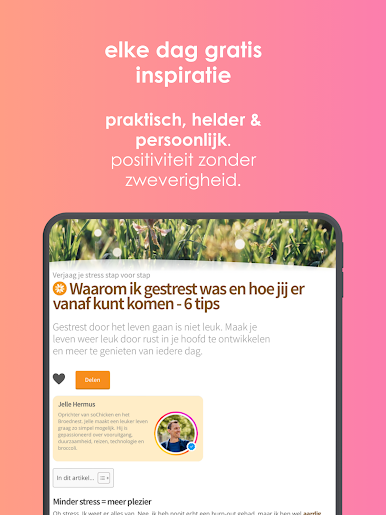
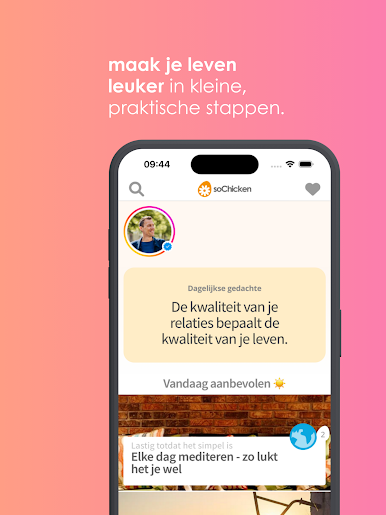
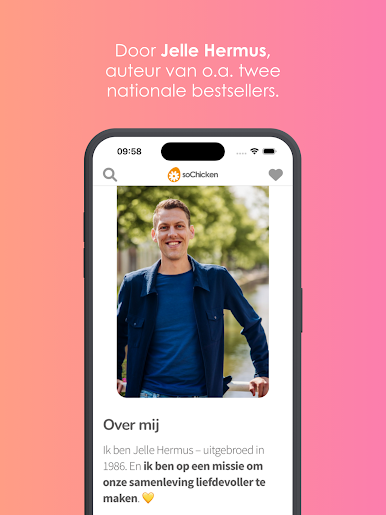
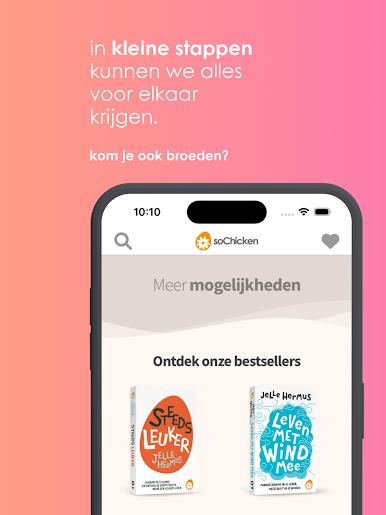
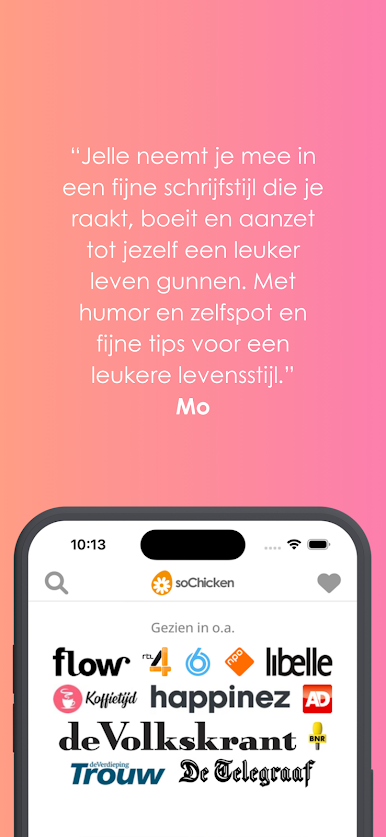
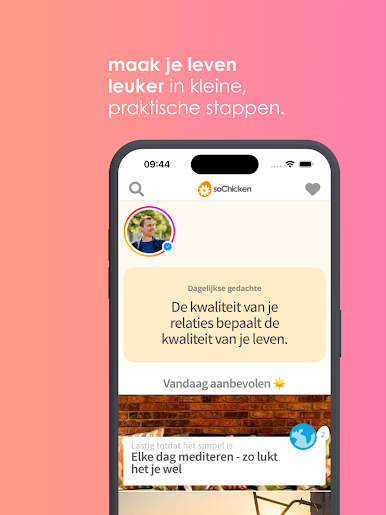
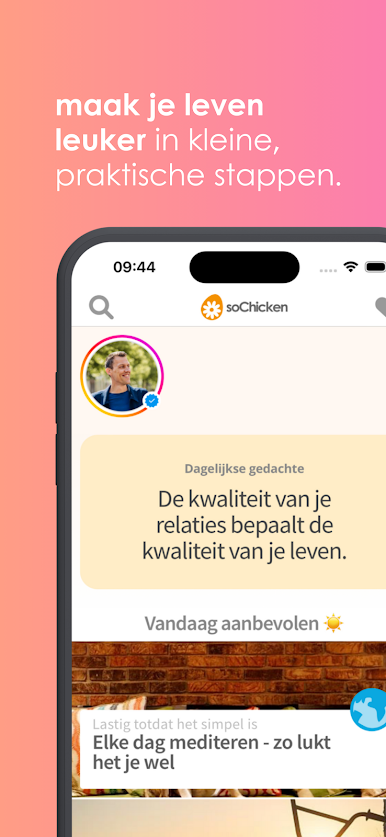
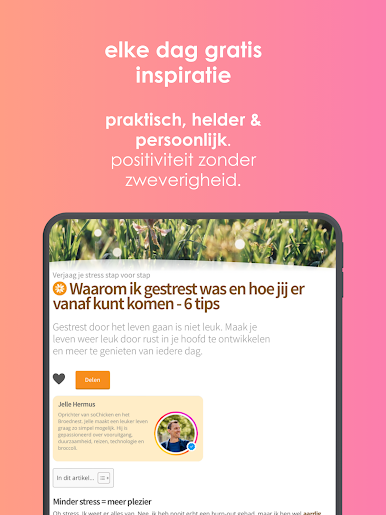
The soChicken app by Jelle Hermus helps you build a more enjoyable life. Always in small, practical steps. Without fuss and vagueness.
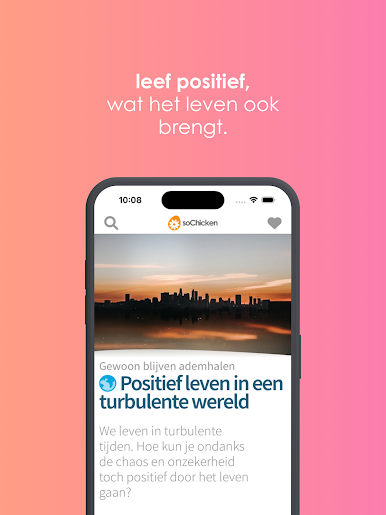
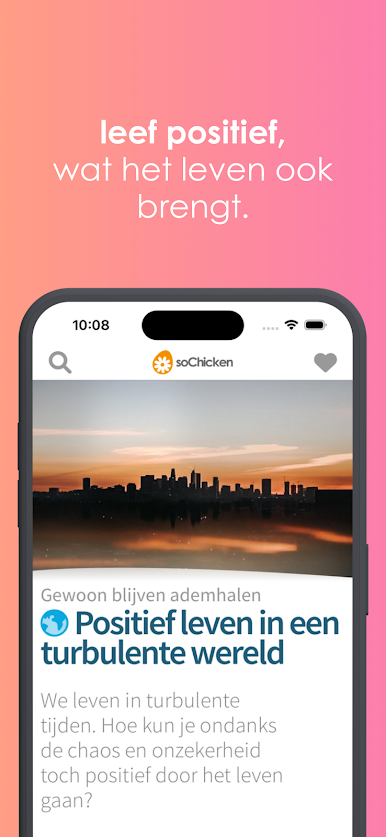
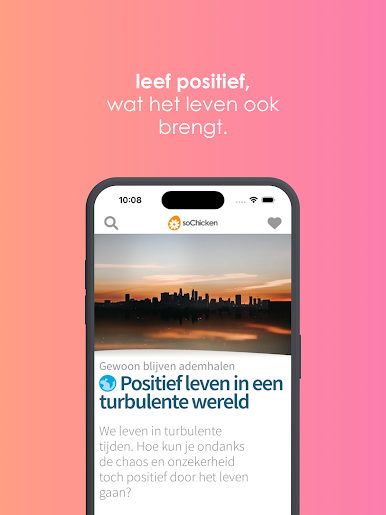
Are you ready for some positivity in your life in these turbulent times?
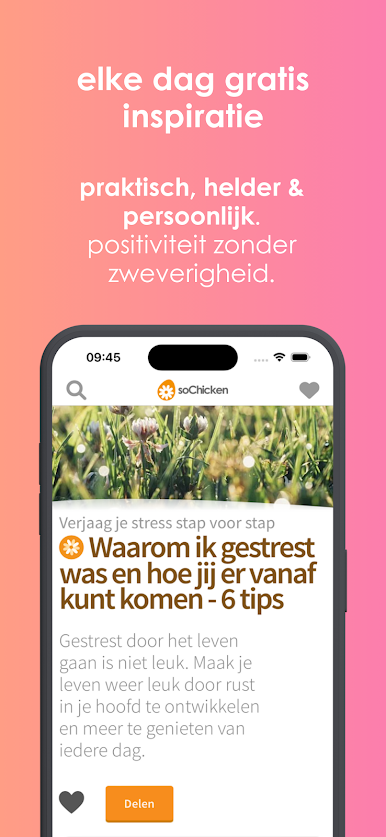
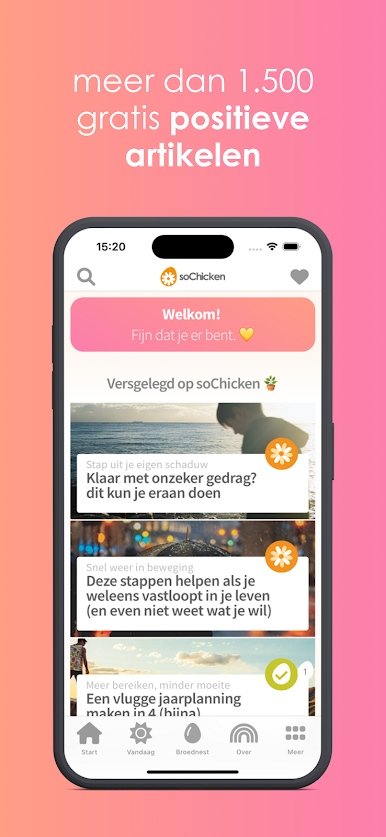
- Enjoy free inspiration every day.
- Save your favorite articles in the app.
- Share articles via email, iMessage and all your other favorite apps.
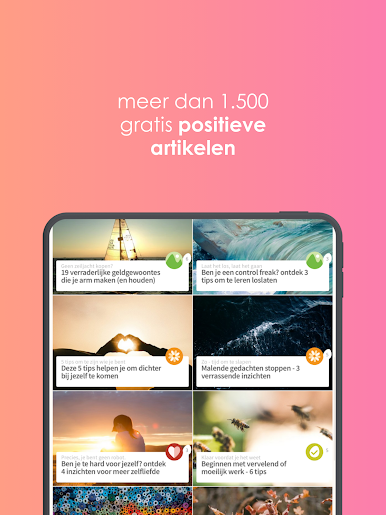
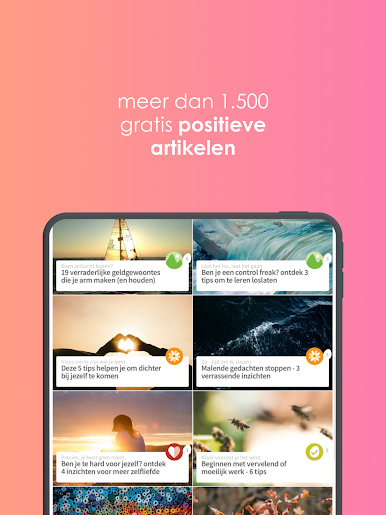
- Search all 1,500+ free articles
Join us for a better life and download the free soChicken app.
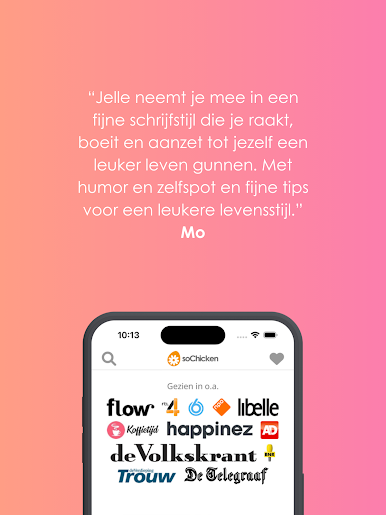
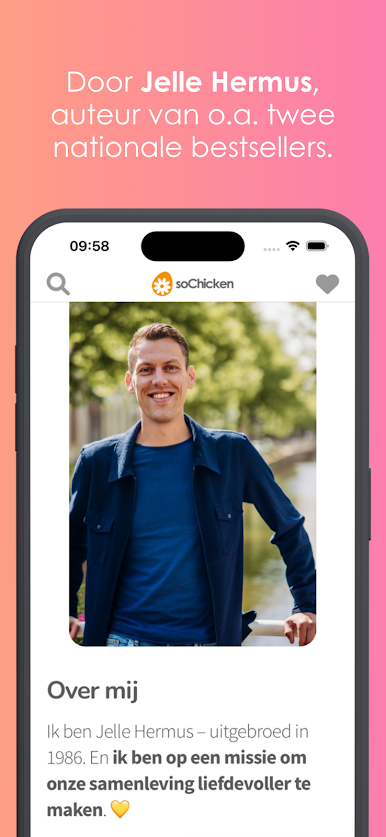
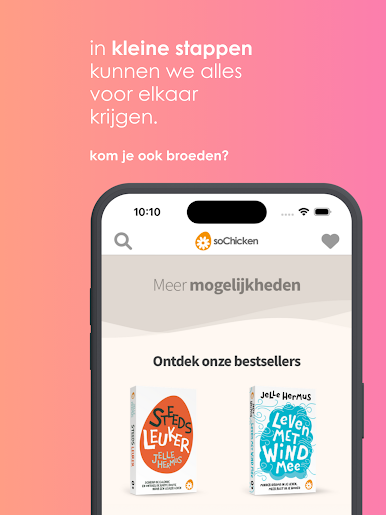
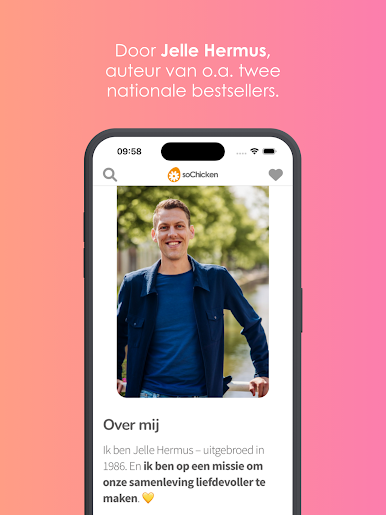
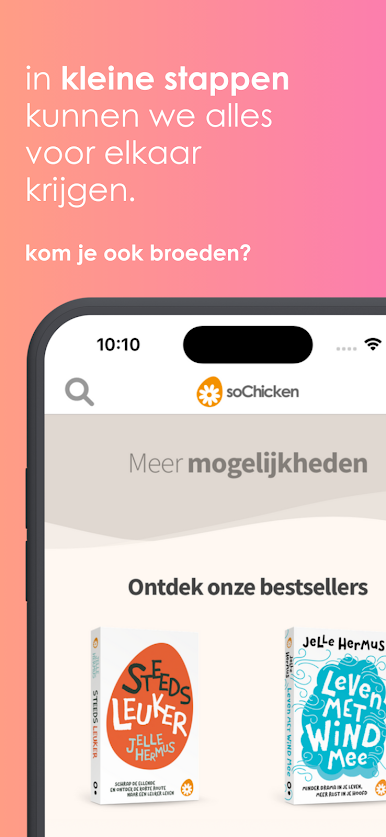
With soChicken, Jelle Hermus has been inspiring hundreds of thousands of people in the Netherlands and Belgium since 2004. His two books 'More and more fun' & 'Living with the wind' became national bestsellers and the platform won several prizes.
The weekly soChicken newsletter is read by more than 170 thousand people.
With the soChicken app you can bring more positivity into your life free of charge. And don't worry, we don't use weird trackers. You use the app completely anonymously.
Would you also like to come and have a nice chat? Together we build a more enjoyable life & a more beautiful world.
Play soChicken on PC. It’s easy to get started.
-
Download and install BlueStacks on your PC
-
Complete Google sign-in to access the Play Store, or do it later
-
Look for soChicken in the search bar at the top right corner
-
Click to install soChicken from the search results
-
Complete Google sign-in (if you skipped step 2) to install soChicken
-
Click the soChicken icon on the home screen to start playing

