


SocialSelfies
Play on PC with BlueStacks – the Android Gaming Platform, trusted by 500M+ gamers.

Page Modified on: Nov 25, 2025
Play SocialSelfies on PC
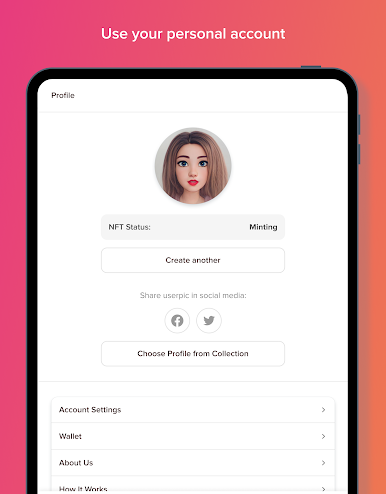
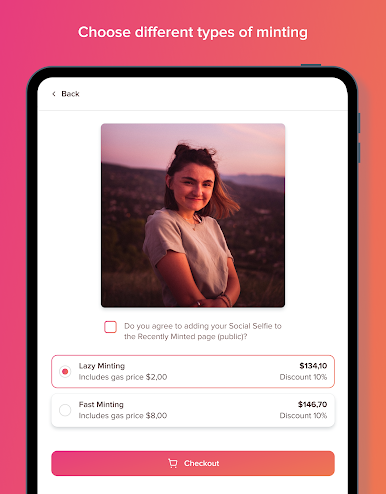
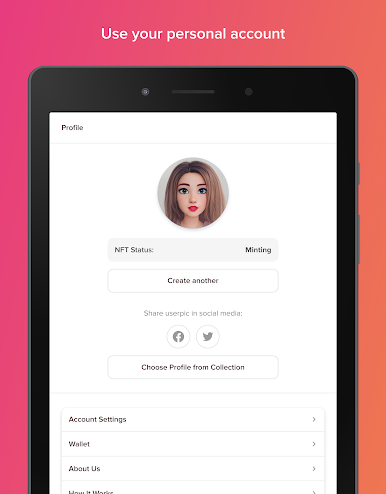
The world's first and best social media driven NFT generating app. Turn your selfie into a
cartoonified NFT on Ethereum using AI filters.
Social media platforms are currently working on integrating verified NFT profile pics into their
platforms. SocialSelfies® provides a way of creating and owning a verified NFT on the Ethereum
blockchain that looks like a realistic cartoon version of you!
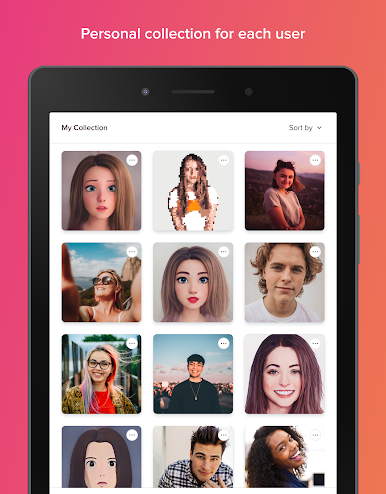
SocialSelfies® NFTs are great if you want a verified NFT for your social media profile that is a
representation of you! They're great for professionals or anyone looking for a simple and affordable
way to create an NFT of themselves, or of someone else by uploading any image of anyone.
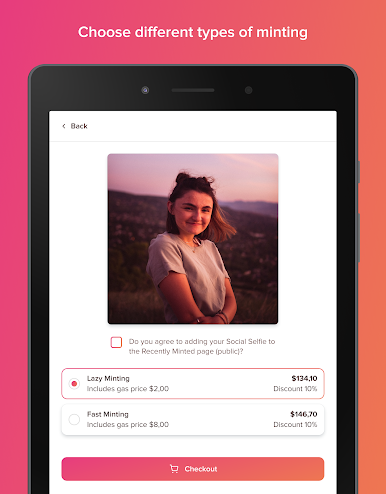
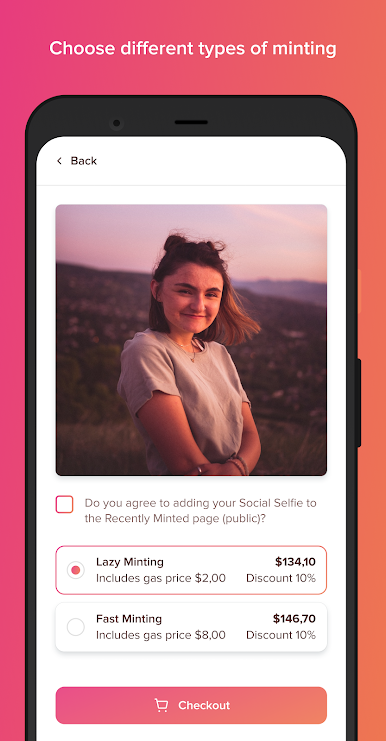
• Share your SocialSelfie after minting to get a 50% discount on your next SocialSelfie
• The first 10 people to follow your shared link will get a 10% on their purchase
• Download our app or go to our website to create and credit your account, and connect your
Ethereum based wallet (Metamask etc), or log in if you already have an account.
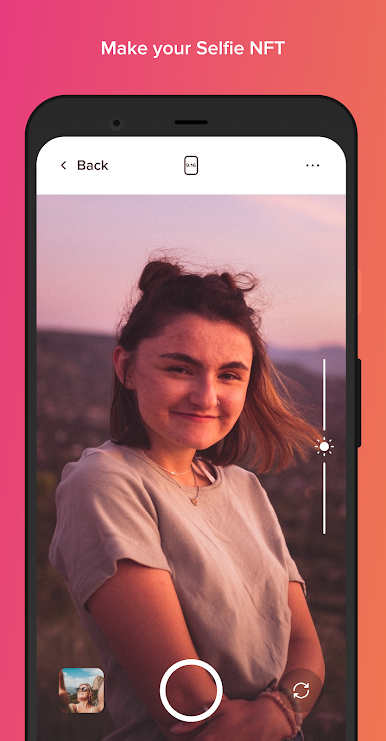
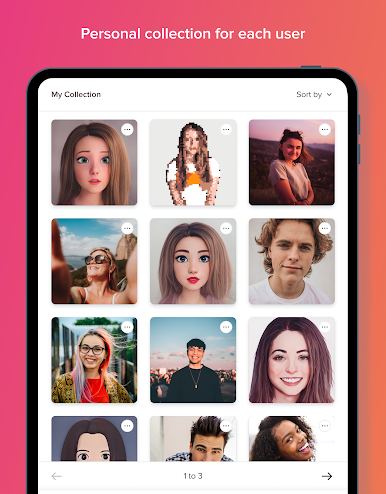
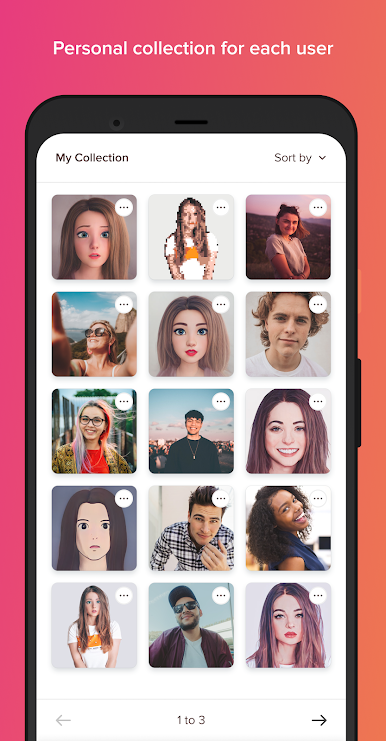
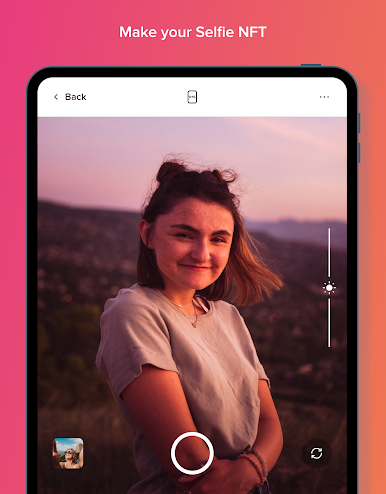
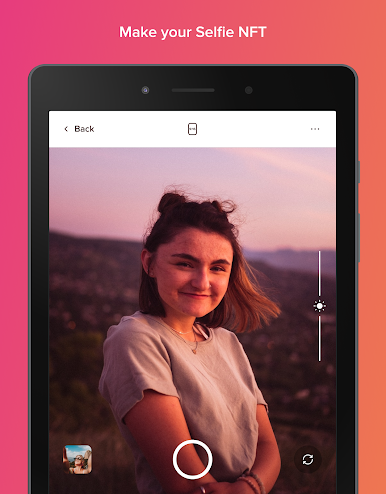
• Take a selfie or upload your photo and turn yourself into a cartoonified version of yourself
perfect for an NFT using AI filters!
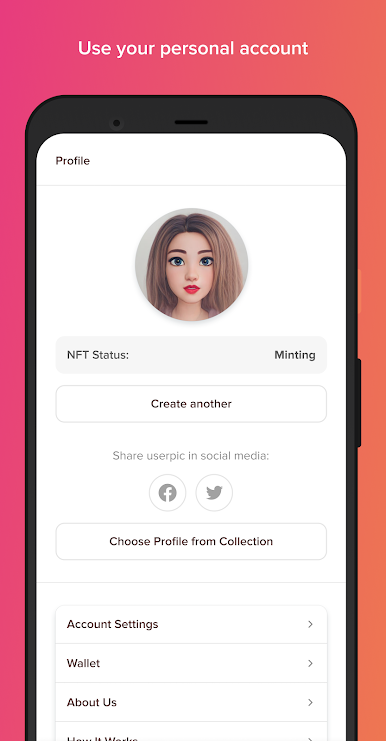
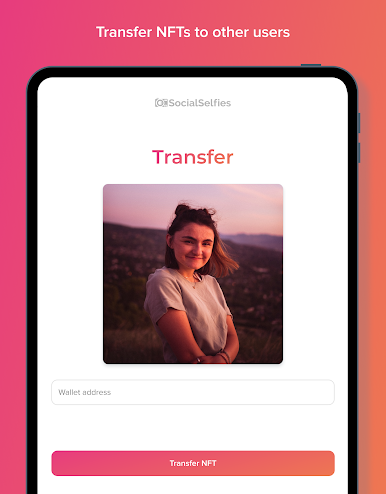
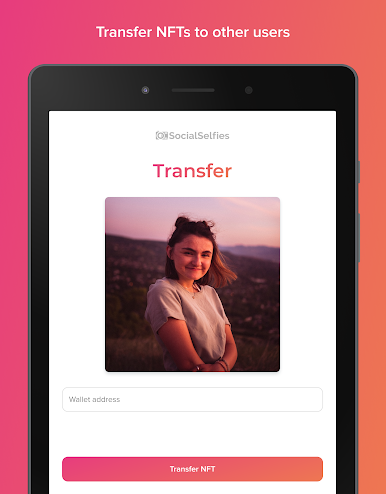
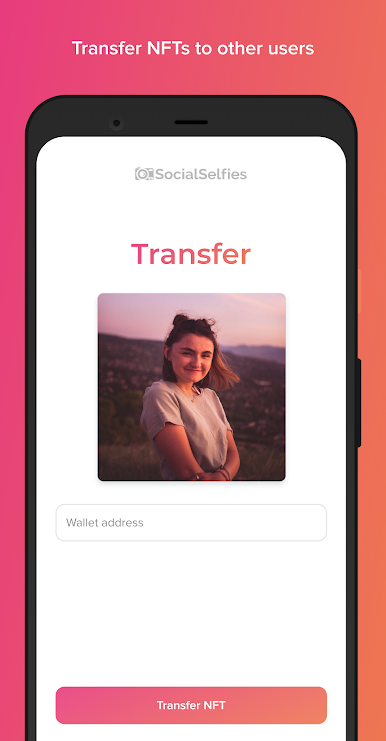
• Use the transaction details to set your SocialSelfie as a verified NFT on social media
platforms that currently support this feature, and share it to receive a discount on your next
SocialSelfie. Your friends will receive a discount also if they follow your share!
Play SocialSelfies on PC. It’s easy to get started.
-
Download and install BlueStacks on your PC
-
Complete Google sign-in to access the Play Store, or do it later
-
Look for SocialSelfies in the search bar at the top right corner
-
Click to install SocialSelfies from the search results
-
Complete Google sign-in (if you skipped step 2) to install SocialSelfies
-
Click the SocialSelfies icon on the home screen to start playing

