


ColorNote Notepad Notes
Play on PC with BlueStacks – the Android Gaming Platform, trusted by 500M+ gamers.

Page Modified on: Aug 21, 2026
Run ColorNote Notepad Notes on PC or Mac
Multitask effortlessly on your PC or Mac as you try out ColorNote Notepad Notes, a Productivity app by Notes on BlueStacks.
About the App
ColorNote Notepad Notes is a quick, colorful way to capture ideas without overthinking it. Open it, type or check off a few things, and move on with your day. Whether you’re planning groceries, noting a reminder, or keeping a private journal entry, this lightweight Productivity favorite by Notes keeps everything tidy and easy to find. Prefer typing on a full keyboard? It also runs smoothly on your PC with BlueStacks.
App Features
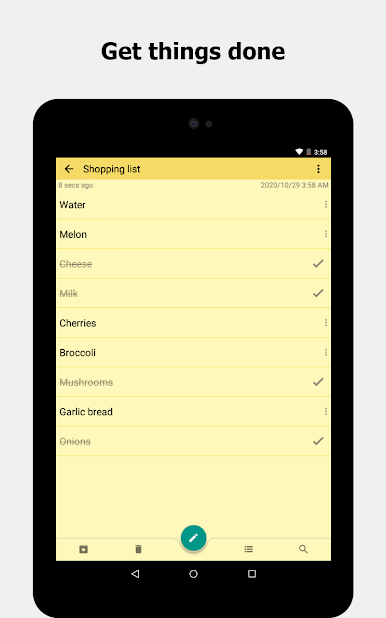
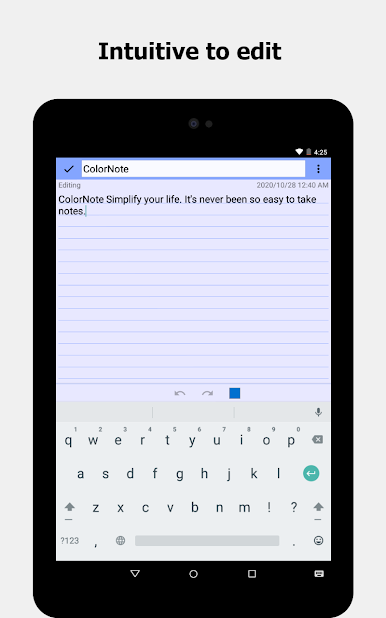
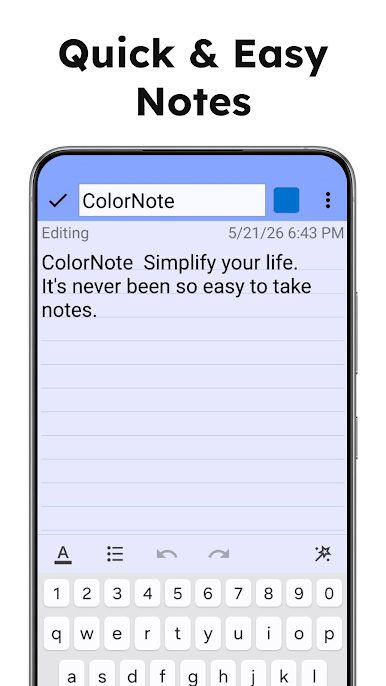
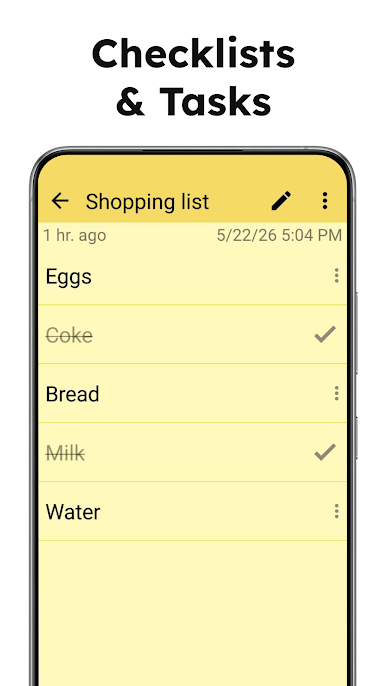
- Two ways to write: Switch between classic text notes for thoughts and checklist notes for tasks or shopping—use whichever fits the moment.
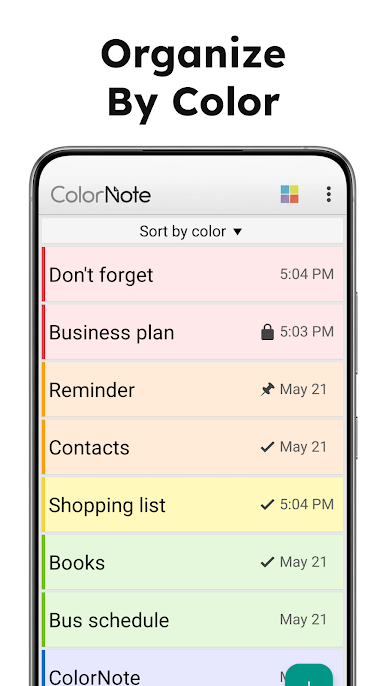
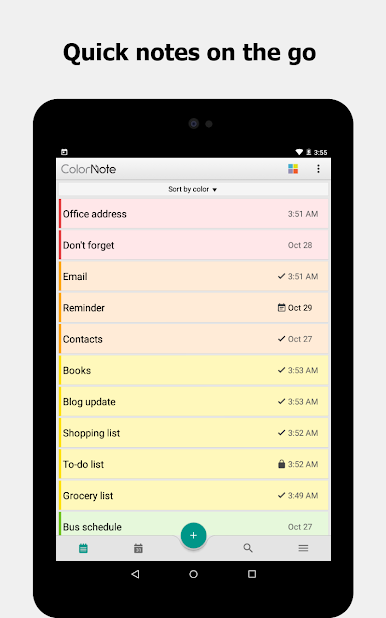
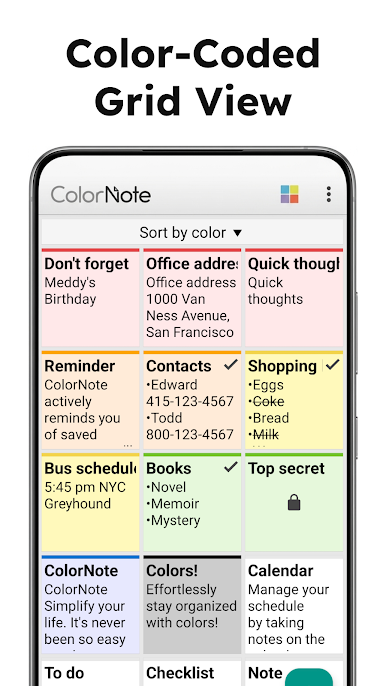
- Color-coded organization: Assign colors to notes so projects, errands, and personal stuff pop at a glance.
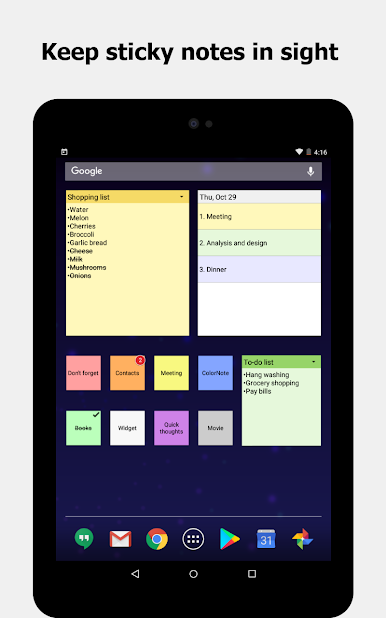
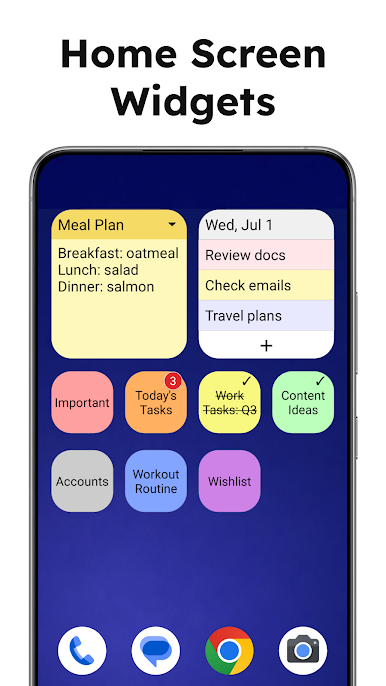
- Home screen widgets: Pin sticky notes to your phone’s home screen for instant access to what matters right now.
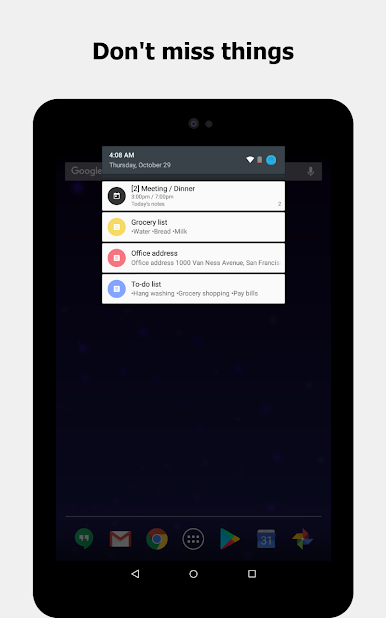
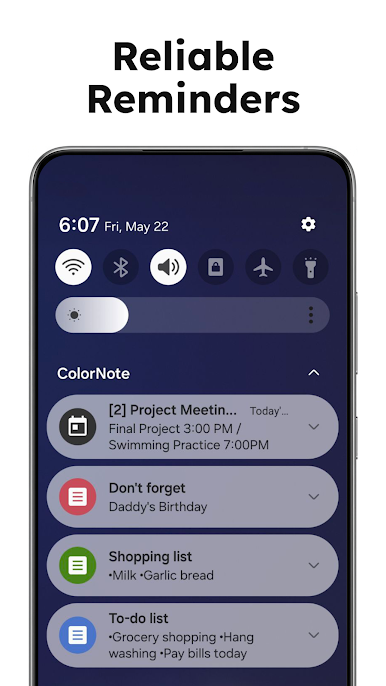
- Smart reminders: Set one-time or repeating alerts, all-day nudges, and status bar notifications so nothing slips through the cracks.
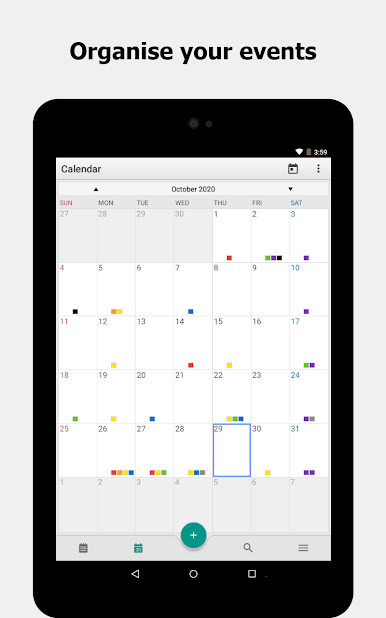
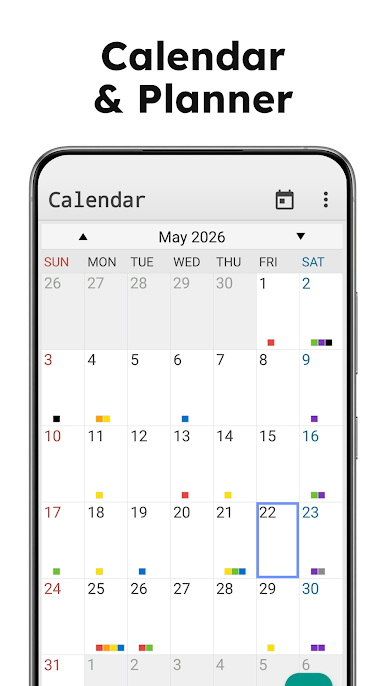
- Calendar planning: View notes on a built-in calendar to map out your week, log a diary entry, or track habits.
- Privacy lock: Lock individual notes with a passcode to keep sensitive info under wraps.
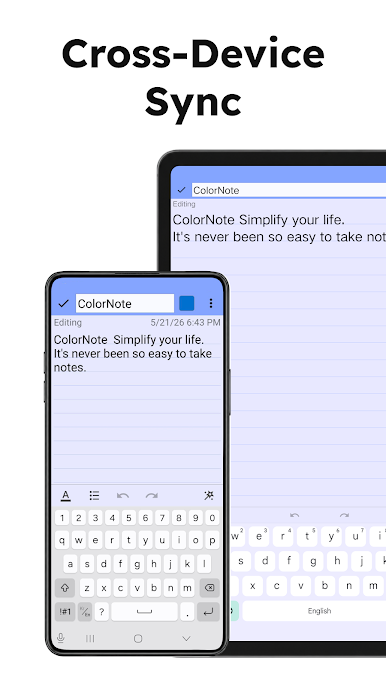
- Backup and sync: Save to local storage or sync across phone and tablet. Cloud sync uses industry‑standard AES encryption, and nothing uploads until you sign in.
- Quick editing: Reorder checklist items with simple drag controls and strike through tasks with a tap.
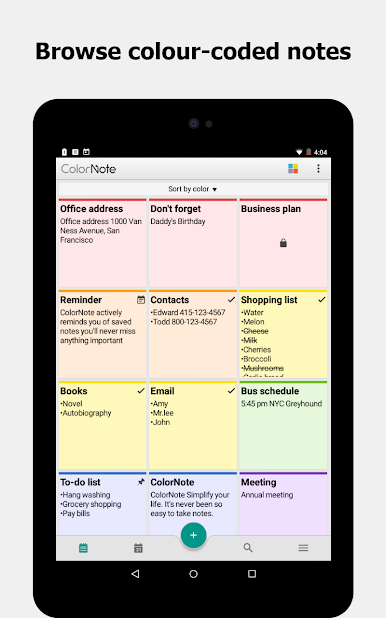
- Flexible views and search: Browse in list or grid and jump to what you need with fast search.
- Easy sharing: Send notes or lists via text, email, or your favorite apps.
- Handy extras: Auto-save, wiki-style links between notes ([[Title]]), and a clean, no-fuss design that stays out of your way.
Big screen. Bigger performance. Use BlueStacks on your PC or Mac to run your favorite apps.
Play ColorNote Notepad Notes on PC. It’s easy to get started.
-
Download and install BlueStacks on your PC
-
Complete Google sign-in to access the Play Store, or do it later
-
Look for ColorNote Notepad Notes in the search bar at the top right corner
-
Click to install ColorNote Notepad Notes from the search results
-
Complete Google sign-in (if you skipped step 2) to install ColorNote Notepad Notes
-
Click the ColorNote Notepad Notes icon on the home screen to start playing

