


Incredibox
Play on PC with BlueStacks – the Android Gaming Platform, trusted by 500M+ gamers.

Page Modified on: Dec 10, 2025
Play Incredibox on PC
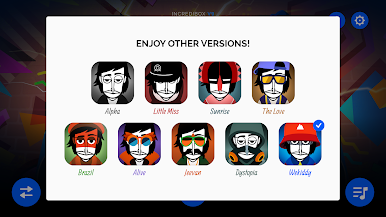
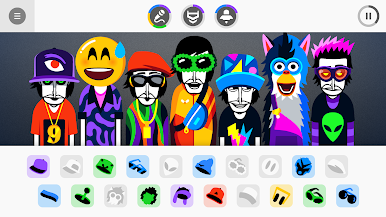
Part game, part tool, Incredibox is above all an audio and visual experience that has quickly become a hit with people of all ages. The right mix of music, graphics, animation and interactivity makes Incredibox ideal for everyone. And because it makes learning fun and entertaining, Incredibox is now being used by schools all over the world.
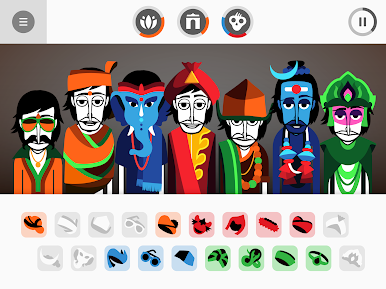
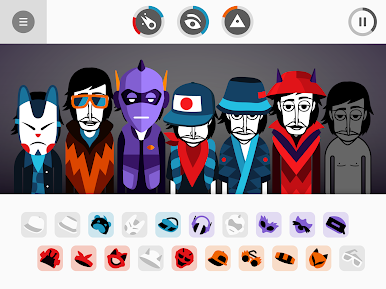
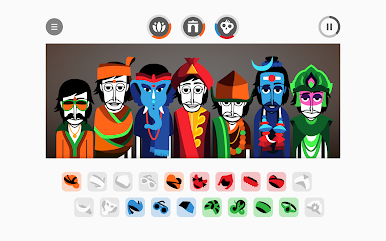
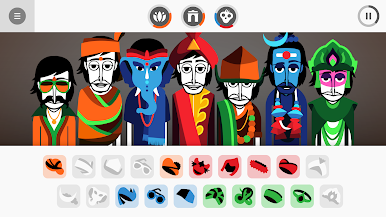
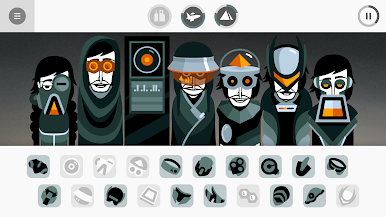
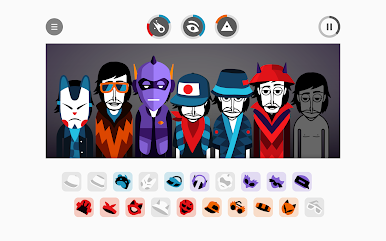
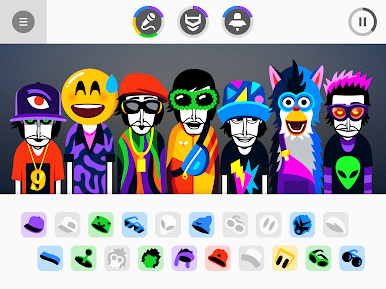
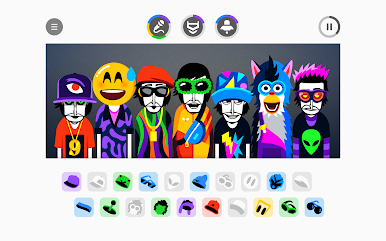
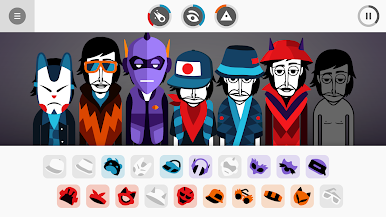
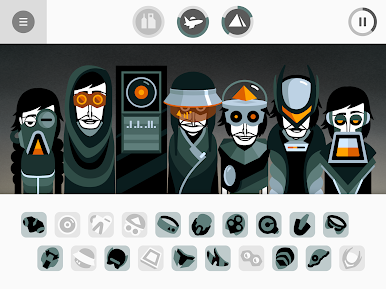
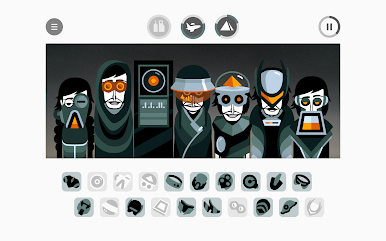
How to play? Easy! Drag and drop icons onto the avatars to make them sing and start to compose your own music. Find the right sound combos to unlock animated choruses that will enhance your tune.
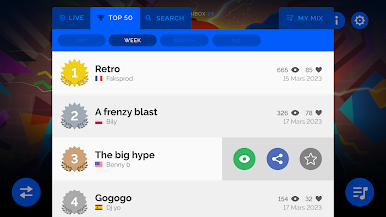
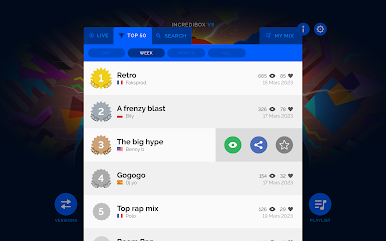
Once your composition sounds great, just save it and share it to get as many votes as possible. If you get enough votes, you may go down in Incredibox history by joining the Top 50 chart! Ready to show your stuff?
You can also download your mix as an MP3 from the app and listen to it over and over again!
Too lazy to create your own mix? No problem, just let the automatic mode play for you!
Pump it up and chill ;)
****************
Incredibox, the brainchild of Lyon, France-based studio So Far So Good, was created in 2009. Starting out as a webpage, it was then released as a mobile and tablet app and became an instant hit. It has won several awards and appeared in various international media, including: BBC, Adobe, FWA, Gizmodo, Slate, Konbini, Softonic, Kotaku, Cosmopolitan, PocketGamer, AppAdvice, AppSpy, Vice, Ultralinx and many others. The online demo has attracted more than 100 million visitors since its creation.








Play Incredibox on PC. It’s easy to get started.
-
Download and install BlueStacks on your PC
-
Complete Google sign-in to access the Play Store, or do it later
-
Look for Incredibox in the search bar at the top right corner
-
Click to install Incredibox from the search results
-
Complete Google sign-in (if you skipped step 2) to install Incredibox
-
Click the Incredibox icon on the home screen to start playing

