

Arrow Ease: Tap Away
Play on PC with BlueStacks – the Android Gaming Platform, trusted by 500M+ gamers.

Page Modified on: Jun 26, 2026
Play Arrow Ease: Tap Away on PC or Mac
Bring your A-game to Arrow Ease: Tap Away, the Casual game sensation from SOFISH GAMES. Give your gameplay the much-needed boost with precise game controls, high FPS graphics, and top-tier features on your PC or Mac with BlueStacks.
About the Game
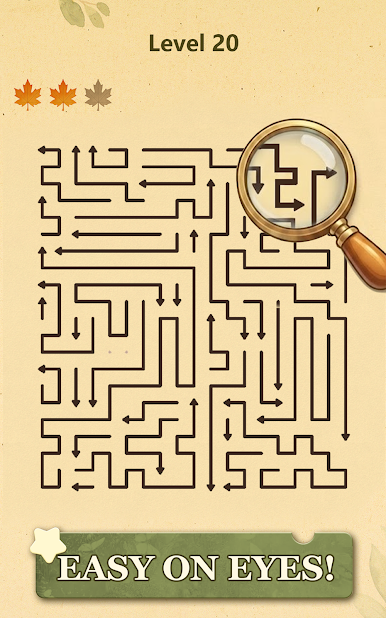
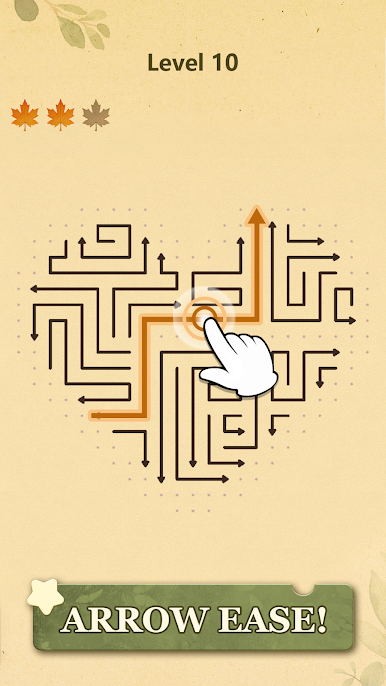
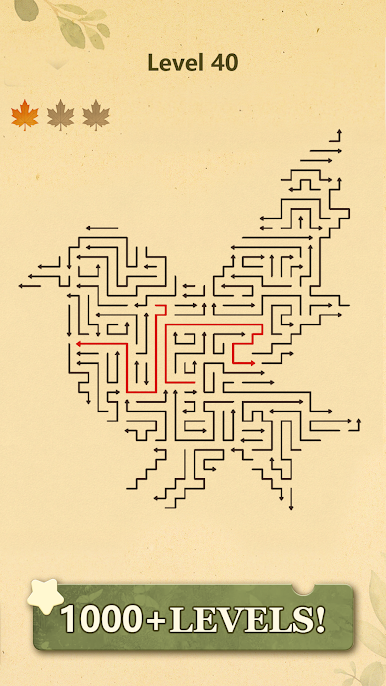
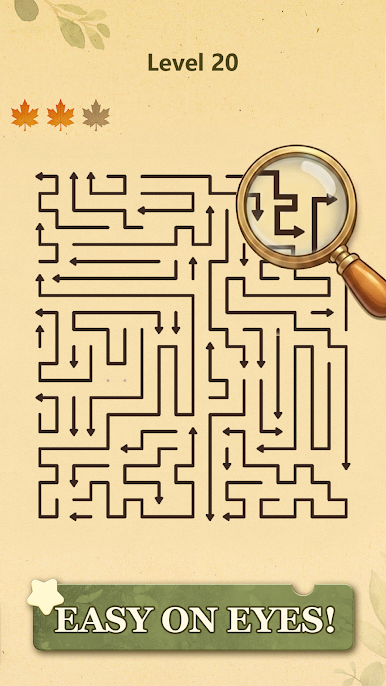
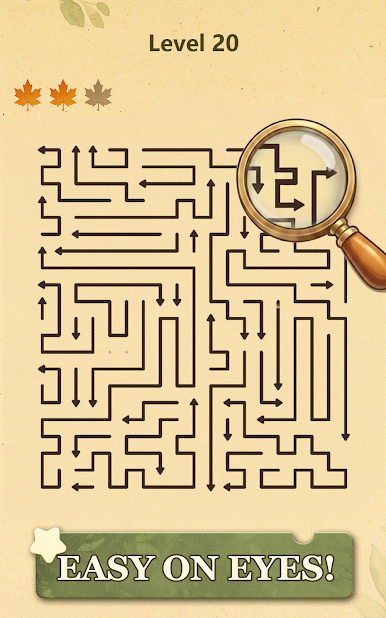
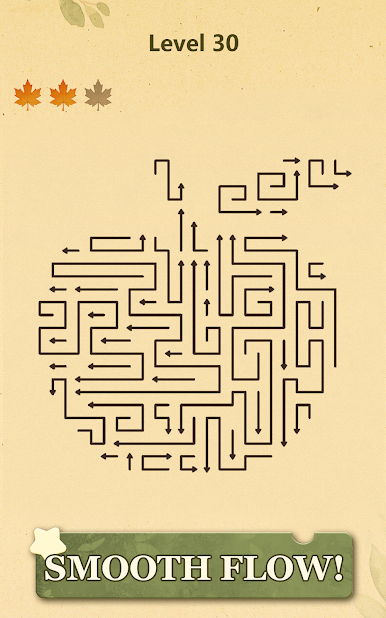
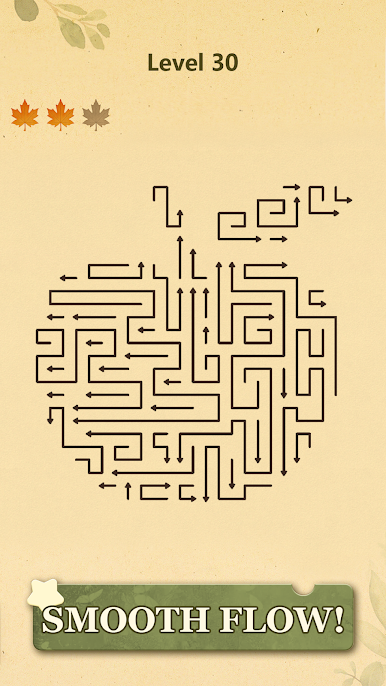
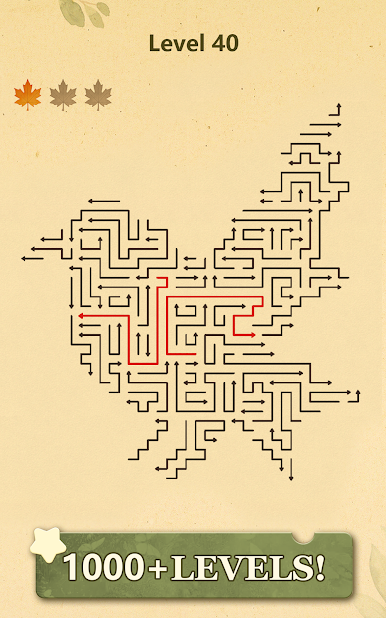
Arrow Ease: Tap Away is a clean, satisfying brain-teaser where every tap has consequences. It looks simple at first—arrows on a grid, pointing in different directions—but the order you clear them makes all the difference. If you like a calm, thoughtful challenge with a Casual feel, this one’s easy to pick up and hard to put down. Prefer playing on a bigger screen? It runs smoothly on BlueStacks too.
Game Features
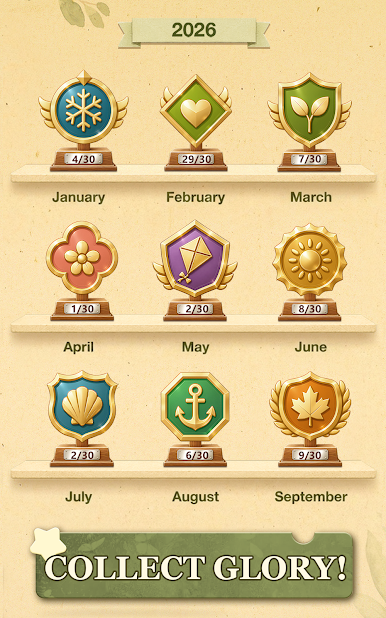
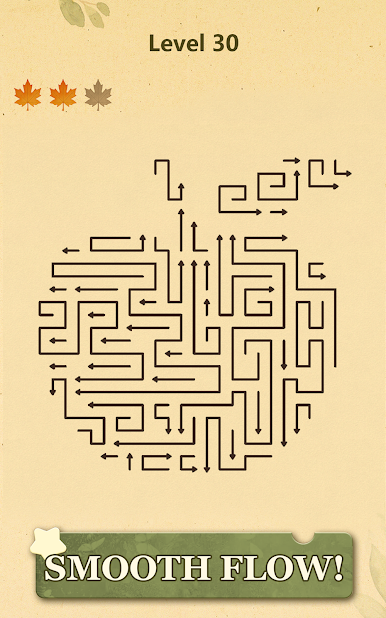
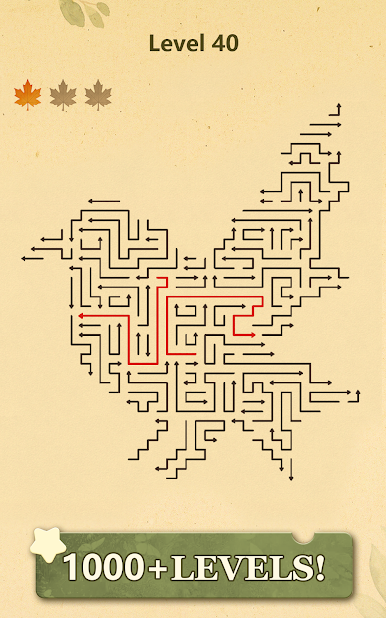
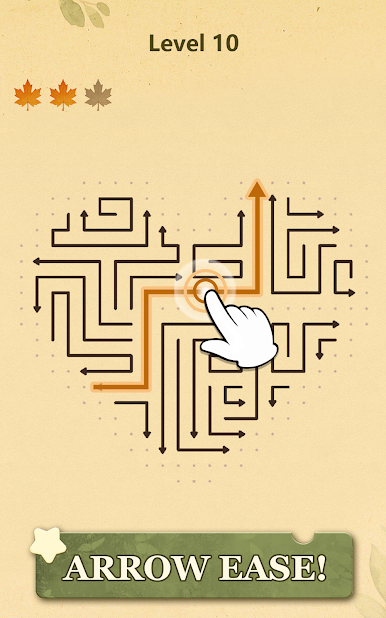
- Arrow-first puzzles: Each tile shows an arrow that can only slide off the board in its direction. Pick pieces that are free to move and open space for the ones that aren’t.
- Smart sequencing: Your moves reshape the grid. Clear the right piece now to make a different move possible later. It’s a gentle nudge toward planning instead of guessing.
- No rush, just focus: There’s no timer breathing down your neck. Settle in, think it through, and enjoy the satisfying click of a good decision.
- Clean look, clear feedback: Minimal visuals keep the board readable, while snappy animations and responsive taps make every action feel intentional.
- From easy to “huh, clever”: Early stages teach the basics; later layouts weave in trickier interactions that reward careful observation.
- Great for any moment: Knock out a quick puzzle on a break or unwind with a longer session—both feel equally rewarding.
- Learn-by-doing flow: Check which arrows are unblocked, create space step by step, and watch the grid untangle as the perfect sequence falls into place.
Get ready for a buttery smooth, high-performance gaming action only on BlueStacks.
Play Arrow Ease: Tap Away on PC. It’s easy to get started.
-
Download and install BlueStacks on your PC
-
Complete Google sign-in to access the Play Store, or do it later
-
Look for Arrow Ease: Tap Away in the search bar at the top right corner
-
Click to install Arrow Ease: Tap Away from the search results
-
Complete Google sign-in (if you skipped step 2) to install Arrow Ease: Tap Away
-
Click the Arrow Ease: Tap Away icon on the home screen to start playing

