

Blossom Bliss: Sort&Design
Play on PC with BlueStacks – the Android Gaming Platform, trusted by 500M+ gamers.

Page Modified on: Dec 11, 2025
Play Blossom Bliss: Sort&Design on PC or Mac
Explore a whole new adventure with Blossom Bliss: Sort&Design, a Casual game created by SOFISH GAMES. Experience great gameplay with BlueStacks, the most popular gaming platform to play Android games on your PC or Mac.
About the Game
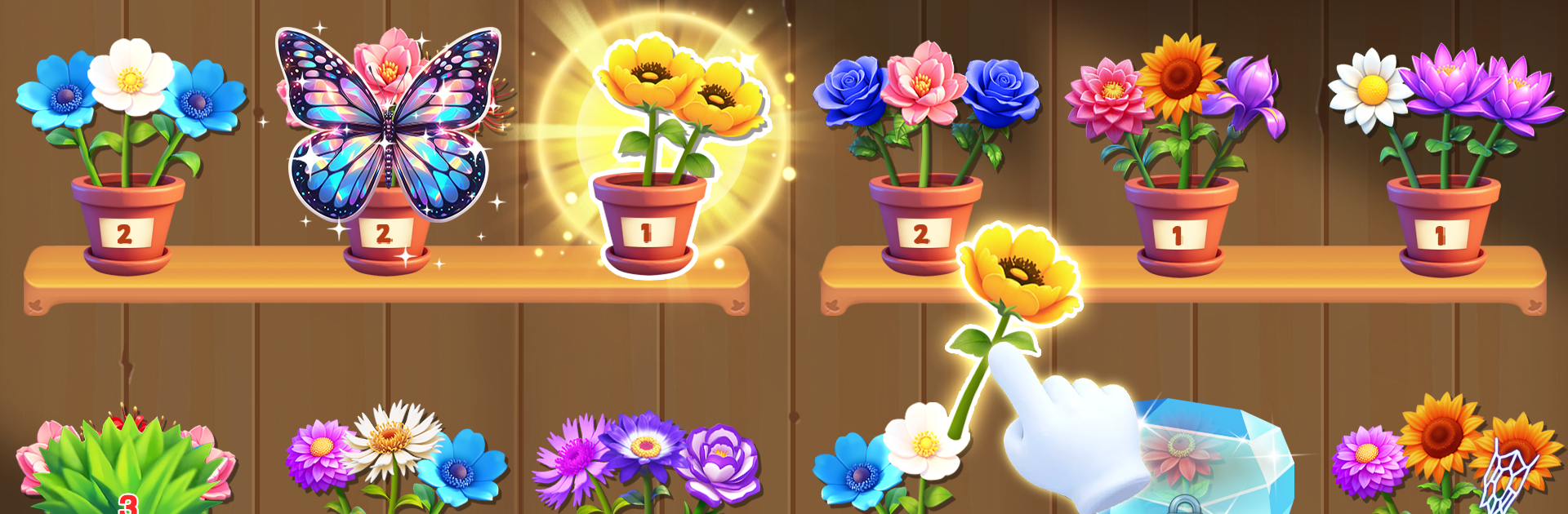
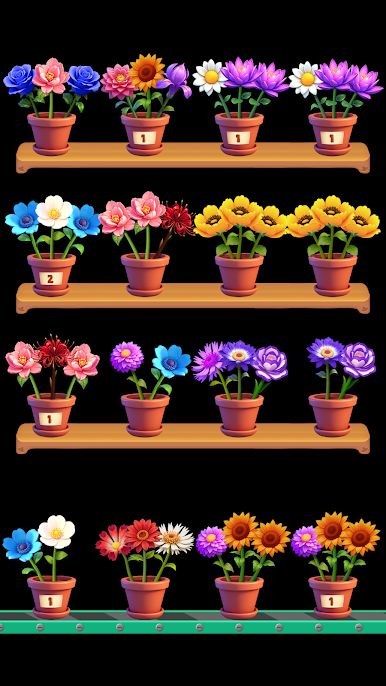
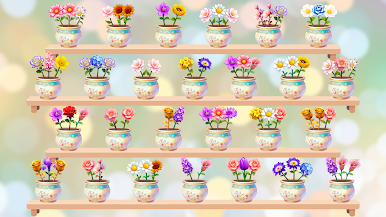
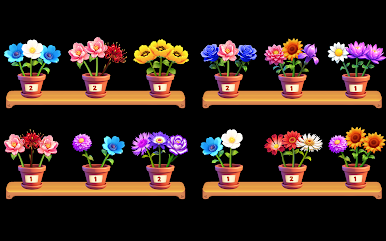
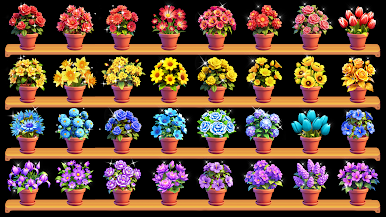
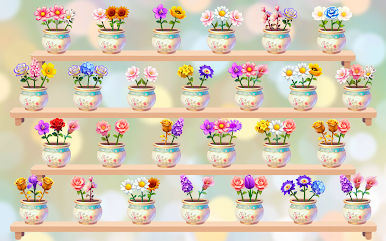
If you’re looking for a calm way to wind down after a long day, Blossom Bliss: Sort&Design might be just the thing. Carefully crafted by SOFISH GAMES, this casual puzzle gem lets you escape into a colorful world full of blooming flowers. It’s all about matching and sorting beautiful blossoms—one soothing level at a time. You can play in short bursts or get lost arranging flowers for much longer, totally at your pace.
Game Features
-
Simple Taps, Gentle Fun
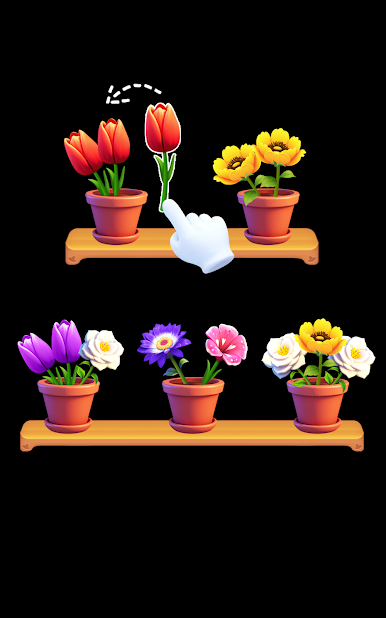
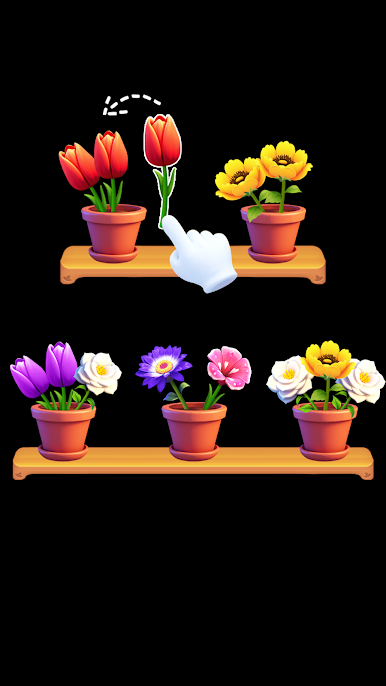
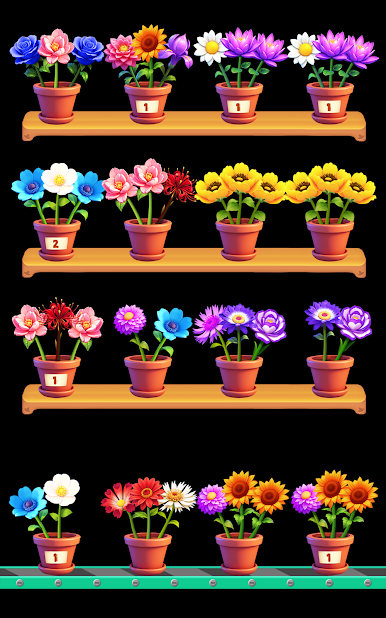
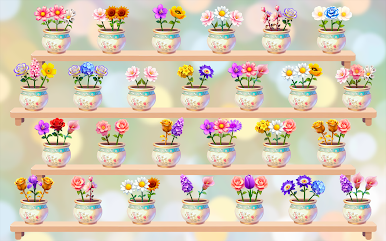
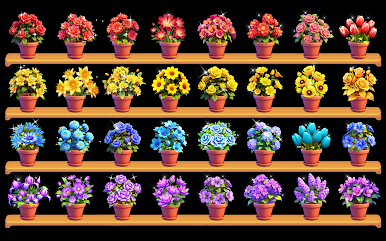
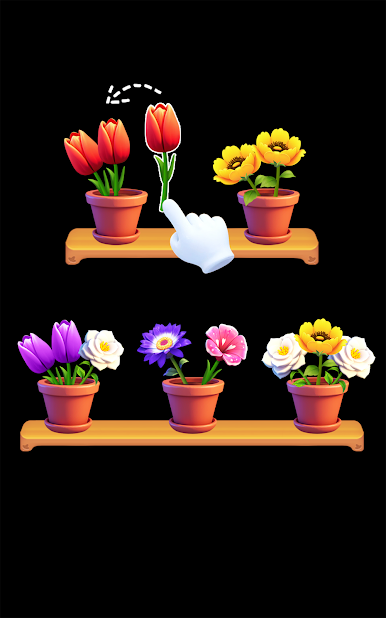
No lengthy tutorials needed here. Just tap and match three identical flowers to watch them burst with color. Whether you’ve got five minutes or an hour, it’s easy to jump right in. -
Eye-Catching Blooms
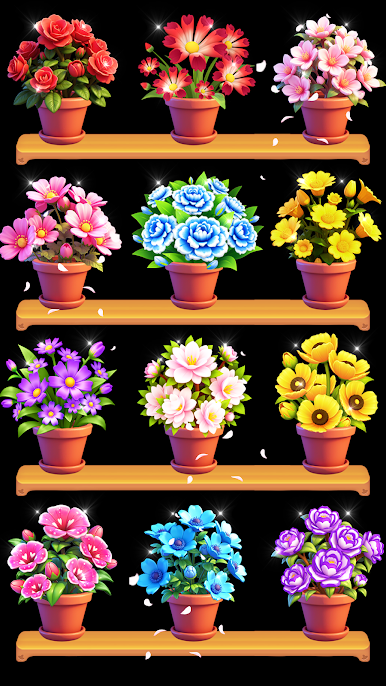
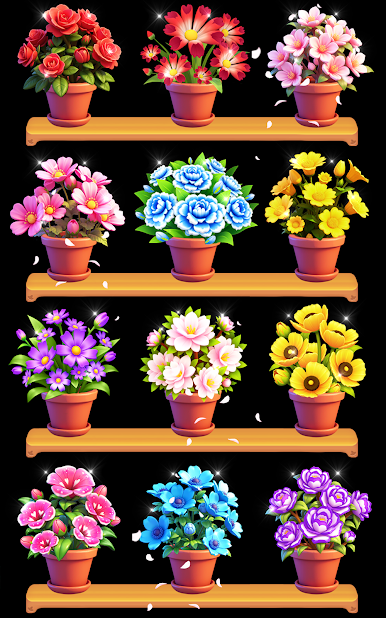
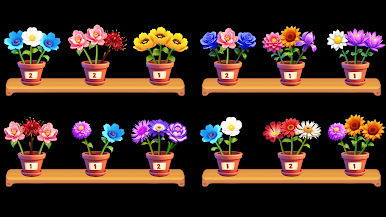
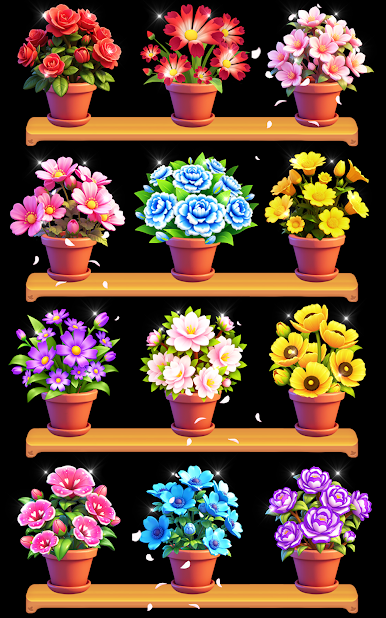
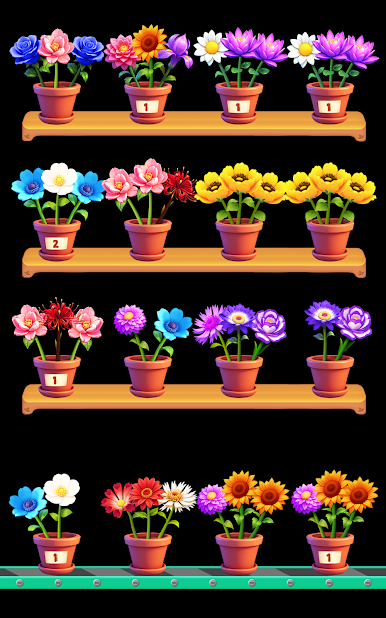
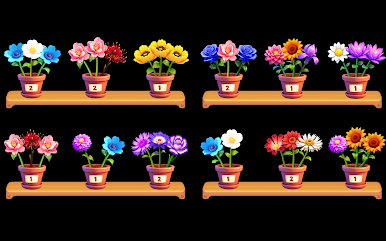
Each flower looks good enough to add to your home. The visuals are vibrant and satisfying—every petal, every arrangement feels like a mini digital bouquet. -
Something New Every Time
From relaxed rounds to trickier challenges, each level throws something fresh your way. As the puzzles get more interesting, you’ll find yourself coming back for “just one more.” -
A Moment to Relax
Get swept up in soothing music and floral visuals. It’s pretty much a mini retreat for your mind, perfect for anyone needing a quick breather. -
Brain Teaser Touch
Matching flowers isn’t just calming—it keeps your mind on its toes. Each new challenge asks you to pay attention, plan ahead, and use a pinch of strategy. -
No Rush, Just Blossoms
Blossom Bliss: Sort&Design is perfect for casual players or anyone who loves flowers and wants to unwind—no time pressure or complicated rules.
Want to see those bouquets bloom nice and big? Try Blossom Bliss: Sort&Design on BlueStacks for a larger view—just a thought!
Slay your opponents with your epic moves. Play it your way on BlueStacks and dominate the battlefield.




Play Blossom Bliss: Sort&Design on PC. It’s easy to get started.
-
Download and install BlueStacks on your PC
-
Complete Google sign-in to access the Play Store, or do it later
-
Look for Blossom Bliss: Sort&Design in the search bar at the top right corner
-
Click to install Blossom Bliss: Sort&Design from the search results
-
Complete Google sign-in (if you skipped step 2) to install Blossom Bliss: Sort&Design
-
Click the Blossom Bliss: Sort&Design icon on the home screen to start playing

