


SoEasy 2248:Number Puzzle 2048
Play on PC with BlueStacks – the Android Gaming Platform, trusted by 500M+ gamers.

Page Modified on: Jun 11, 2026
Play SoEasy 2248:Number Puzzle 2048 on PC
🧩 Level-Based Number Merge Gameplay
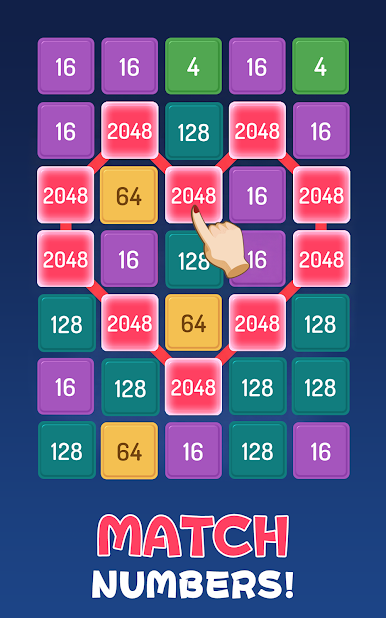
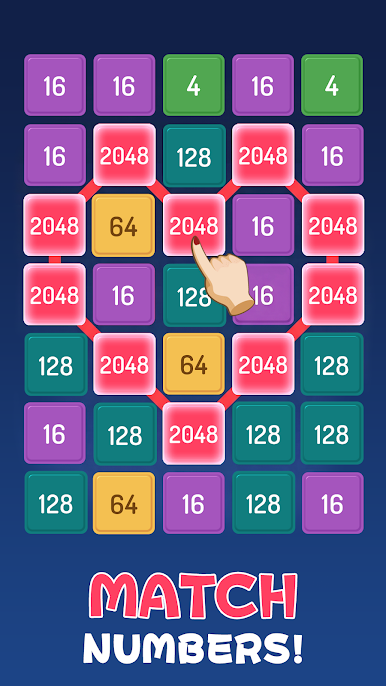
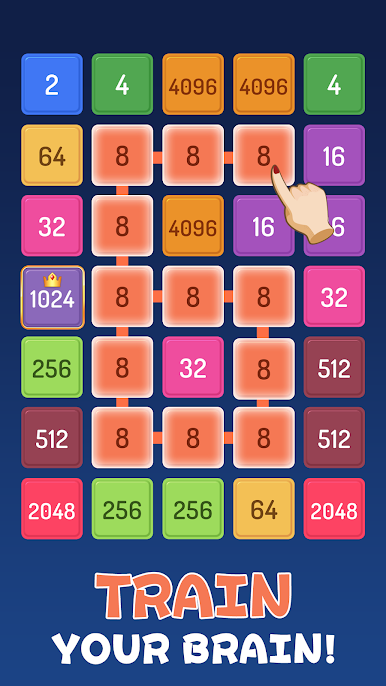
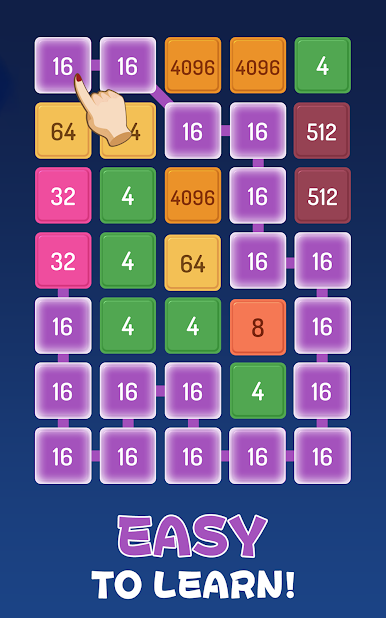
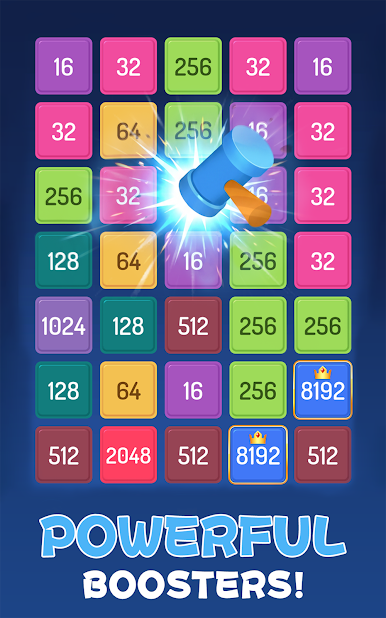
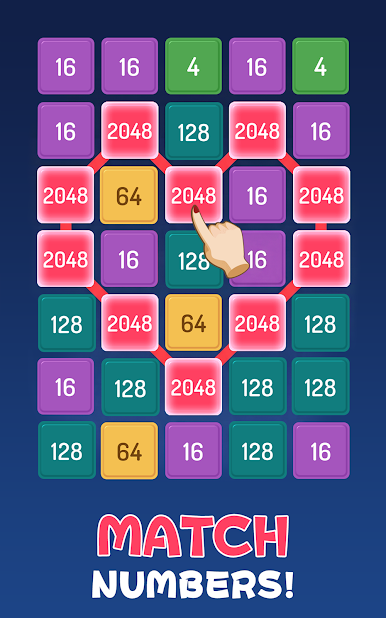
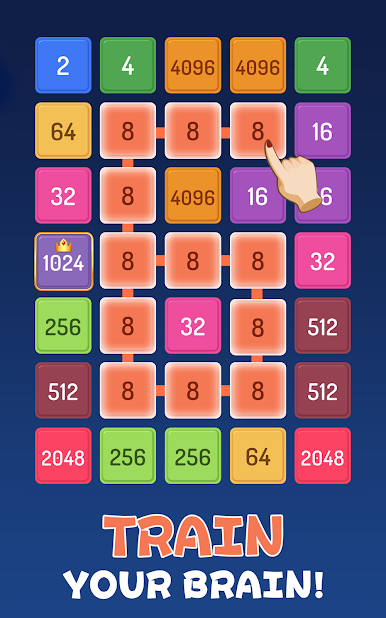
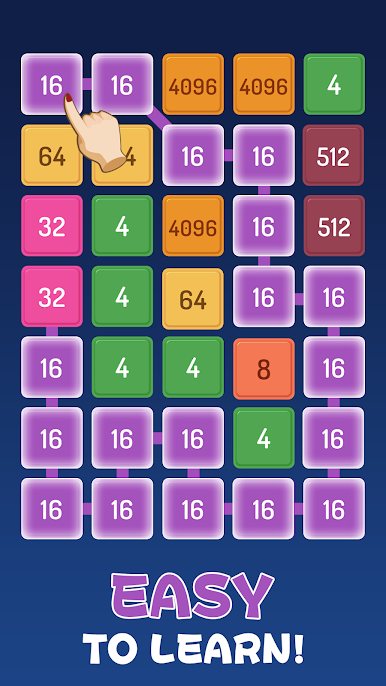
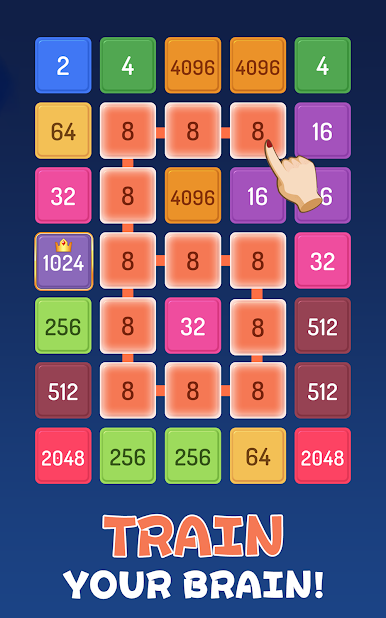
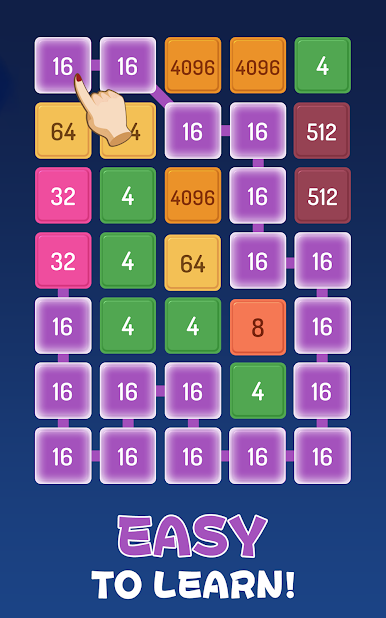
Swipe and merge matching numbers to create higher values.
Each level comes with a clear target score. Once you reach the goal, the level is completed and you move on to the next challenge.
🧠 Relaxing but Strategic Thinking
Easy to play, but requires smart planning.
Manage your moves carefully, avoid filling up the board, and reach the target efficiently.
✨ Satisfying Progression
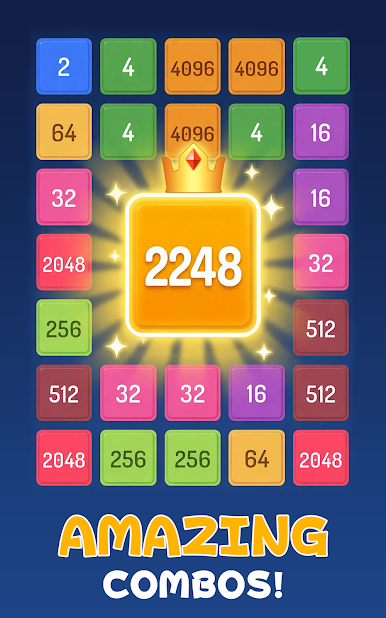
• Merge matching numbers
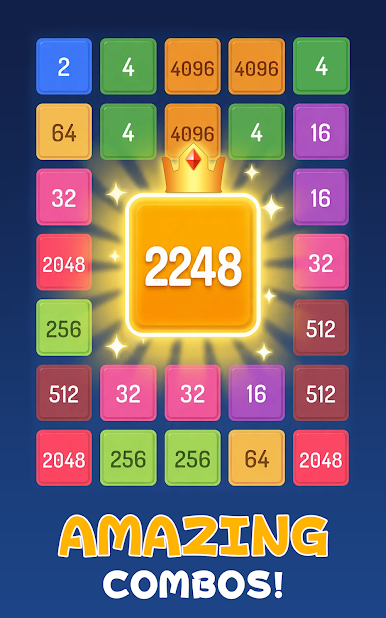
• Create higher value tiles
• Reach target score to clear levels
• Unlock more challenging stages
⏳ Play Anytime, Anywhere
No time limits and no pressure.
Enjoy short sessions or longer relaxing gameplay at your own pace.
🌐 Offline Supported
Play without Wi-Fi or internet connection anytime.
🎮 How to Play
• Swipe to move number tiles
• Merge matching numbers
• Reach the target score for each level
• Complete the stage and progress forward
Play SoEasy 2248:Number Puzzle 2048 on PC. It’s easy to get started.
-
Download and install BlueStacks on your PC
-
Complete Google sign-in to access the Play Store, or do it later
-
Look for SoEasy 2248:Number Puzzle 2048 in the search bar at the top right corner
-
Click to install SoEasy 2248:Number Puzzle 2048 from the search results
-
Complete Google sign-in (if you skipped step 2) to install SoEasy 2248:Number Puzzle 2048
-
Click the SoEasy 2248:Number Puzzle 2048 icon on the home screen to start playing

