


Tile Mahjong Classic
Play on PC with BlueStacks – the Android Gaming Platform, trusted by 500M+ gamers.

Page Modified on: Feb 16, 2026
Play Tile Mahjong Classic on PC
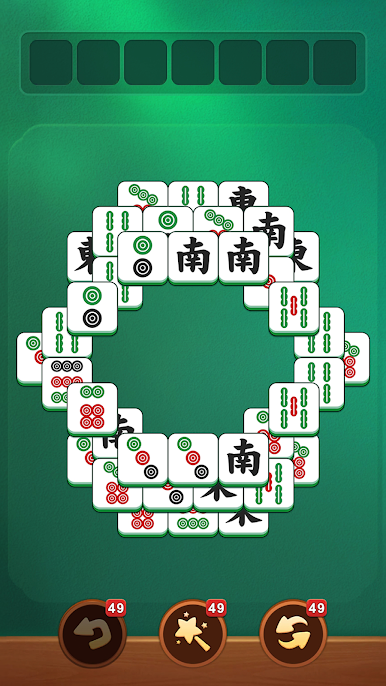
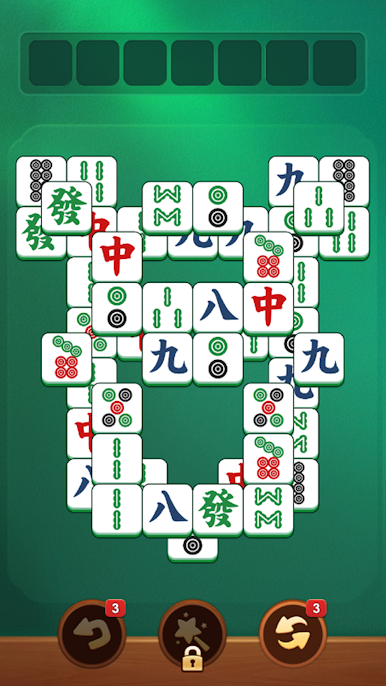
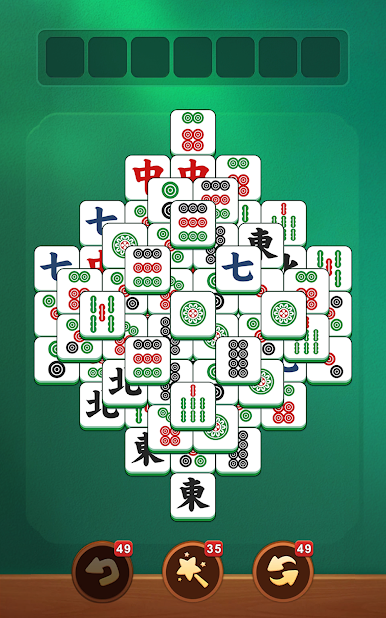
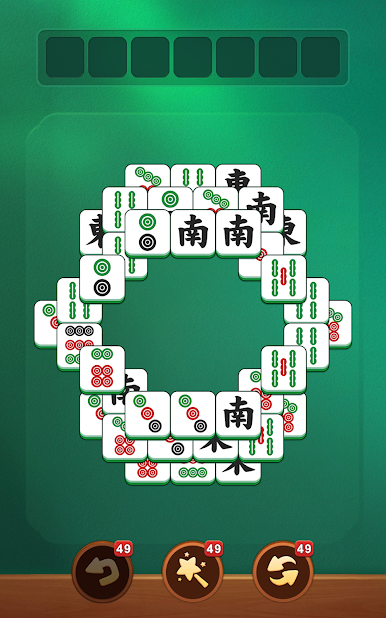
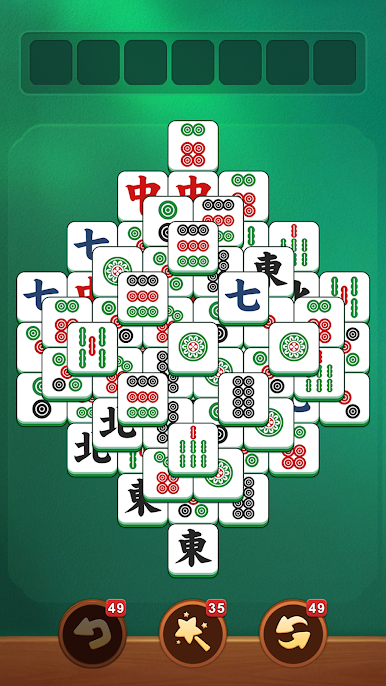
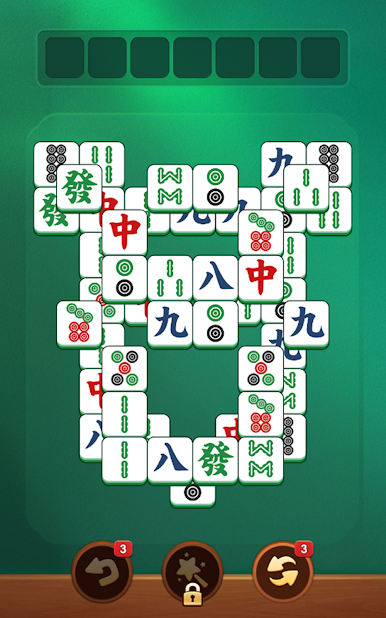
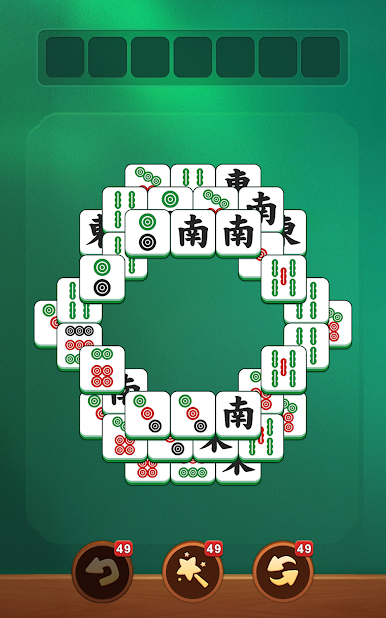
✨ Tile Mahjong Classic invites you into a world of charming boards, satisfying matches, and mini brain challenges. Every move is a gentle mental escape, letting you enjoy calming, rewarding puzzle fun.
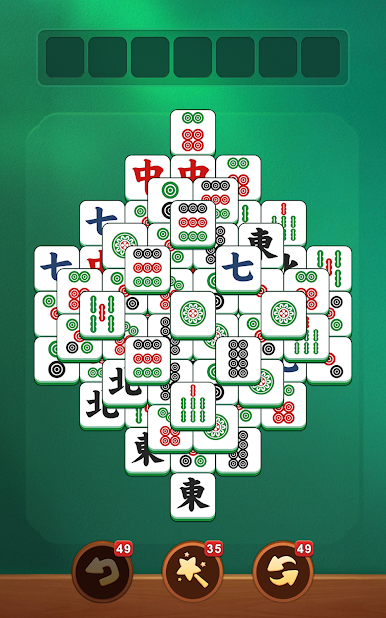
🍓 Enjoy Classic Mahjong 🀄 Tile Matching 🍓
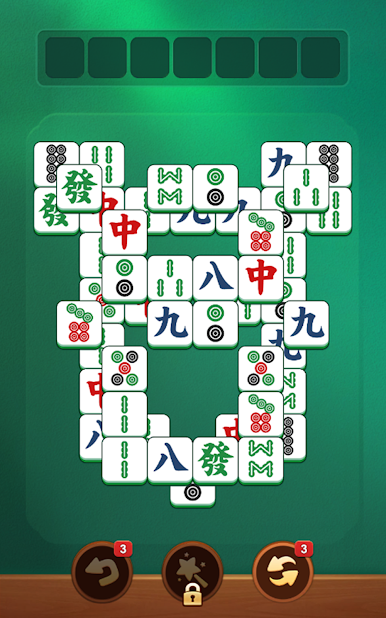
Swap and match Mahjong tiles to clear boards, complete levels, and feel accomplished. Easy to pick up, yet every puzzle gives a strategic twist, making it perfect for relaxing yet engaging play.
🌺 Relax While Sharpening Your Mind 🌺
Every level exercises observation, planning, and pattern recognition. Thoughtful matches lead to perfect clears, providing soothing mental stimulation while keeping your gameplay calm and satisfying.
🍑 Discover Beautiful Mahjong 🀄 Boards 🍑
From tranquil bamboo gardens to serene tea rooms, each board is a mini escape. Enjoy vivid visuals, colorful tiles, and peaceful scenery as you match and clear. Every level brings a new experience for your mind and eyes.
🌼 Hundreds of Levels, Endless Relaxing Fun 🌼
Designed for fans of Mahjong 🀄 tile puzzles, levels range from easy, calming matches to slightly challenging brain teasers. Whether you play for minutes or hours, every match delivers achievement, satisfaction, and stress relief.
🌸 Daily Challenges and Rewards 🌸
Complete daily puzzles, collect special Mahjong 🀄 tiles, and enjoy mini achievements. Keep your mind active while experiencing relaxing, satisfying puzzle progress.
🍊 Updates and New Features Coming Soon 🍊
New boards, Mahjong 🀄 tile designs, and puzzles will be added regularly, keeping your tile adventure fresh and exciting. Share your feedback to help shape the ultimate Mahjong tile experience!
Download now and start your soothing Mahjong 🀄 tile journey today! 🀄💠
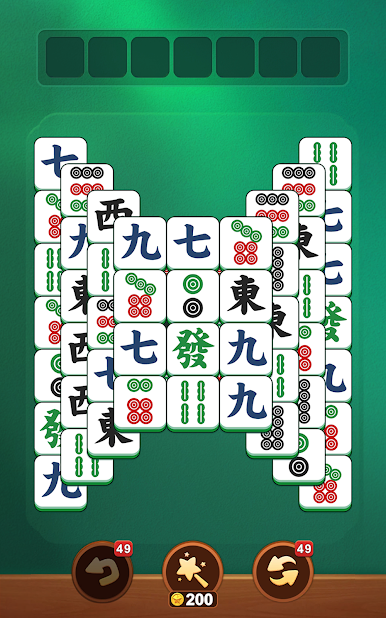
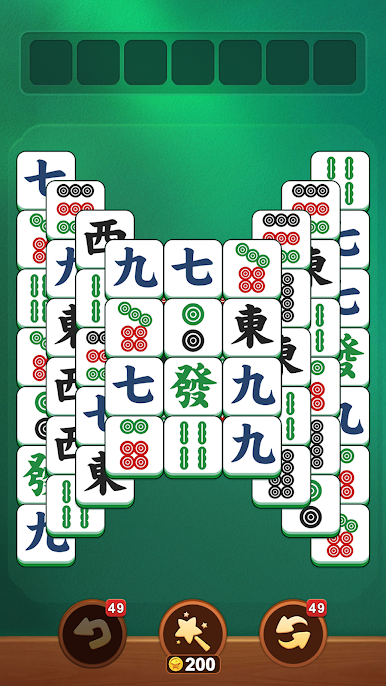
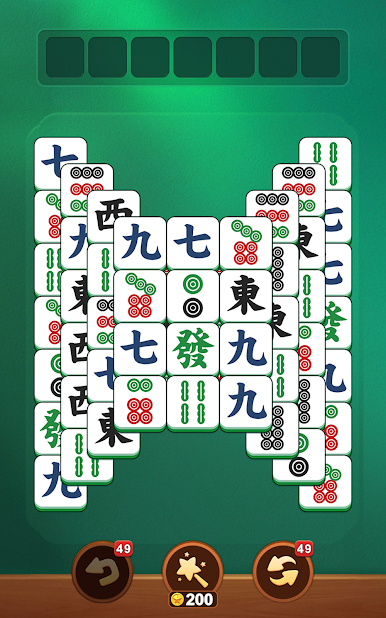
Play Tile Mahjong Classic on PC. It’s easy to get started.
-
Download and install BlueStacks on your PC
-
Complete Google sign-in to access the Play Store, or do it later
-
Look for Tile Mahjong Classic in the search bar at the top right corner
-
Click to install Tile Mahjong Classic from the search results
-
Complete Google sign-in (if you skipped step 2) to install Tile Mahjong Classic
-
Click the Tile Mahjong Classic icon on the home screen to start playing

