


SoPure Mahjong: Tile Match
Play on PC with BlueStacks – the Android Gaming Platform, trusted by 500M+ gamers.

Page Modified on: Apr 24, 2026
Play SoPure Mahjong: Tile Match on PC
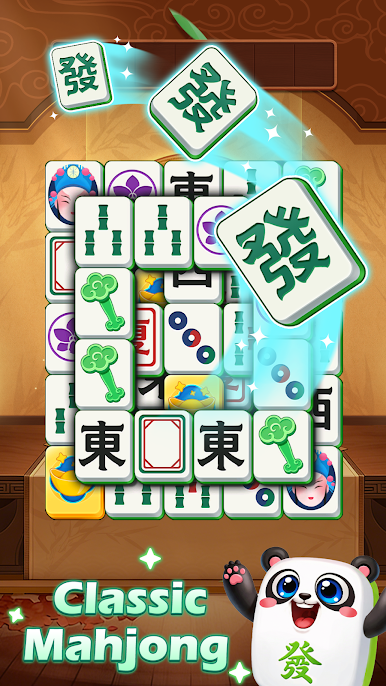
If you love classic mahjong but crave a modern triple match twist, SoPure Mahjong is your perfect sanctuary. Whether you have 5 minutes or an hour, our tile puzzle helps you refocus and relax.
🎮 Smooth Triple Tile Matching
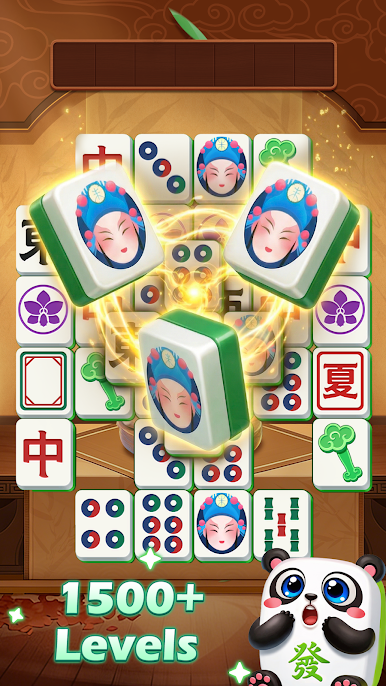
Experience pure, satisfying gameplay that’s easy to learn but deeply relaxing to master. Match 3 identical tiles to clear layered boards. Every tap is smooth, and every level is a stress-free challenge designed for comfort.
🏺 Build Your Treasure Gallery
Every win rewards your curiosity. Unlock beautiful, high-definition collectibles and build a unique personal gallery. This rewarding collection system makes every match feel like a step toward a grander discovery.
🌿 Designed for Adults & Seniors
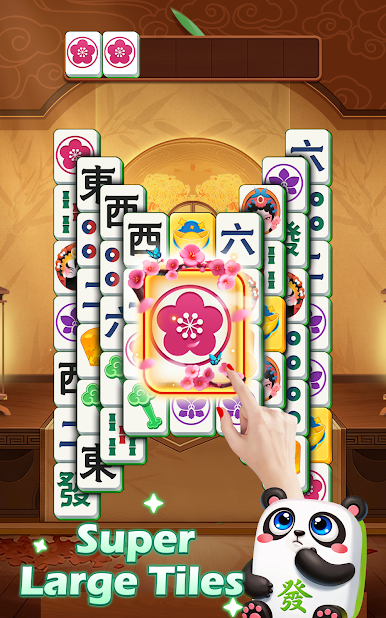
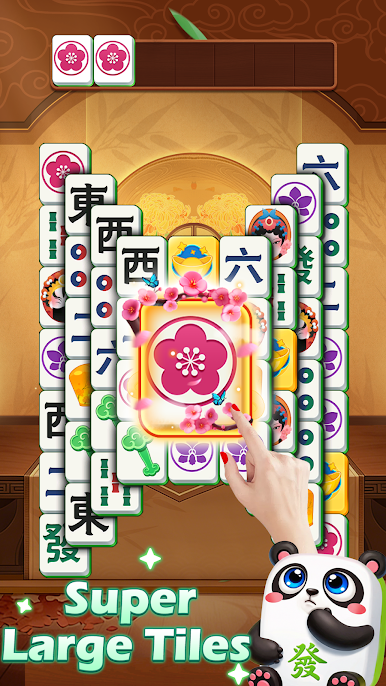
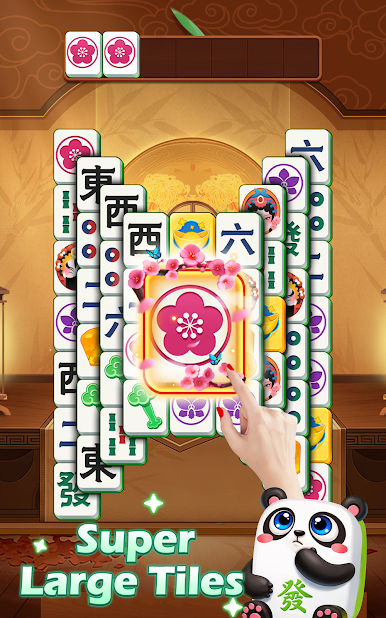
We prioritize your comfort. With large, easy-to-read tiles, clean visuals, and a gentle pace, SoPure Mahjong is the ideal brain training tool for those who prefer a calm, pressure-free gaming environment. No flashing lights, no frantic timers.
🌸 A World of Tranquility
Explore peaceful gardens and classical halls inspired by traditional aesthetics. The soft visuals and ambient atmosphere make this more than just a game—it’s a daily ritual for mental clarity.
🚀 Play Anywhere — No Wi-Fi Needed
Take your Zen garden with you. As a fully functional offline puzzle game, you can enjoy mahjong matching on a plane, in a waiting room, or anywhere you need a quiet break.
⭐ Why You’ll Love SoPure Mahjong:
• Zen Gameplay: Pure triple match mechanics without the stress.
• Collect & Unlock: Discover exquisite cultural treasures.
• Senior Friendly: High-contrast, large tiles and intuitive UI.
• Offline Mode: Play 100% without internet.
• Brain Training: Sharpen your spatial logic gently.
Download SoPure Mahjong: Tile Match today and start your journey to a calmer, sharper mind. 🀄✨










Play SoPure Mahjong: Tile Match on PC. It’s easy to get started.
-
Download and install BlueStacks on your PC
-
Complete Google sign-in to access the Play Store, or do it later
-
Look for SoPure Mahjong: Tile Match in the search bar at the top right corner
-
Click to install SoPure Mahjong: Tile Match from the search results
-
Complete Google sign-in (if you skipped step 2) to install SoPure Mahjong: Tile Match
-
Click the SoPure Mahjong: Tile Match icon on the home screen to start playing

