


Tile Land: Triple Match
Play on PC with BlueStacks – the Android Gaming Platform, trusted by 500M+ gamers.

Page Modified on: Jun 2, 2026
Play Tile Land: Triple Match on PC or Mac
Join millions to experience Tile Land: Triple Match, an exciting Casual game from SOHI GAMES. With BlueStacks App Player, you are always a step ahead of your opponent, ready to outplay them with faster gameplay and better control with the mouse and keyboard on your PC or Mac.
About the Game
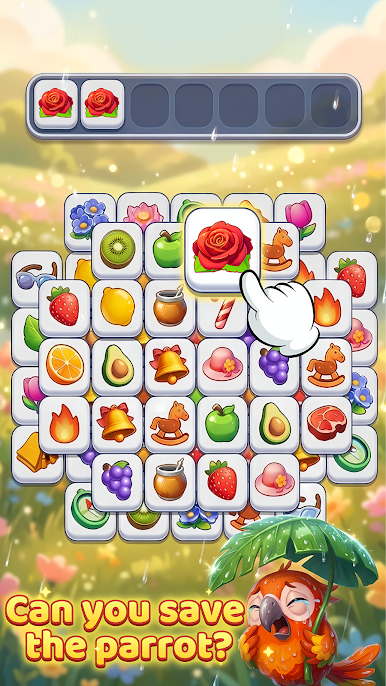
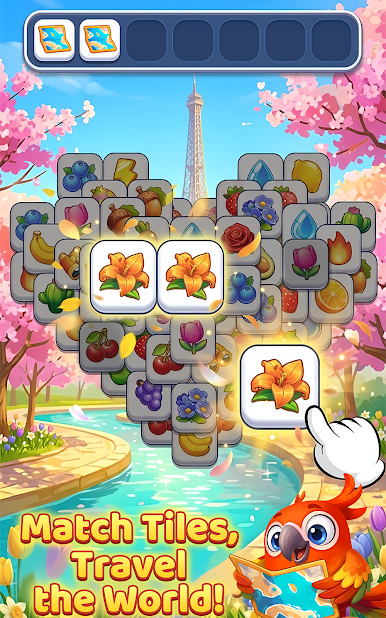
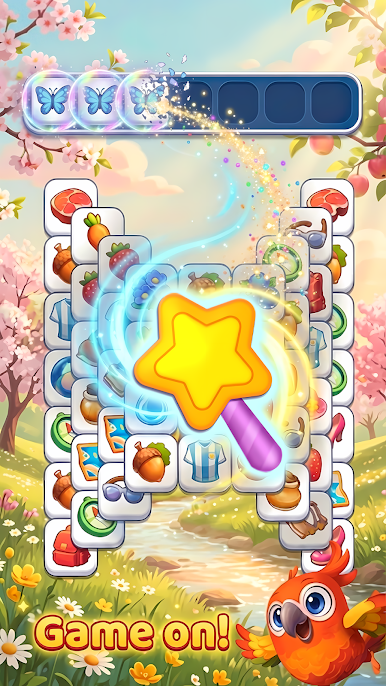
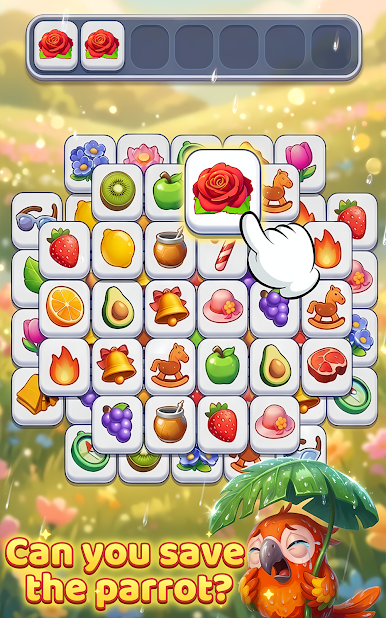
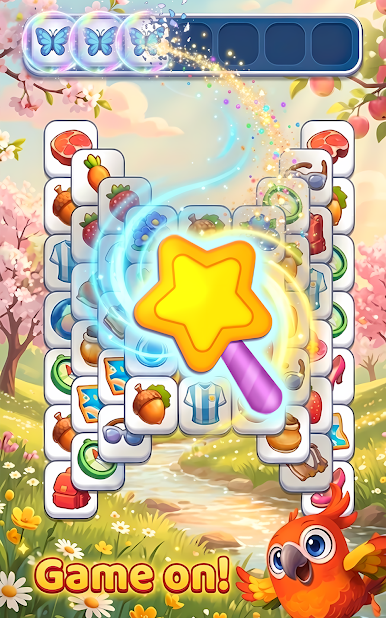
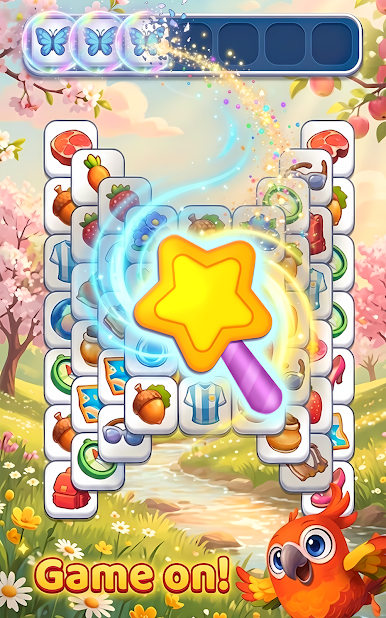
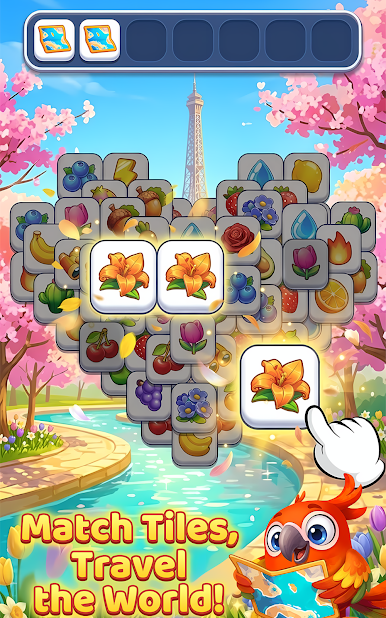
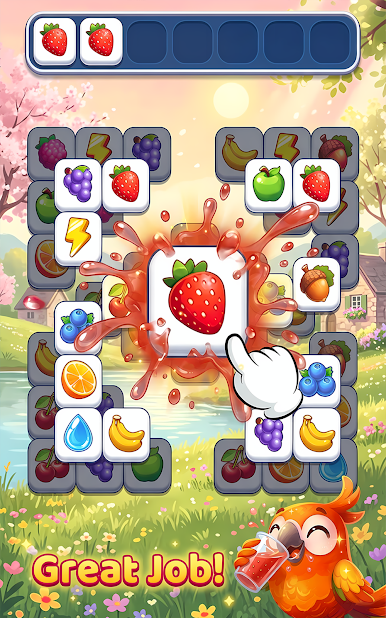
Tile Land: Triple Match is a cozy Casual puzzler where matching tiles feels calm, colorful, and oddly satisfying. You collect trios, clear the board, and slowly reveal postcard-worthy scenes that live in your own in-game gallery. It’s light, thoughtful, and made for quiet breaks—crafted by SOHI GAMES for anyone who likes their puzzles relaxed but rewarding.
Game Features
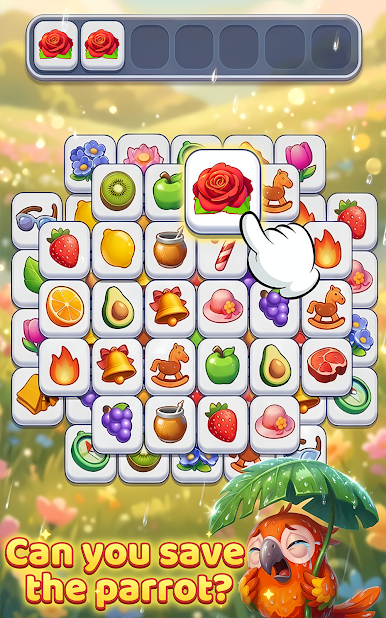
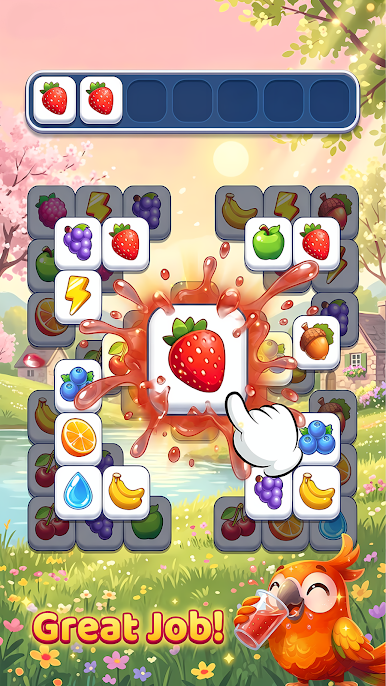
- Triple-Match Made Easy: Tap tiles to gather sets of three and tidy the board. It’s quick to grasp, smooth to play, and perfect when you’ve got a few spare minutes.
- A Gallery You Can Proudly Revisit: Complete levels to uncover scenic images inspired by famous places and peaceful landscapes. Every picture you reveal is saved, so you can flip through your collection anytime.
- Calm First, Challenge Second: No rush, no noise—just steady, mindful play. The design encourages focus, observation, and a bit of planning without piling on pressure.
- A Friendly Parrot Buddy: A cheerful cartoon parrot tags along during your journey, with soft colors and cozy animations that make each session feel welcoming.
- Handcrafted Variety: Enjoy hundreds of thoughtfully built stages—from breezy boards to puzzles that ask you to think a step ahead—so progress feels pleasant, not punishing.
- Daily Moments That Add Up: Pop in for quick daily puzzles and light rewards that fit neatly into your routine. Miss a day? No stress.
- Fresh Stuff on the Way: Expect new scenes, tile sets, and additional levels to keep things feeling new over time.
- Play How You Like: Great for short sessions or a longer unwind—and it plays nicely on BlueStacks if you prefer matching tiles on a bigger screen.
Make your gaming sessions memorable with precise controls that give you an edge in close combats and visuals that pop up, bringing every character to life.



Play Tile Land: Triple Match on PC. It’s easy to get started.
-
Download and install BlueStacks on your PC
-
Complete Google sign-in to access the Play Store, or do it later
-
Look for Tile Land: Triple Match in the search bar at the top right corner
-
Click to install Tile Land: Triple Match from the search results
-
Complete Google sign-in (if you skipped step 2) to install Tile Land: Triple Match
-
Click the Tile Land: Triple Match icon on the home screen to start playing

