


台灣麻將 - 單機版
Play on PC with BlueStacks – the Android Gaming Platform, trusted by 500M+ gamers.

Page Modified on: Oct 8, 2025
Play 台灣麻將 - 單機版 on PC
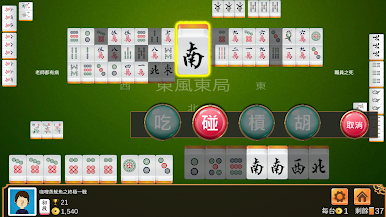
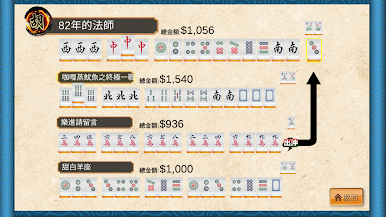
★ Authentic Taiwan Mahjong - 16 Mahjong
★ Totally free!
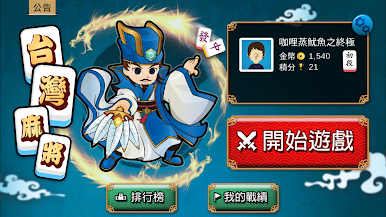
★ Real-time leaderboard, compare with global players
★ Comparable to real computer intelligence, absolutely fair, no cheating
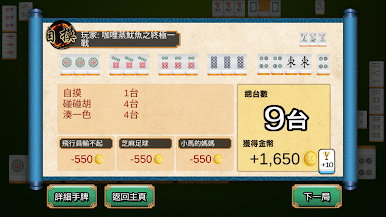
★ Record personal records, check the times of eating paste/self-touching at any time
★ The sparrow is continuously updated and more functions will be added. The company has another 13 Guangdong Hong Kong sparrows
★ Stand-alone version
--------------------------------
Your comments are very important for us to update and improve the game!
If you have any problems with the program, or have some comments on the game, please report to support+mjtwand@sohomob.com (please include the model number and Android Version)
Become a Facebook fan now!
https://www.facebook.com/pages/SohoMob/199496160073425
Follow us on Twitter:
http://twitter.com/sohomob
URL:
http://www.sohomob.com

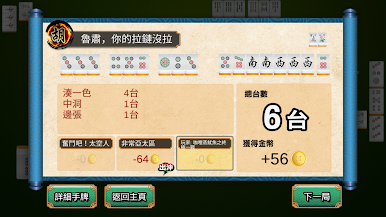
Play 台灣麻將 - 單機版 on PC. It’s easy to get started.
-
Download and install BlueStacks on your PC
-
Complete Google sign-in to access the Play Store, or do it later
-
Look for 台灣麻將 - 單機版 in the search bar at the top right corner
-
Click to install 台灣麻將 - 單機版 from the search results
-
Complete Google sign-in (if you skipped step 2) to install 台灣麻將 - 單機版
-
Click the 台灣麻將 - 單機版 icon on the home screen to start playing

