


Solitaire:Classic Deluxe Cards
Play on PC with BlueStacks – the Android Gaming Platform, trusted by 500M+ gamers.

Page Modified on: Jan 28, 2026
Main Solitaire:Classic Deluxe Cards on PC
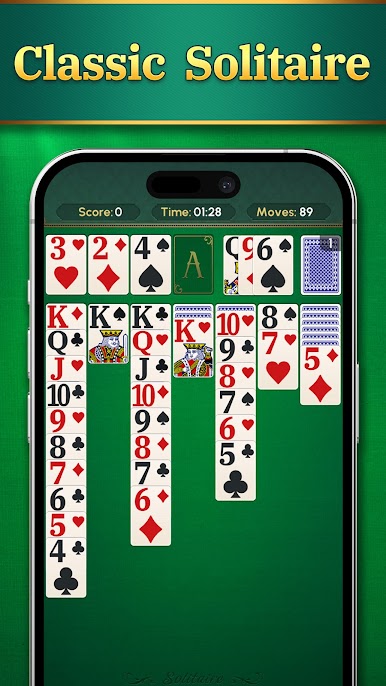
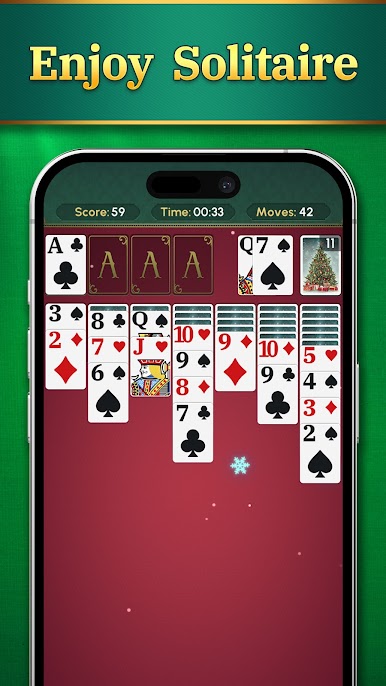
If you love classic Solitaire, this game is perfect for you! We’ve combined timeless gameplay with modern features for a smooth, beautiful, and rewarding experience.
Why You’ll Love This Solitaire Game:
1.Big and Clear Cards: Large fonts make every card easy to read for a relaxing play session.
2.Smooth Gameplay: Enjoy fast, fluid moves and intuitive controls.
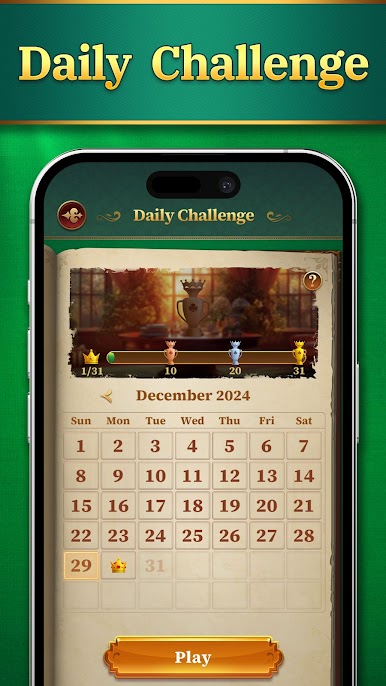
3.Daily Challenges: Play a new challenge every day, test your skills, and collect trophies as rewards.
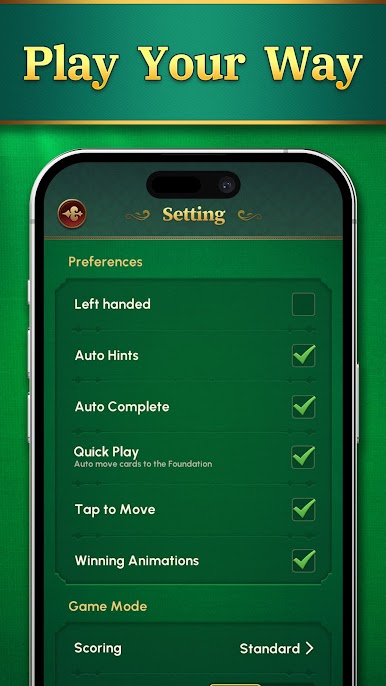
4.Customizable Themes: Personalize your game with stunning card faces, card backs, and unique backgrounds.
5.Exciting Future Events: New events and rewards are coming soon to satisfy your collection goals!
Whether you’re relaxing at home, passing the time, or testing your mind, this Solitaire game has everything you need. Complete daily challenges, customize your play style, and enjoy endless hours of fun!
Download now and make Solitaire your daily habit!


Play Solitaire:Classic Deluxe Cards on PC. It’s easy to get started.
-
Download and install BlueStacks on your PC
-
Complete Google sign-in to access the Play Store, or do it later
-
Look for Solitaire:Classic Deluxe Cards in the search bar at the top right corner
-
Click to install Solitaire:Classic Deluxe Cards from the search results
-
Complete Google sign-in (if you skipped step 2) to install Solitaire:Classic Deluxe Cards
-
Click the Solitaire:Classic Deluxe Cards icon on the home screen to start playing

