


Solitaire, Classic Card Game
Play on PC with BlueStacks – the Android Gaming Platform, trusted by 500M+ gamers.

Page Modified on: May 27, 2026
Play Solitaire, Classic Card Game on PC
Key Features:
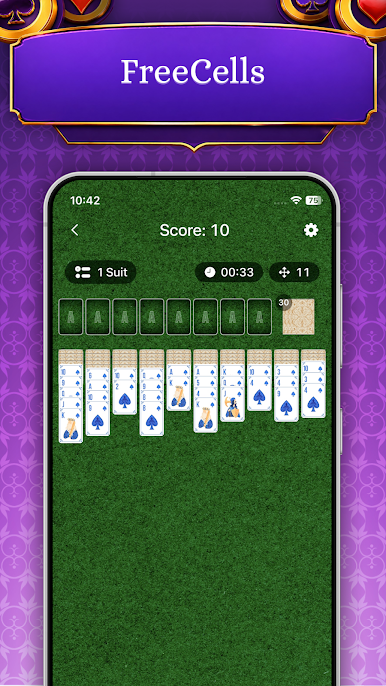
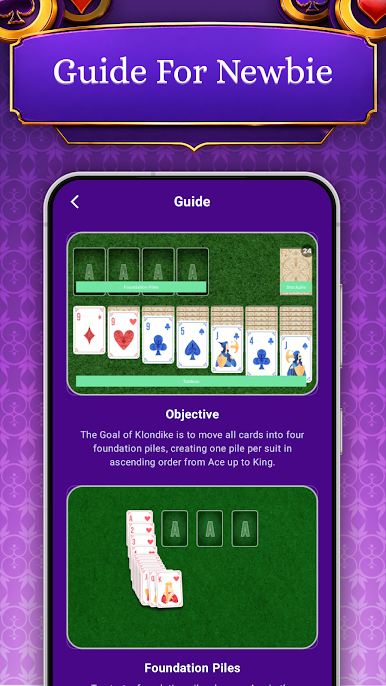
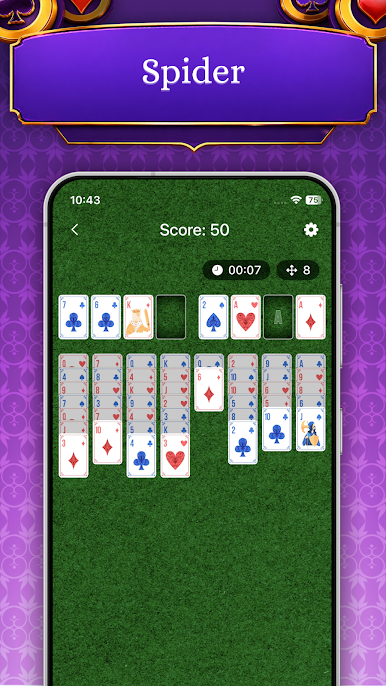
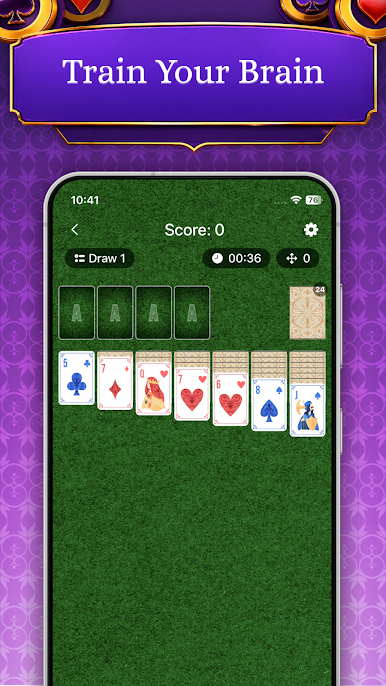
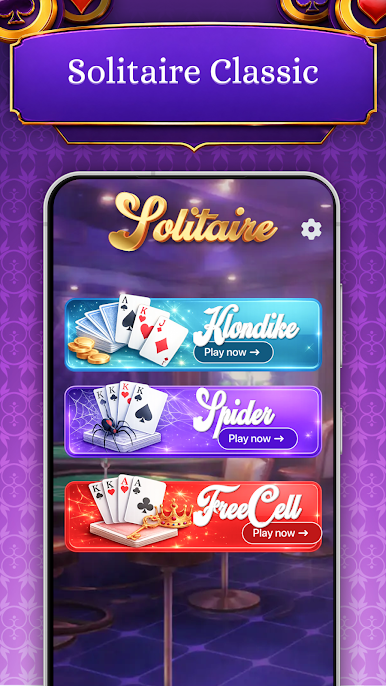
- Play 3 classic solitaire modes in one app: Klondike, Spider, and FreeCell from easy gameplay to strategic challenges. Enjoy relaxation with classic card styles designed for entertainment in your free time.
- Simplified play: These tools help you navigate difficult positions and learn the card rules more quickly.
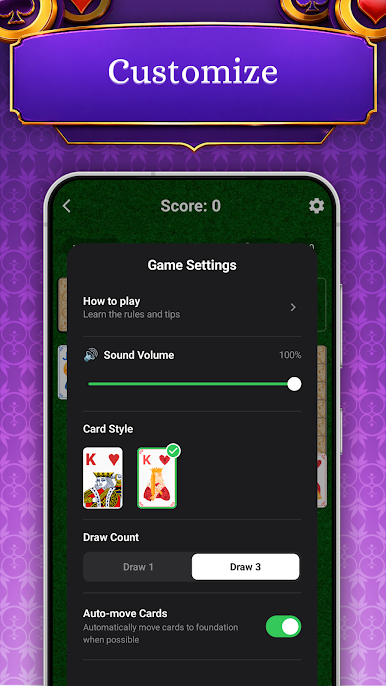
- Easy Movement: Move cards by dragging them or simply tapping to auto move.
- User friendly interface designed.
Disclaimer:
This application is intended for entertainment purposes only. It focuses entirely on strategy and skill improvement, containing no real-money gambling or financial rewards.
Join the community of classic card enthusiasts and start your Solitaire journey today!
Play Solitaire, Classic Card Game on PC. It’s easy to get started.
-
Download and install BlueStacks on your PC
-
Complete Google sign-in to access the Play Store, or do it later
-
Look for Solitaire, Classic Card Game in the search bar at the top right corner
-
Click to install Solitaire, Classic Card Game from the search results
-
Complete Google sign-in (if you skipped step 2) to install Solitaire, Classic Card Game
-
Click the Solitaire, Classic Card Game icon on the home screen to start playing

