


Daily Classic Solitaire
Play on PC with BlueStacks – the Android Gaming Platform, trusted by 500M+ gamers.

Page Modified on: Feb 11, 2026
Overview
A classic card game with adaptive difficulty, suitable for players of all skill levels
✨ Core Highlights:
• Intelligent difficulty adjustment: Automatically adjust the difficulty based on your game • performance, both challenging and enjoyable.
• Classic gameplay: Classic card gameplay, never outdated.
• Smooth operating experience: Optimized the feel of card dragging, bidding farewell to tradition, our game is full of creativity.
• Convenient Launcher feature: If default home screen permissions are granted, you can immediately enter the game by right clicking or clicking on quick items on the screen. Your screen may change, but rest assured that the original application is still usable. For more usage details, please click on this link to learn: https://aemoderngame.com/product.html#FAQ -Apps
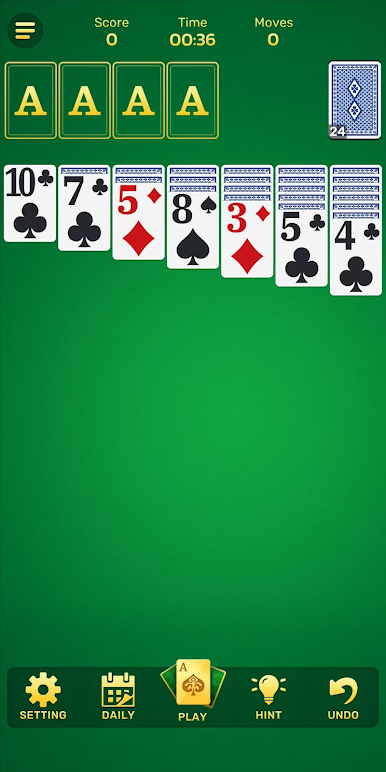
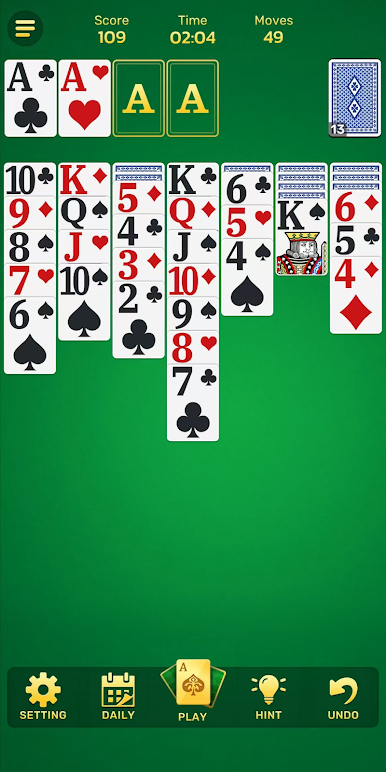
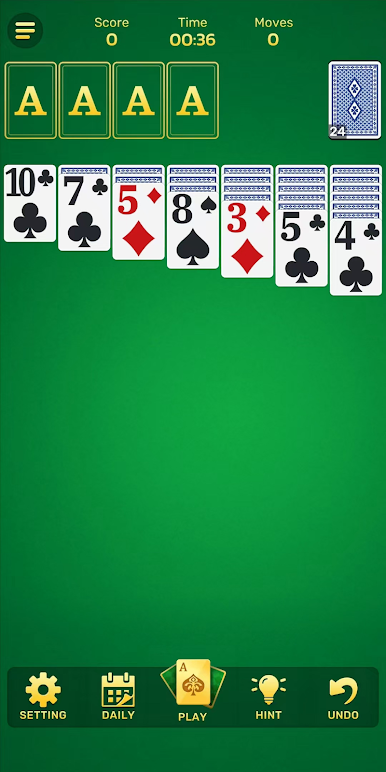
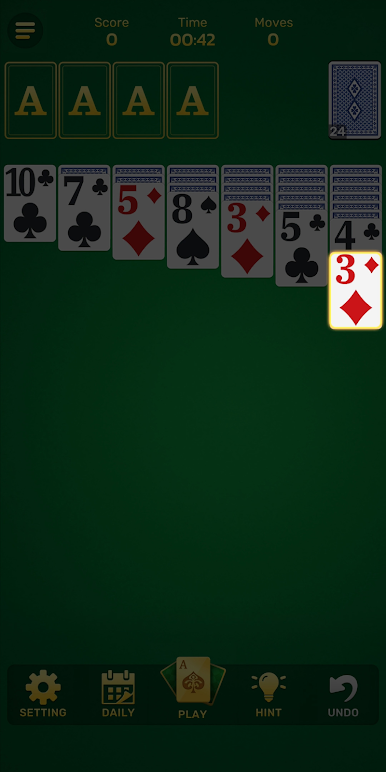
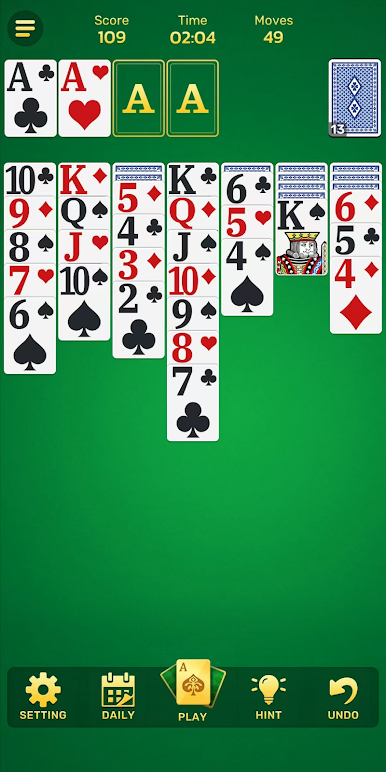
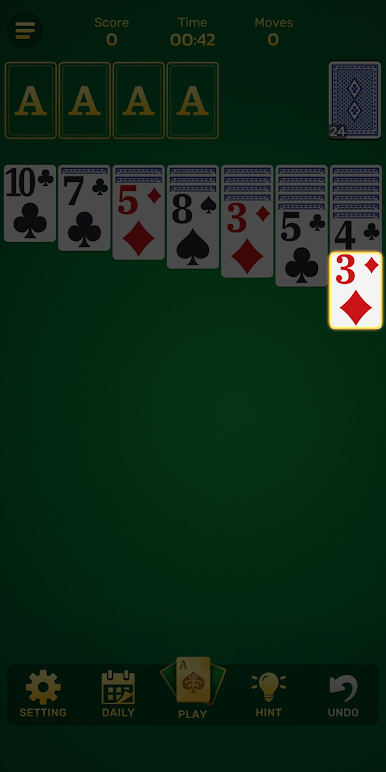
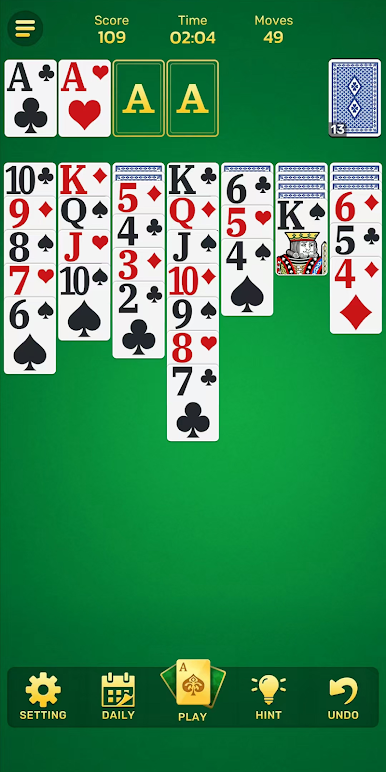
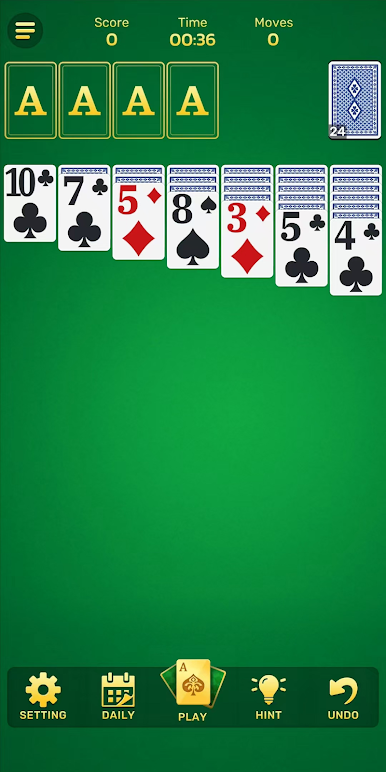
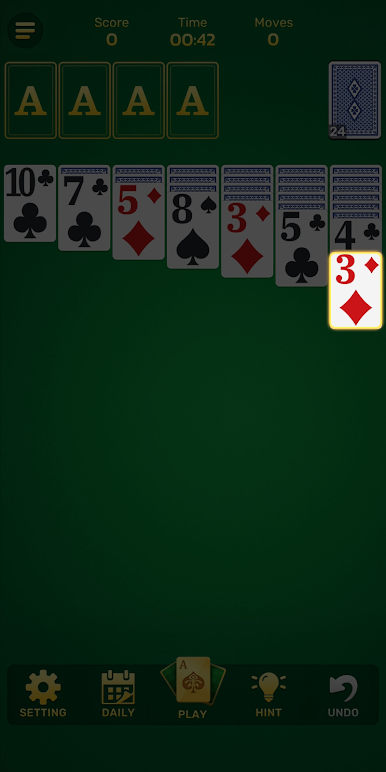
Play Daily Classic Solitaire on PC. It’s easy to get started.
-
Download and install BlueStacks on your PC
-
Complete Google sign-in to access the Play Store, or do it later
-
Look for Daily Classic Solitaire in the search bar at the top right corner
-
Click to install Daily Classic Solitaire from the search results
-
Complete Google sign-in (if you skipped step 2) to install Daily Classic Solitaire
-
Click the Daily Classic Solitaire icon on the home screen to start playing

