


Carnival Tycoon: Coin Games
Play on PC with BlueStacks – the Android Gaming Platform, trusted by 500M+ gamers.

Page Modified on: Mar 25, 2026
Main Carnival Tycoon: Coin Games on PC
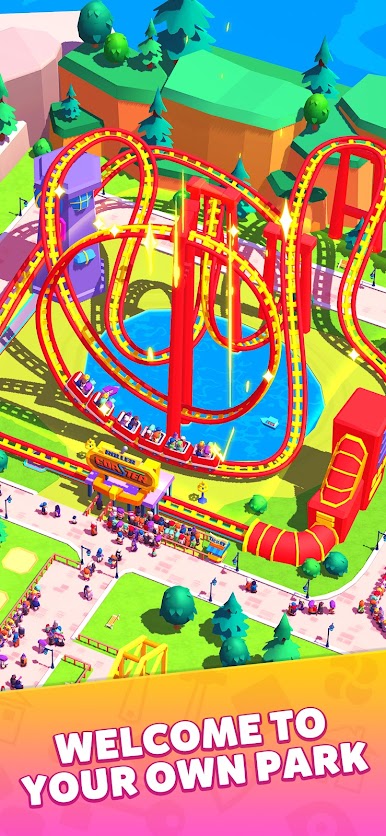
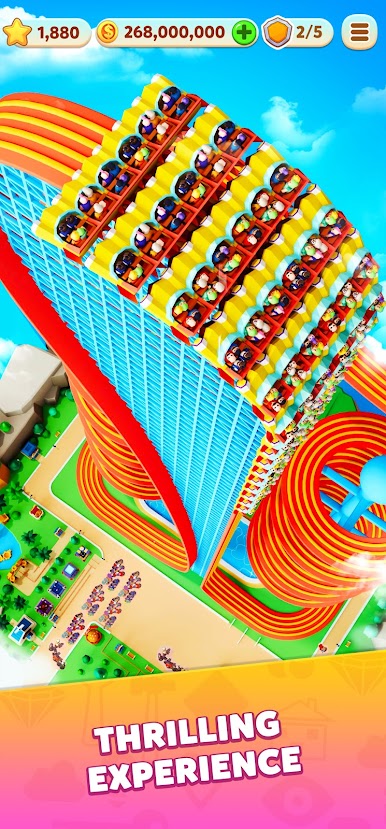
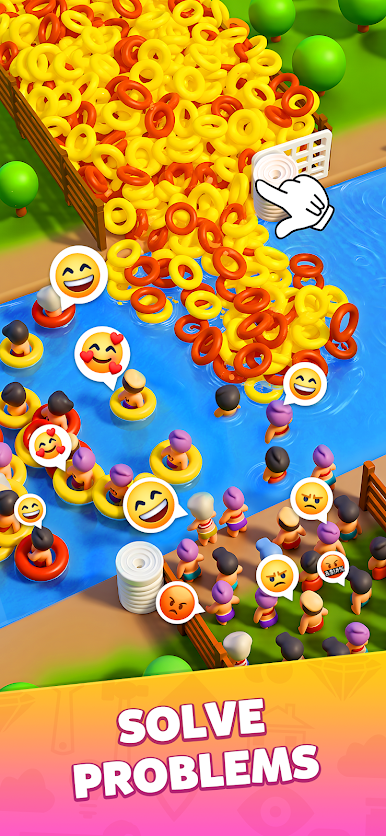
Carnival Tycoon - an idle simulation game that you can play together with friends. In this idle game, you start with a small theme park where visitors can ride roller coasters and Ferris wheels. To build the most interesting theme park in the world, you unlock and upgrade more rides, strive to manage and expand the scale of the park. With hard work and dedication, you make it and become a true tycoon!
Features:
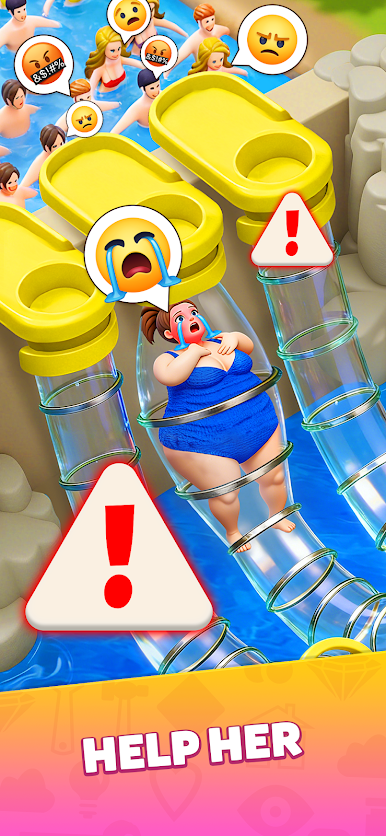
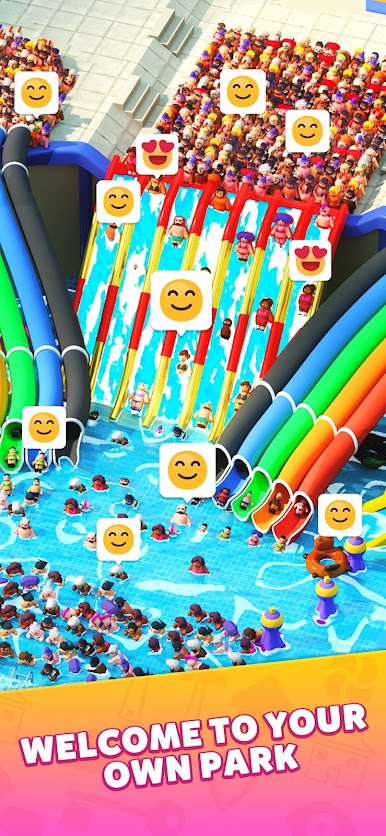
Manage a theme park: Build more creatively designed rides to attract visitors to your park. To provide them with a more comfortable and enjoyable experience, continuously upgrade and renovate the rides, add more seats, and improve the efficiency of the rides.
Simple and Easy: Upgrading a large-scale ride can be done with just a few taps of your finger. This is the charm of idle simulation games. Becoming a tycoon is actually not that difficult!
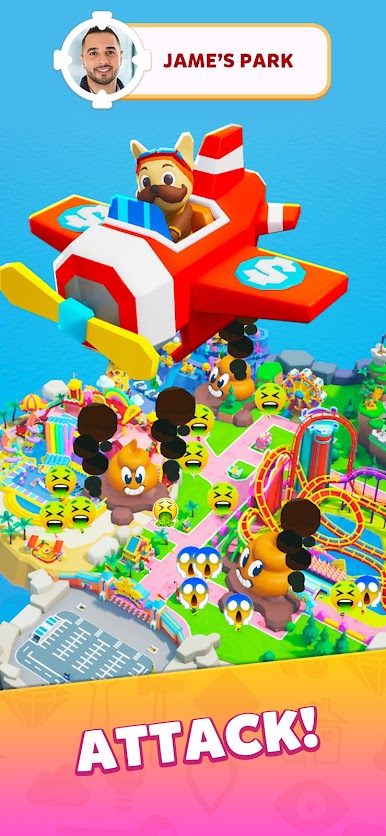
Earning Coins: You can generate income and earn coins even when you are away. You can also hire secret agent dogs to steal coins from your competitors. After earning more coins, you can expand your business. There is more than one way to get rich.
Friends Club: You are not fighting alone. Find like-minded friends and invite them to join Carnival Tycoon as a team, and together build the most interesting and spectacular theme park in the world.
Island Adventures: In Carnival Tycoon, there are not only different rides but also different themed islands. As the park upgrades and expands, themed islands are continuously unlocked, and you can also obtain more revenue.
Call up a few good friends, enjoy the sense of accomplishment from building, immerse yourself in the joy of making money, join Carnival Tycoon, and experience the addictive idle simulation game!


Play Carnival Tycoon: Coin Games on PC. It’s easy to get started.
-
Download and install BlueStacks on your PC
-
Complete Google sign-in to access the Play Store, or do it later
-
Look for Carnival Tycoon: Coin Games in the search bar at the top right corner
-
Click to install Carnival Tycoon: Coin Games from the search results
-
Complete Google sign-in (if you skipped step 2) to install Carnival Tycoon: Coin Games
-
Click the Carnival Tycoon: Coin Games icon on the home screen to start playing

