


Classic Solitaire: Regal Card
Play on PC with BlueStacks – the Android Gaming Platform, trusted by 500M+ gamers.

Page Modified on: Dec 31, 2025
Main Classic Solitaire: Regal Card on PC
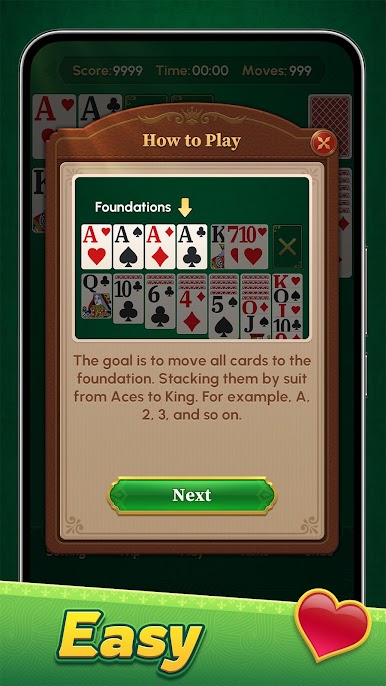
In *Classic Solitaire: Regal Card*, you can enjoy:
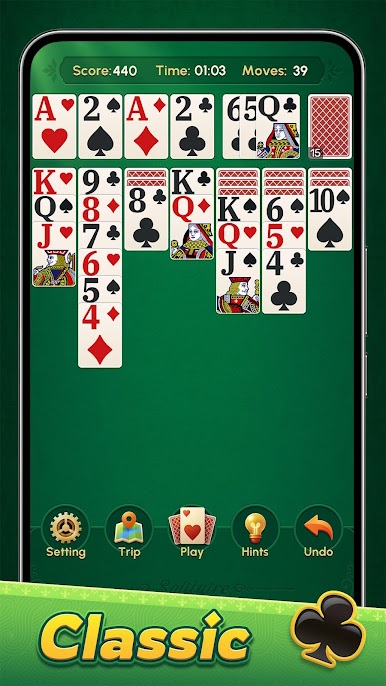
1. The classic solitaire look, with larger fonts for an effortless card-playing experience.
2. Convenient tap-to-move feature—playing cards has never been this relaxing.
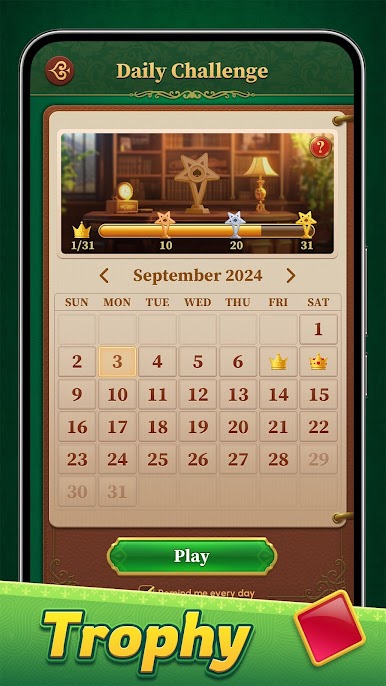
3. Daily Challenges in addition to regular gameplay—how many trophies can you collect? Give it a try!
4. Gameplay that caters to both seasoned solitaire players and newcomers, offering a perfect balance of challenge and relaxation with every hand.
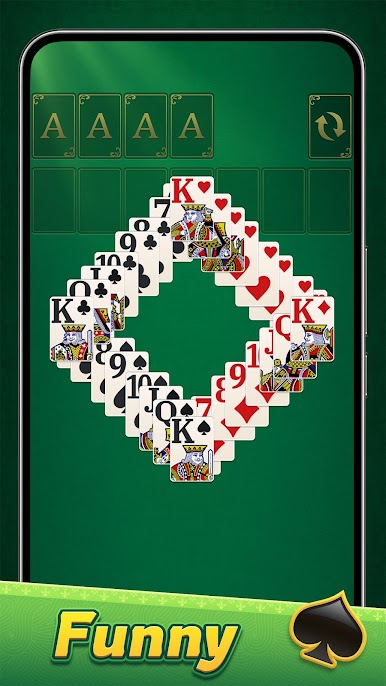
5. Customizable themes and card designs, each meticulously crafted to provide a visually delightful experience.
Download Classic Solitaire: Regal Card now, where every move is a regal touch and every challenge is your opportunity to shine.

Play Classic Solitaire: Regal Card on PC. It’s easy to get started.
-
Download and install BlueStacks on your PC
-
Complete Google sign-in to access the Play Store, or do it later
-
Look for Classic Solitaire: Regal Card in the search bar at the top right corner
-
Click to install Classic Solitaire: Regal Card from the search results
-
Complete Google sign-in (if you skipped step 2) to install Classic Solitaire: Regal Card
-
Click the Classic Solitaire: Regal Card icon on the home screen to start playing

