


STILE Path Puzzle
Play on PC with BlueStacks – the Android Gaming Platform, trusted by 500M+ gamers.

Page Modified on: Sep 12, 2026
Play STILE Path Puzzle on PC or Mac
Explore a whole new adventure with STILE Path Puzzle, a Puzzle game created by SonOfErick. Experience great gameplay with BlueStacks, the most popular gaming platform to play Android games on your PC or Mac.
About the Game
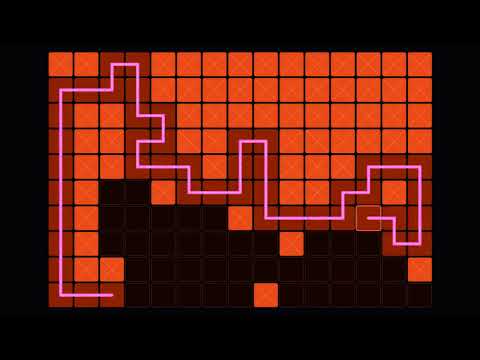
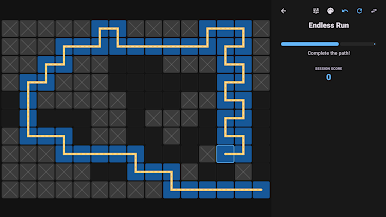
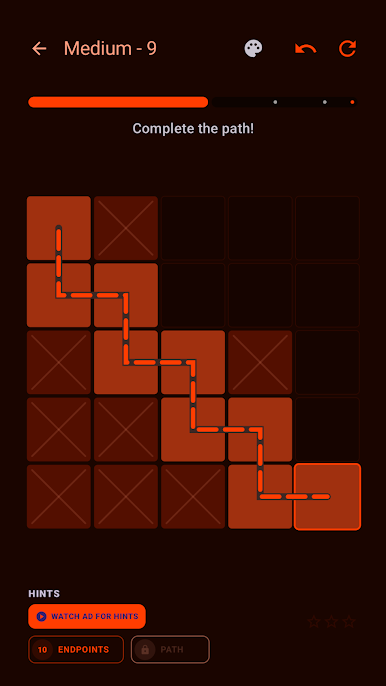
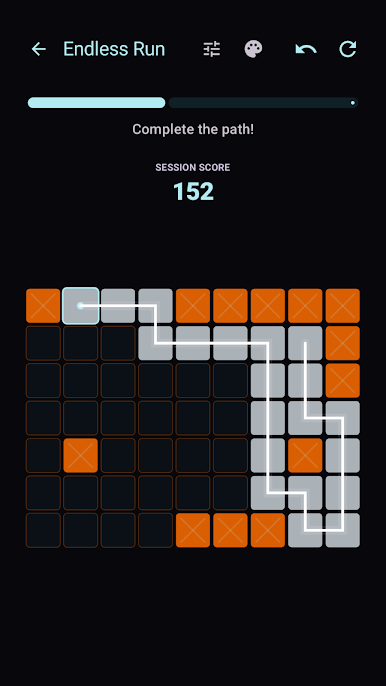
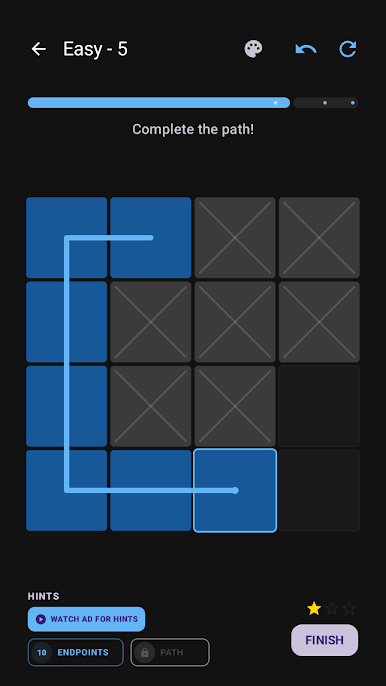
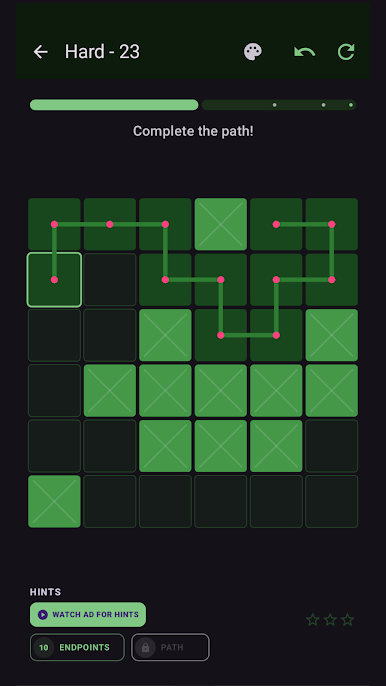
STILE Path Puzzle is all about drawing one clean, continuous path that covers every tile on the board. It’s a relaxed, thoughtful Puzzle experience with zero timers and a ton of ways to challenge yourself. Expect crisp visuals, clever grids that steadily grow in size, and that “one more try” feeling when a route finally clicks.
Game Features
- One-Path Gameplay: Trace a single unbroken line that touches every square, using careful planning and satisfying “aha” moments.
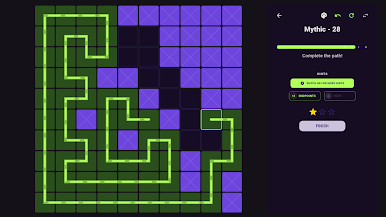
- Expanding Campaign: Work through boards from 4×4 up to 15×15, earning up to three stars on each stage based on how cleanly you solve it.
- Progressive Hints: Nudge your brain in the right direction with layered help—see suggested starts, possible endpoints, or, if you really want, the full route.
- Star-Gated Unlocks: Collect stars to open tougher packs, so your challenge level scales right along with your skills.
- Mastery Goals: Perfect every level in a pack to snag mastery badges and sharp prestige outlines that show off your completion streak.
- Arcade Endless Mode: Generate fresh boards forever, pick your preferred grid size, and keep a streak going as you chase personal bests and in-game rewards.
- Style Your Board: Customize path trails, glowing line effects, and tile connectors, then switch up palettes from sleek dark looks to bright neon or minimalist themes.
- Satisfying Finishes: Enjoy clean animations and subtle flair whenever you successfully cover the board.
- Smooth Feel & Feedback: Use simple drag or quick taps for routing, with tight haptic cues and pitch-ascending tones that respond to every move.
- Works Offline: Play the full campaign and Endless Mode anywhere, with or without a connection.
- Nice on BlueStacks: Prefer a bigger screen and precise drag control? It plays especially crisp on BlueStacks without changing how the game feels.
Ready to top the leaderboard? We bet you do. Let precise controls and sharp visuals optimized on BlueStacks lead you to victory.
Play STILE Path Puzzle on PC. It’s easy to get started.
-
Download and install BlueStacks on your PC
-
Complete Google sign-in to access the Play Store, or do it later
-
Look for STILE Path Puzzle in the search bar at the top right corner
-
Click to install STILE Path Puzzle from the search results
-
Complete Google sign-in (if you skipped step 2) to install STILE Path Puzzle
-
Click the STILE Path Puzzle icon on the home screen to start playing

