


Sort Magic: Magical Bottles
Play on PC with BlueStacks – the Android Gaming Platform, trusted by 500M+ gamers.

Page Modified on: Jul 16, 2026
Play Sort Magic: Magical Bottles on PC or Mac
Sort Magic: Magical Bottles brings the Casual genre to life, and throws up exciting challenges for gamers. Developed by Chunyi Enterprise Management Consulting Co., Ltd., this Android game is best experienced on BlueStacks, the World’s #1 app player for PC and Mac users.
About the Game
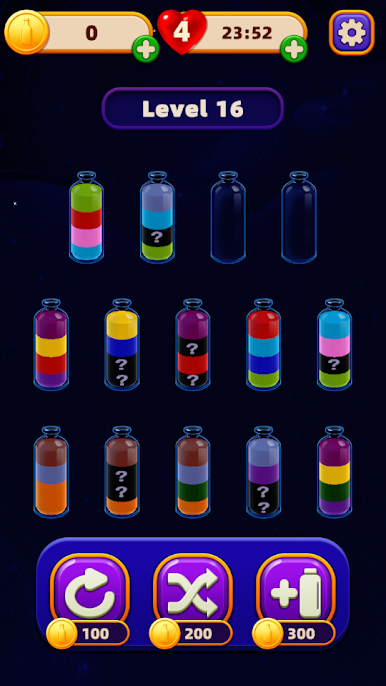
Sort Magic: Magical Bottles is a Casual puzzle that feels like a breather for your brain. You pour and swap colorful liquids between bottles, lining up each shade until every flask is perfectly sorted. It’s simple to grasp, pleasantly tricky as you go, and surprisingly soothing when everything clicks into place.
Game Features
- Gentle vibes, smooth pours: Soft visuals and fluid animations make every water sort move feel satisfying, from the first tilt to the final perfect match.
- Easy to start, fun to master: The rules are clear—move only what fits, match by color—but planning the right order keeps your mind engaged.
- Smart color sort mechanics: Shift liquids between magical bottles, think a few moves ahead, and watch chaos settle into clean stacks of color.
- Stars, boosters, and shiny finds: Nail levels to earn stars, unlock handy boosters, and pick up rare magical items that help with the trickier layouts.
- Quick sessions that stick: Levels are short and snackable, whether you’re unwinding for a minute or getting lost in a longer streak.
- Play chill or chase perfection: Take it slow for stress relief, or aim for the fewest moves if you love a tidy, optimized solve.
- Smooth on every screen: Great on mobile—and if you prefer a bigger view, it runs nicely on BlueStacks with comfy click-and-pour controls.
BlueStacks gives you more room to focus on the game and less time adjusting around mobile limitations.
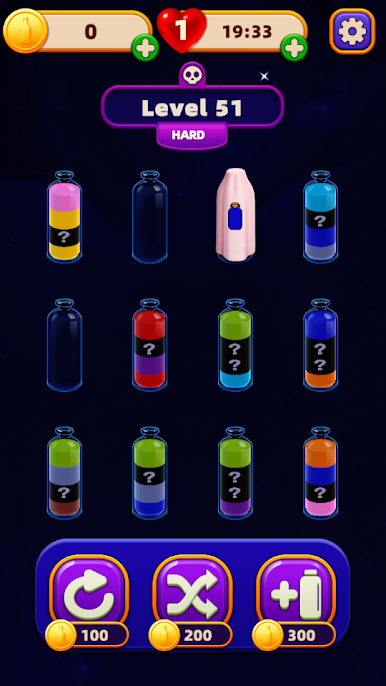
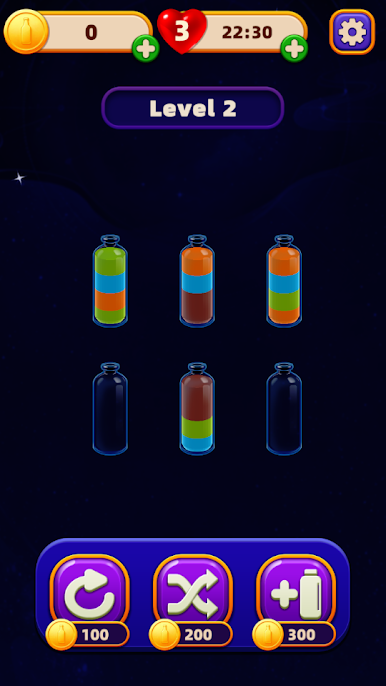
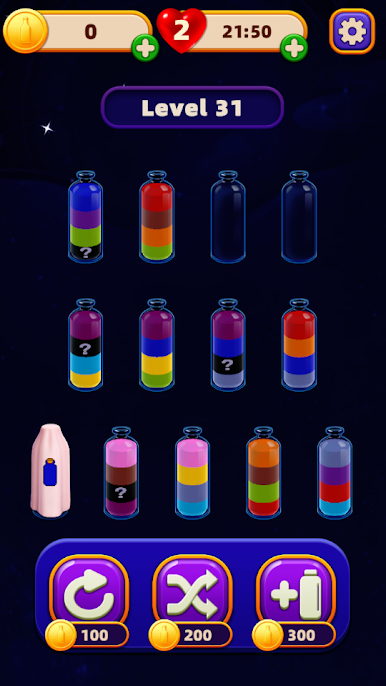
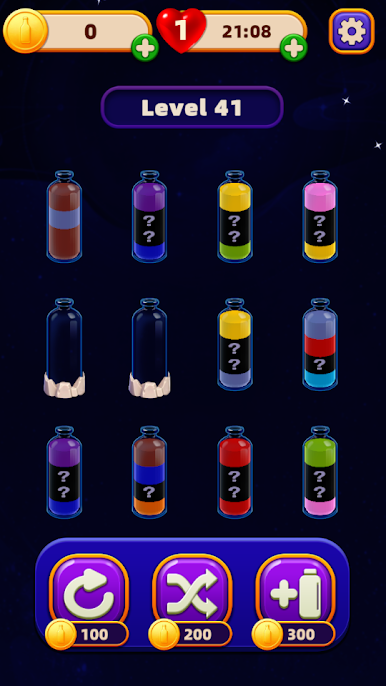
Play Sort Magic: Magical Bottles on PC. It’s easy to get started.
-
Download and install BlueStacks on your PC
-
Complete Google sign-in to access the Play Store, or do it later
-
Look for Sort Magic: Magical Bottles in the search bar at the top right corner
-
Click to install Sort Magic: Magical Bottles from the search results
-
Complete Google sign-in (if you skipped step 2) to install Sort Magic: Magical Bottles
-
Click the Sort Magic: Magical Bottles icon on the home screen to start playing

