


Galaxy Wing Zero
Play on PC with BlueStacks – the Android Gaming Platform, trusted by 500M+ gamers.

Page Modified on: Apr 7, 2026
Play Galaxy Wing Zero on PC
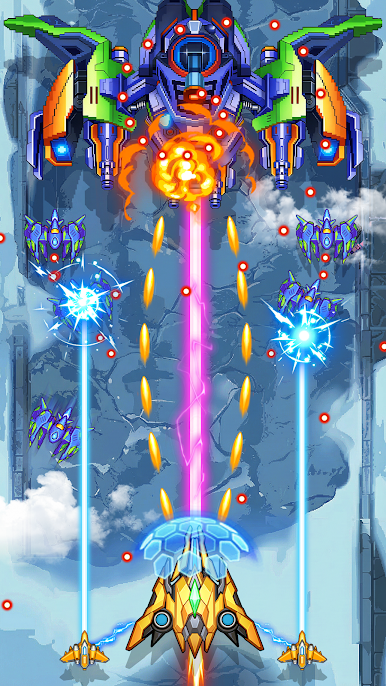
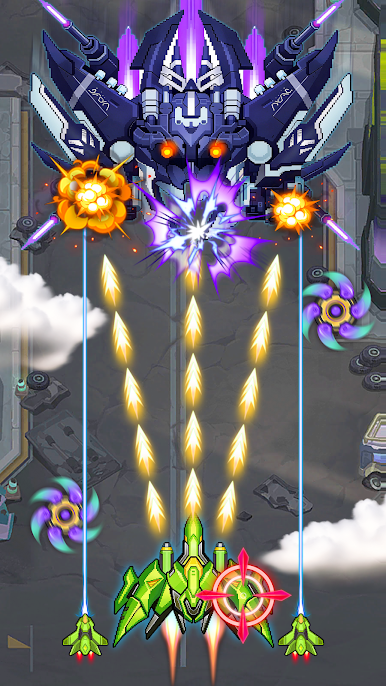
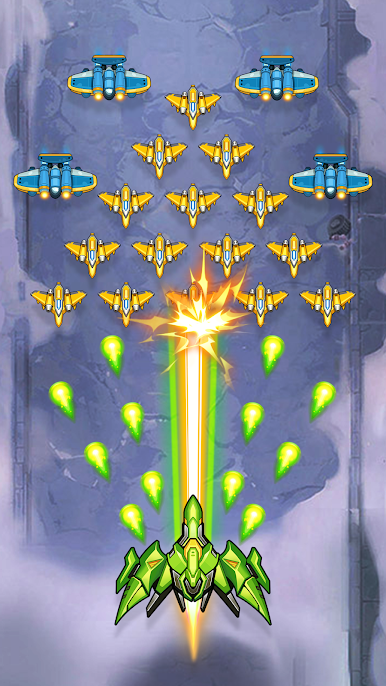
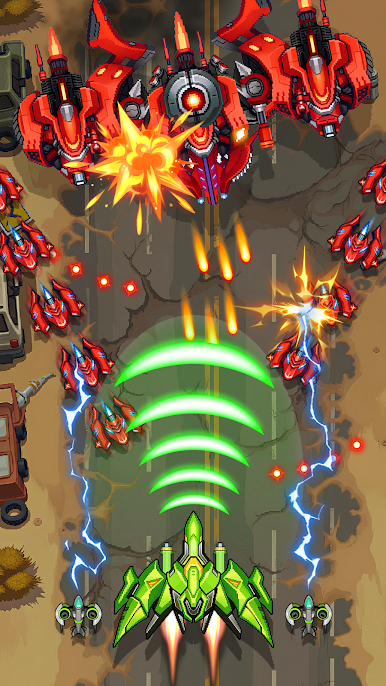
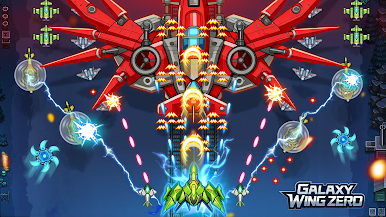
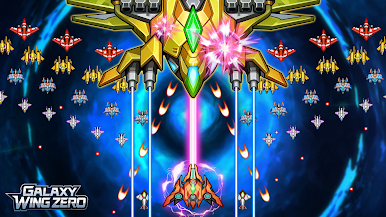
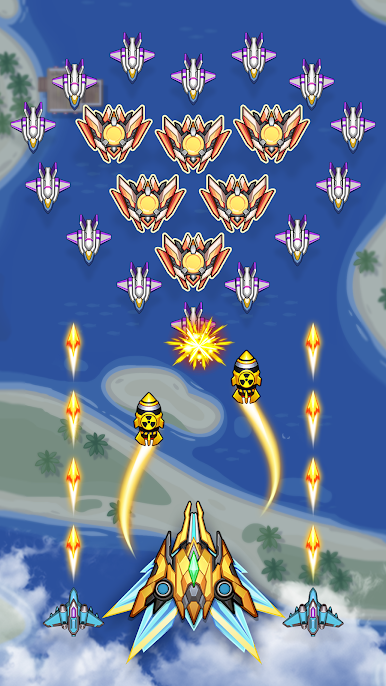
Become the Sky’s Last Defender! Take command as an elite wing fighter pilot! Evil forces have invaded the skies – it’s up to you to rise through the clouds, defeat enemies, and protect the galaxy. Pilot powerful aircraft, dodge waves of bullets, upgrade your arsenal, and face off against massive, unique bosses in explosive dogfights!
Key Features:
- Shoot down enemies and face powerful, diverse bosses with unique attack patterns and tactics.
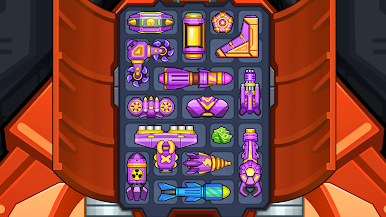
- Upgrade hundreds of weapons and gear. Equip combat buffs and forge your ideal battle strategy.
- Progress through battle zones from Normal to Nightmare difficulty and conquer new skies.
- Permanently boost your combat power with evolving talents and roguelike-style upgrades.
- Test your limits and win huge rewards in a thrilling infinite survival mode.
- Compete globally and climb your way among the galaxy’s pilots!
Take off, shoot down your enemies, and become the true hero of the skies! The battle for the galaxy begins now – and you’re the last line of defense.
Play Galaxy Wing Zero on PC. It’s easy to get started.
-
Download and install BlueStacks on your PC
-
Complete Google sign-in to access the Play Store, or do it later
-
Look for Galaxy Wing Zero in the search bar at the top right corner
-
Click to install Galaxy Wing Zero from the search results
-
Complete Google sign-in (if you skipped step 2) to install Galaxy Wing Zero
-
Click the Galaxy Wing Zero icon on the home screen to start playing

