


Spades: Classic Card Game
Play on PC with BlueStacks – the Android Gaming Platform, trusted by 500M+ gamers.

Page Modified on: Jul 29, 2026
Play Spades: Classic Card Game on PC
Spades: Classic Card Game is an online multiplayer card game for fans of skill-based trick-taking games. Play with friends, join public tables, compete with other players, improve your strategy, and enjoy one of the most popular classic card games.
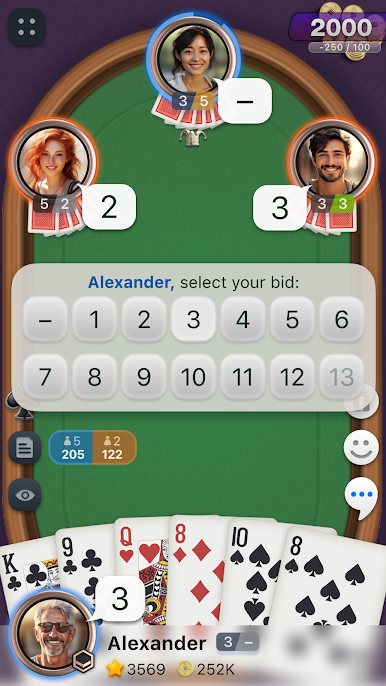
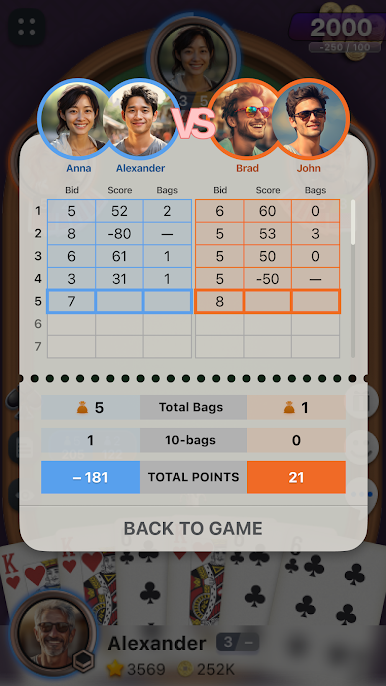
Spades is easy to learn, but every round gives you new tactical choices. Bid carefully, count your tricks, watch your opponents, support your partner, and try to reach the target score before the other team.
Features:
• Online multiplayer Spades with real players
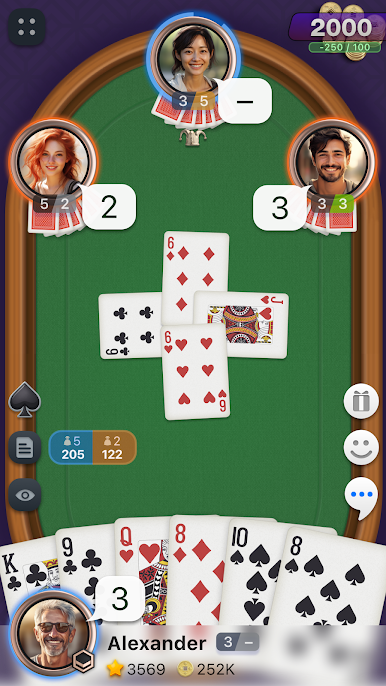
• Classic team-based Spades gameplay
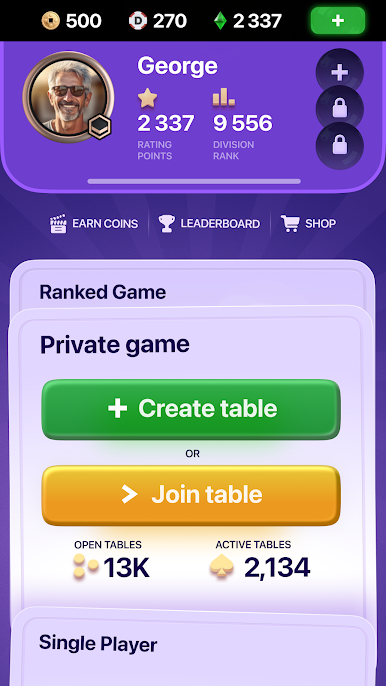
• Private tables to play with friends
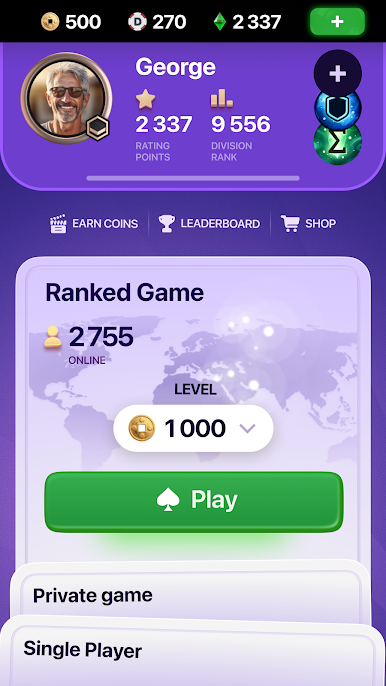
• Public tables for quick online matches
• Smart bots that can continue the game when needed
• Player profiles and game statistics
• Ratings and competitive progression
• In-game chat and social features
• Gifts, avatars, and profile customization
• Smooth gameplay and a clean card table interface
• Designed for both beginners and experienced Spades players
Play Spades your way. Create a table, invite friends, or join an online match in seconds. Whether you want a relaxed card game or a more competitive match, Spades: Classic Card Game gives you a simple and comfortable way to play.
Spades is a game of teamwork, timing, memory, and strategy. A good bid matters. Every trick matters. Work with your partner, read the table, and make the right move at the right time.

Play Spades: Classic Card Game on PC. It’s easy to get started.
-
Download and install BlueStacks on your PC
-
Complete Google sign-in to access the Play Store, or do it later
-
Look for Spades: Classic Card Game in the search bar at the top right corner
-
Click to install Spades: Classic Card Game from the search results
-
Complete Google sign-in (if you skipped step 2) to install Spades: Classic Card Game
-
Click the Spades: Classic Card Game icon on the home screen to start playing

