


Astro Golf
Play on PC with BlueStacks – the Android Gaming Platform, trusted by 500M+ gamers.

Page Modified on: Dec 10, 2025
Overview
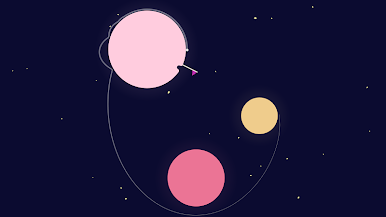
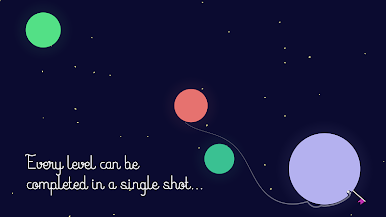
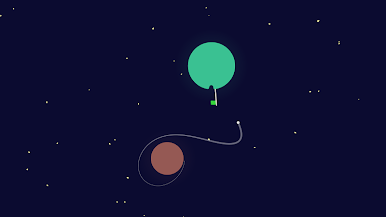
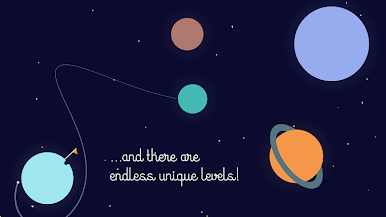
Attempt to master the tricky gravitational fields of the planets. Progress through endless unique levels. Play on the subway, whilst waiting for a taxi, when brushing your teeth! Increase your hole-in-one streak! Decrease your shot average! Become an orbital mechanics magician!
Download now for a free & unlimited demo of the first 20 levels.
"a brilliant bit of minimalist artwork and animation, I'm a little in love with it" - Gaming On Linux
"the spiritual successor to desert golfing" - random reddit user


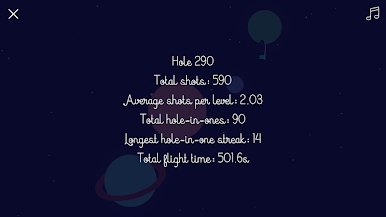

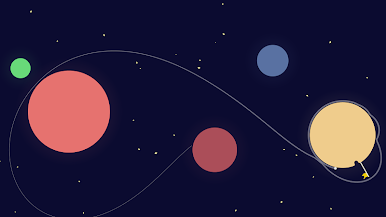
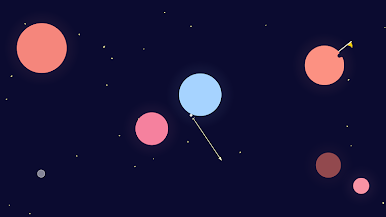
Play Astro Golf on PC. It’s easy to get started.
-
Download and install BlueStacks on your PC
-
Complete Google sign-in to access the Play Store, or do it later
-
Look for Astro Golf in the search bar at the top right corner
-
Click to install Astro Golf from the search results
-
Complete Google sign-in (if you skipped step 2) to install Astro Golf
-
Click the Astro Golf icon on the home screen to start playing

