


Specimen Zero - Online horror
Play on PC with BlueStacks – the Android Gaming Platform, trusted by 500M+ gamers.

Page Modified on: Dec 26, 2025
Main Specimen Zero - Online horror on PC
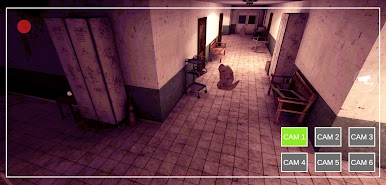
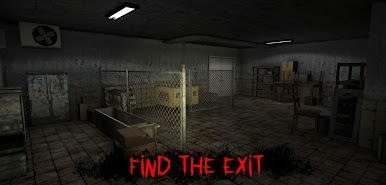
Explore a big dark area: secret buildings, a horror hospital, mysterious labs and creepy rooms, all this scares goosebumps.
Solve puzzles and search, collect and use items in order to escape from that horror place and a scary monster.
Do not make loud noise and be careful because the monster might see or hear you! It kills everyone who gets in its way!
Escape with your friends in online multiplayer mode!
If you like scary adventure escape experiences, Specimen Zero - Online horror is the game for you!
Notes:
-To connect with friends make sure you all use the same version of the game and have selected the same Region in the multiplayer menu.
-It's recommend playing with headphones on.
I am an independent developer striving to create good games. I enjoy improving this game and hope you enjoy exploring it.
If you know how to improve this multiplayer horror game - just leave me your feedback at cafestudio.games@gmail.com

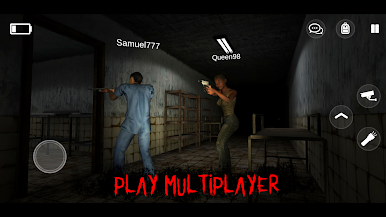
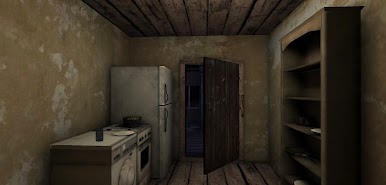
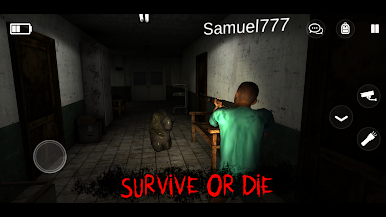

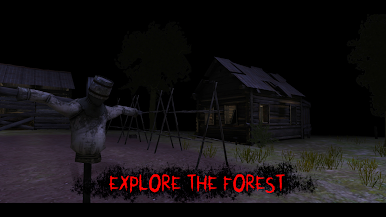
Play Specimen Zero - Online horror on PC. It’s easy to get started.
-
Download and install BlueStacks on your PC
-
Complete Google sign-in to access the Play Store, or do it later
-
Look for Specimen Zero - Online horror in the search bar at the top right corner
-
Click to install Specimen Zero - Online horror from the search results
-
Complete Google sign-in (if you skipped step 2) to install Specimen Zero - Online horror
-
Click the Specimen Zero - Online horror icon on the home screen to start playing

