


Speechling - Learn to Speak An
Play on PC with BlueStacks – the Android Gaming Platform, trusted by 500M+ gamers.

Page Modified on: Jan 15, 2026
Run Speechling - Learn to Speak An on PC or Mac
Get freedom from your phone’s obvious limitations. Use Speechling – Learn to Speak An, made by Hongyu C., a Education app on your PC or Mac with BlueStacks, and level up your experience.
About the App
If you’ve ever dreamed of sounding natural in another language, Speechling – Learn to Speak An might be just what you’re looking for. This Education app by Hongyu C. makes practicing real-world conversation easier and less intimidating, no matter your skill level. Instead of bogging you down with endless vocab drills, Speechling focuses on helping you speak confidently—so you’re not just memorizing, you’re actually communicating.
App Features
-
Voice Practice with Real People
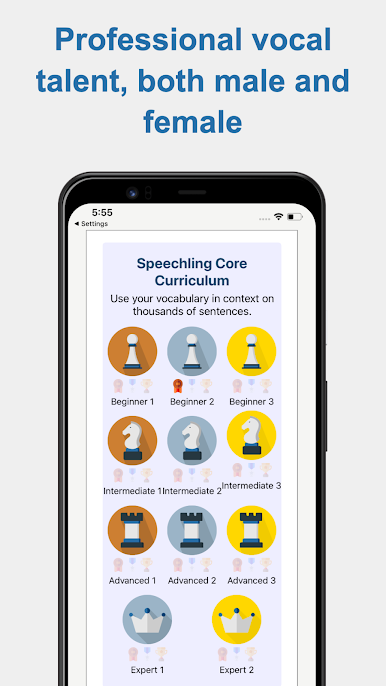
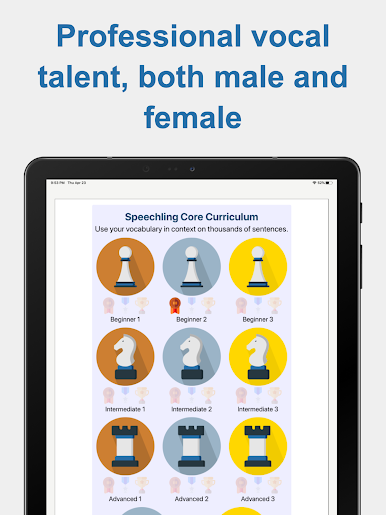
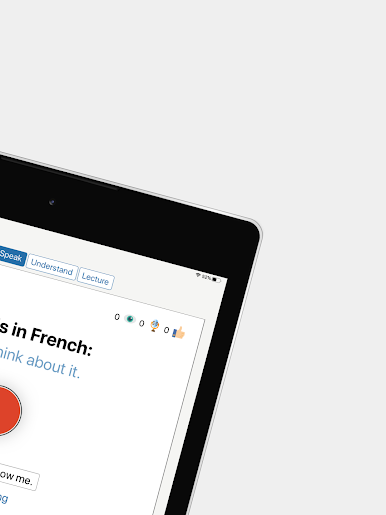
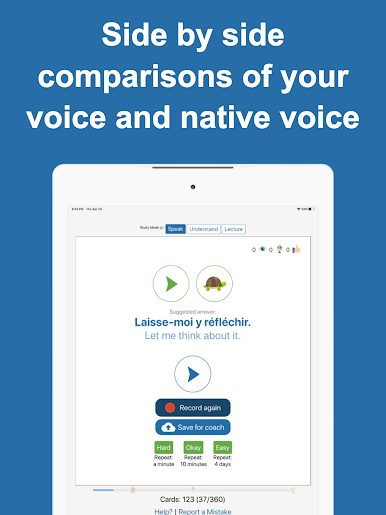
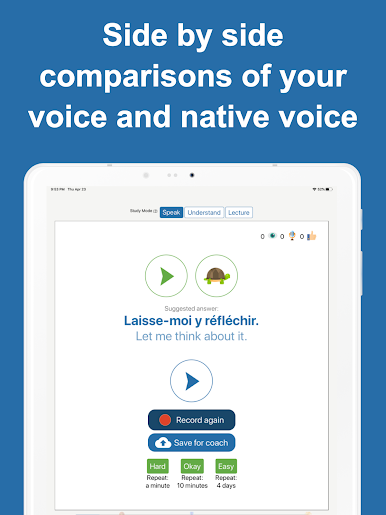
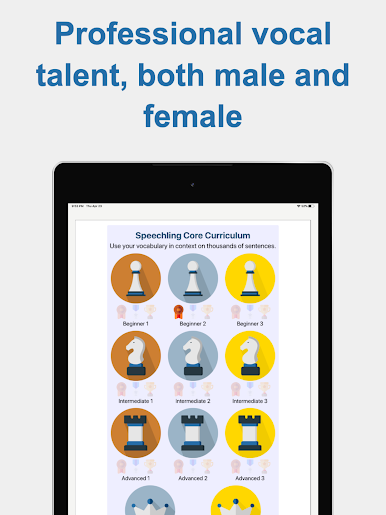
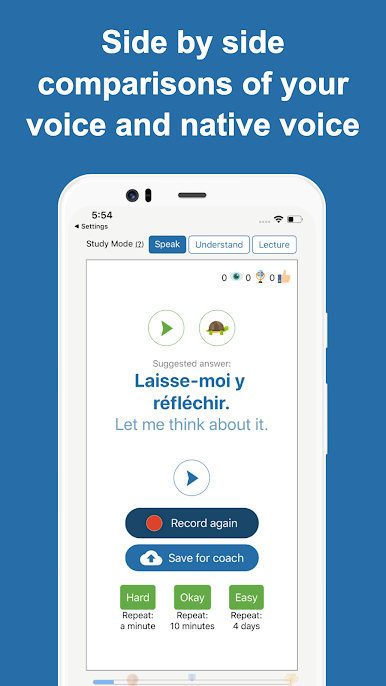
Listen to sentences spoken by native speakers—both male and female. Then record yourself trying to match their pronunciation. It’s a cool way to spot what you’re nailing and where you need a tweak. -
Feedback from Coaches
No more wondering if you actually said it right. Certified pronunciation coaches check your recordings and send you tips, often in less than a day. Feels a lot like having your own language tutor, but you control when and how often you practice. -
All-in-One Language Tools
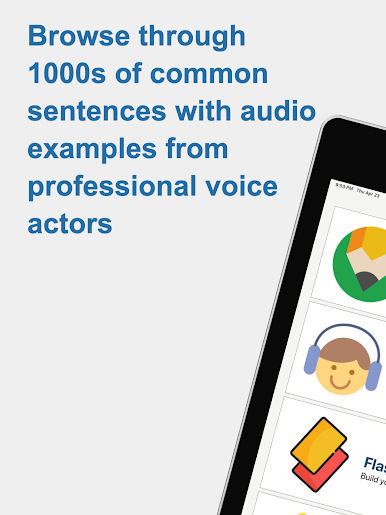
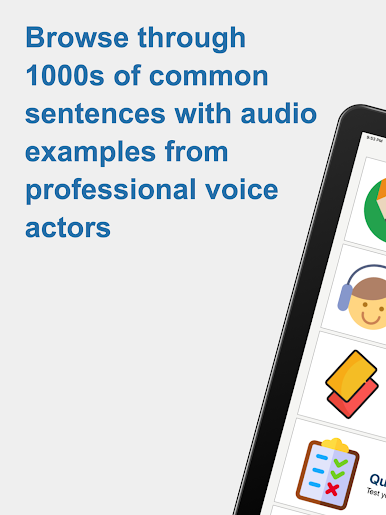
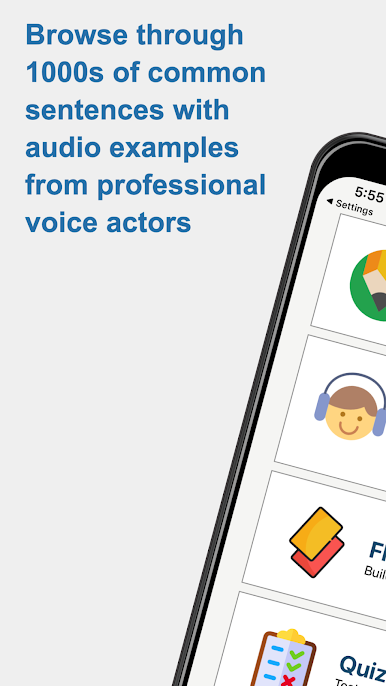
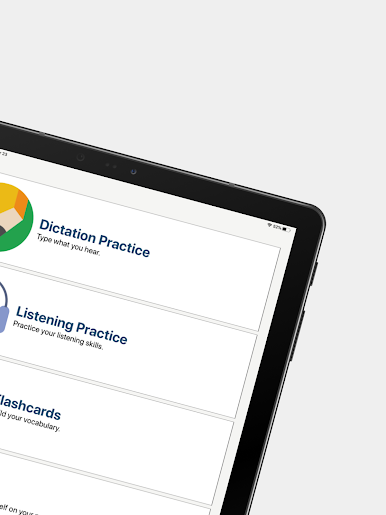
Whether you like dictation, flashcards, little quizzes, or filling in blanks, there are lots of ways to test what you know. You’ll find tools for listening, speaking, and actually understanding what you hear. -
Wide Language Selection
From Spanish and French to Japanese, Korean, Russian, English, and several more—the app covers a bunch of major languages. You can switch between them any time. -
Adapts to How You Learn
Speechling uses smart algorithms and spaced repetition, so it remembers what you struggle with and keeps bringing it back until you’ve got it down. Say goodbye to forgotten vocab and awkward pauses. -
Learn Anytime, No Strings Attached
Free to use, available around the clock, and there’s always fresh material to try. You can even open it up on a bigger screen with BlueStacks if you want a change from your phone. -
For All Budgets
The mission here is about making language learning accessible, so most features are open to everyone. If you ever want one-on-one coaching, they’ve got options to fit different needs, including help for those who can’t afford it.
BlueStacks gives you the much-needed freedom to experience your favorite apps on a bigger screen. Get it now.





Play Speechling - Learn to Speak An on PC. It’s easy to get started.
-
Download and install BlueStacks on your PC
-
Complete Google sign-in to access the Play Store, or do it later
-
Look for Speechling - Learn to Speak An in the search bar at the top right corner
-
Click to install Speechling - Learn to Speak An from the search results
-
Complete Google sign-in (if you skipped step 2) to install Speechling - Learn to Speak An
-
Click the Speechling - Learn to Speak An icon on the home screen to start playing

