

Bestie Wars
Play on PC with BlueStacks – the Android Gaming Platform, trusted by 500M+ gamers.

Page Modified on: Mar 20, 2024
Play Bestie Wars on PC or Mac
Bring your A-game to Bestie Wars, the Casual game sensation from Gismart. Give your gameplay the much-needed boost with precise game controls, high FPS graphics, and top-tier features on your PC or Mac with BlueStacks.
Bestie Wars plays like a messy rom-com turned into a quick, tap-happy game. The whole gag is trying to break up a best friend’s relationship so the player can snag the aisle and the dress. Every stage is a bite-size episode with a clear finish line, and only one couple makes it out. It flips between rapid choices that nudge the story, goofy little sabotages on the rival pair, and fashion moments where the outfit score actually matters. One minute it asks for the smooth move or the honest one, the next it tosses a catwalk sprint where heels, hair, and accessories decide who steals the spotlight. It stays silly rather than mean, more cartoon drama than actual heartbreak.
There is plenty to unlock, especially clothes and shiny extras, so the look keeps changing from level to level. Controls are just taps and swipes, easy to pick up, and it runs fine on a PC. With BlueStacks the bigger screen makes those split-second choices easier to read, and clicking through mini games feels calmer than thumb mashing on a phone. It is not deep strategy, more light competition and fashion tinkering with wedding bells chiming in the background. If reality-show style drama mixed with quick choices sounds fun, this hits that space without asking for much brain burn.
Make your gaming sessions memorable with precise controls that give you an edge in close combats and visuals that pop up, bringing every character to life.
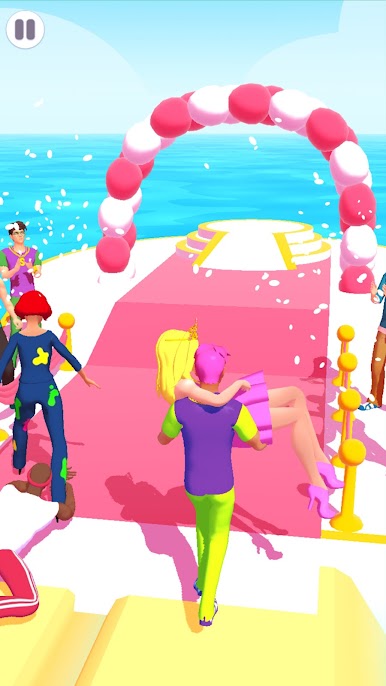
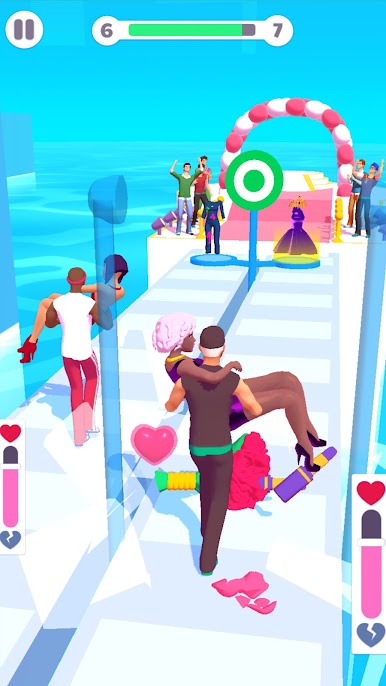
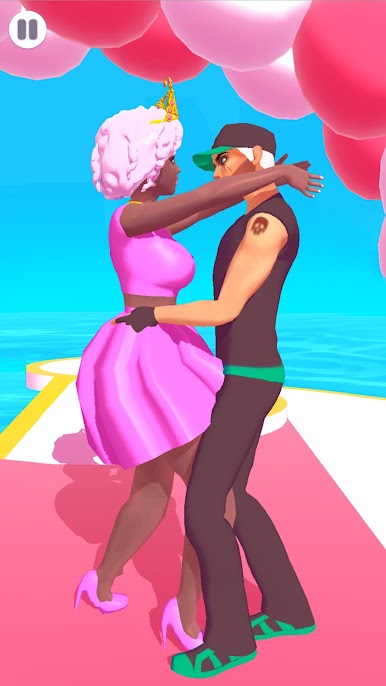
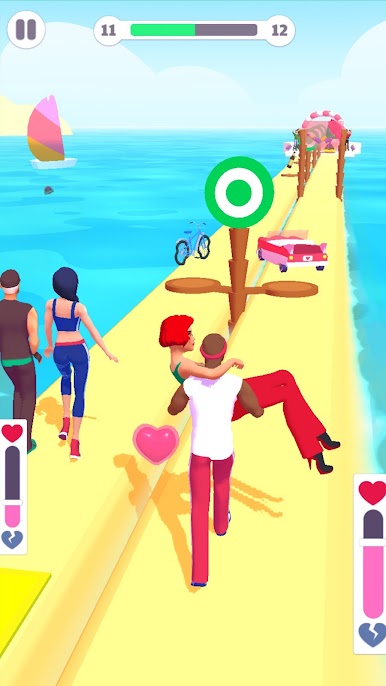
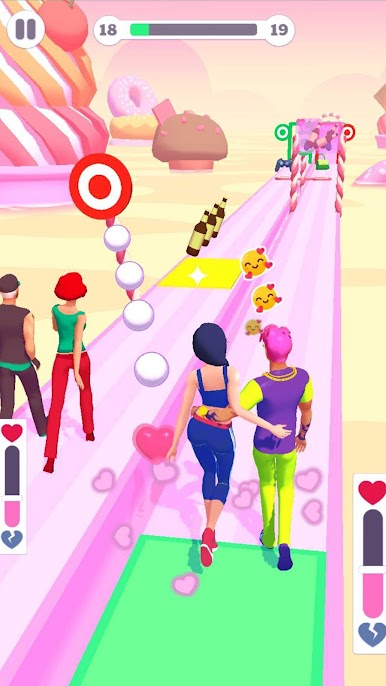
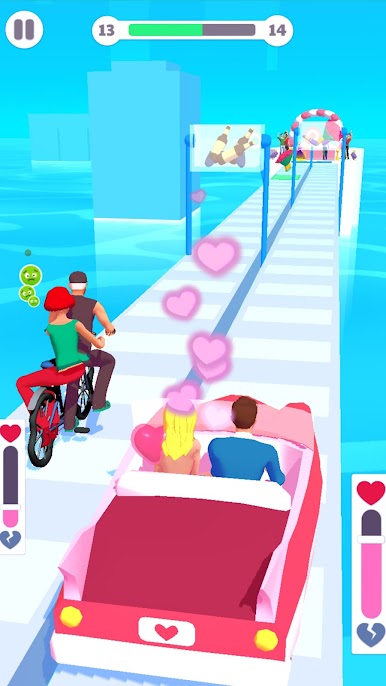

Play Bestie Wars on PC. It’s easy to get started.
-
Download and install BlueStacks on your PC
-
Complete Google sign-in to access the Play Store, or do it later
-
Look for Bestie Wars in the search bar at the top right corner
-
Click to install Bestie Wars from the search results
-
Complete Google sign-in (if you skipped step 2) to install Bestie Wars
-
Click the Bestie Wars icon on the home screen to start playing

