


Speed Rider 3D
Play on PC with BlueStacks – the Android Gaming Platform, trusted by 500M+ gamers.

Page Modified on: Aug 28, 2026
Play Speed Rider 3D on PC
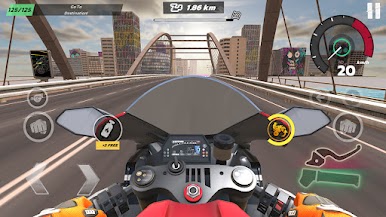
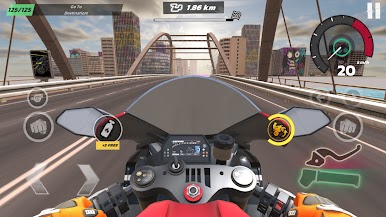
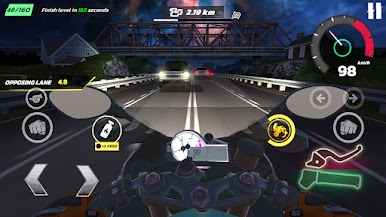
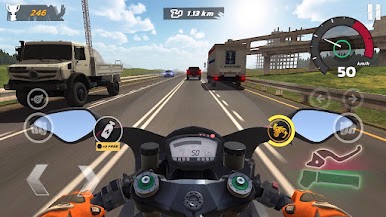
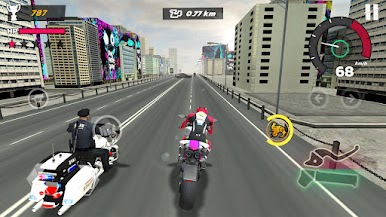
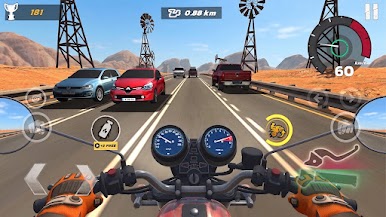
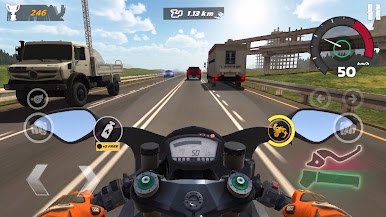
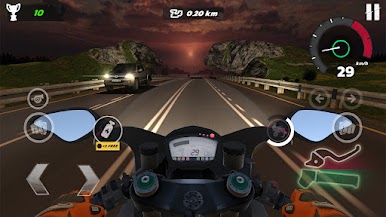
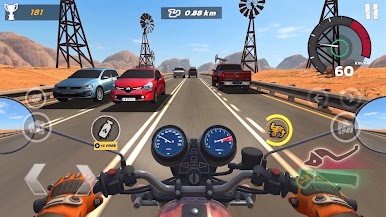
Take control of fast motorcycles and race across endless roads filled with cars, trucks, and unpredictable traffic. Overtake vehicles, avoid collisions, and push your riding skills to the limit as you travel farther and unlock new rewards.
Whether you enjoy motorcycle games, bike racing, highway riding, traffic challenges, or endless racing adventures, Speed Rider 3D delivers fast-paced action and exciting gameplay for every rider.
Features
- Ride powerful motorcycles with responsive controls
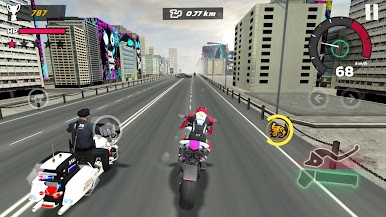
- Explore highways, city streets, and endless roads
- Dodge traffic, overtake vehicles, and avoid crashes
- Experience realistic motorcycle racing and highway action
- Complete challenges and earn valuable rewards
- Unlock new bikes and upgrade motorcycle performance
- Improve your riding skills and achieve higher scores
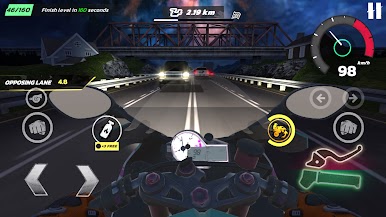
- Discover different environments and road conditions
- Face increasingly difficult traffic situations
- Become a legendary highway rider
Endless Motorcycle Racing Adventure
Master the art of highway riding and prove yourself as a true speed rider. Navigate through heavy traffic, unlock faster motorcycles, and challenge your reflexes in endless riding mode.
Every ride offers new opportunities to improve your performance, beat personal records, and become the ultimate motorcycle racing champion.
If you enjoy bike games, motorcycle racing games, traffic rider experiences, highway racing challenges, and endless driving adventures, Speed Rider 3D is the perfect game for you.
Play Speed Rider 3D on PC. It’s easy to get started.
-
Download and install BlueStacks on your PC
-
Complete Google sign-in to access the Play Store, or do it later
-
Look for Speed Rider 3D in the search bar at the top right corner
-
Click to install Speed Rider 3D from the search results
-
Complete Google sign-in (if you skipped step 2) to install Speed Rider 3D
-
Click the Speed Rider 3D icon on the home screen to start playing

