


Speed Test - Test WiFi Speed
Play on PC with BlueStacks – the Android Gaming Platform, trusted by 500M+ gamers.

Page Modified on: Mar 1, 2026
Play Speed Test - Test WiFi Speed on PC
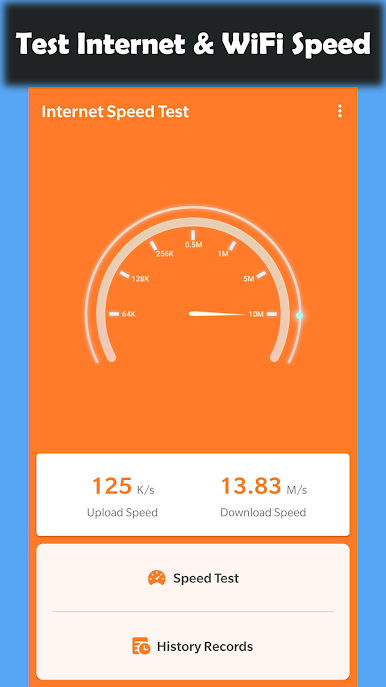
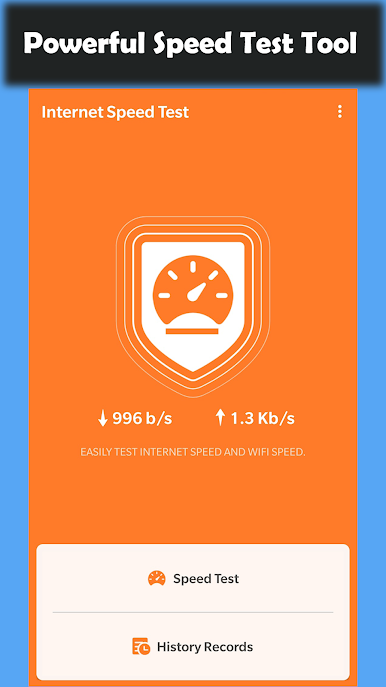
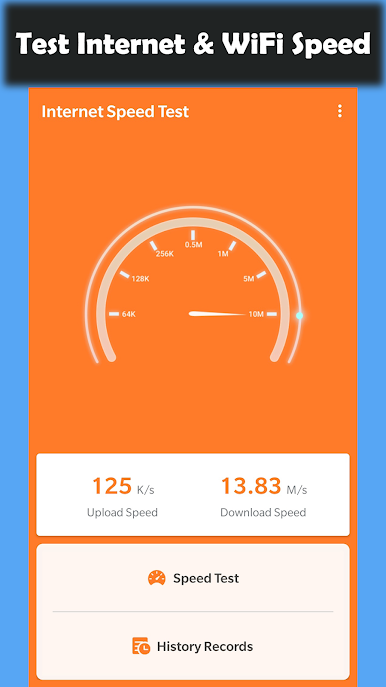
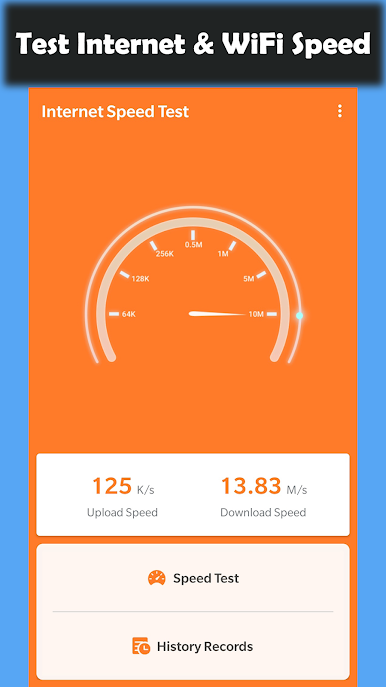
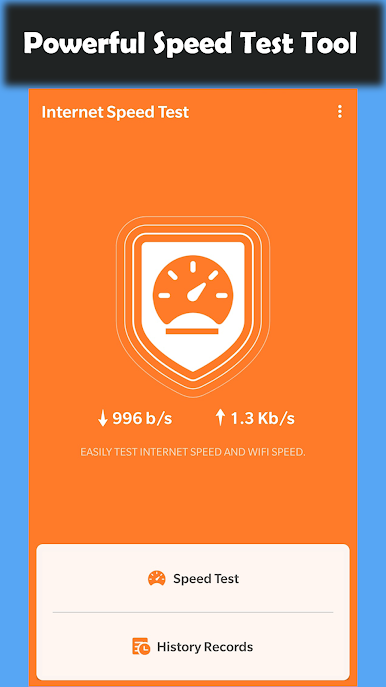
The app makes it easy to test your internet and WiFi speed and Speed Test results are presented in a user-friendly way. It is a simple internet speed meter.
You can use the app to test Internet Speed and WiFi Speed. It will help you test internet speed of many mobile networks. you can easily get the information about your internet speed you need.
Features :
■ Test and check Internet speed and WiFi Speed.
■ Real-time network speed.
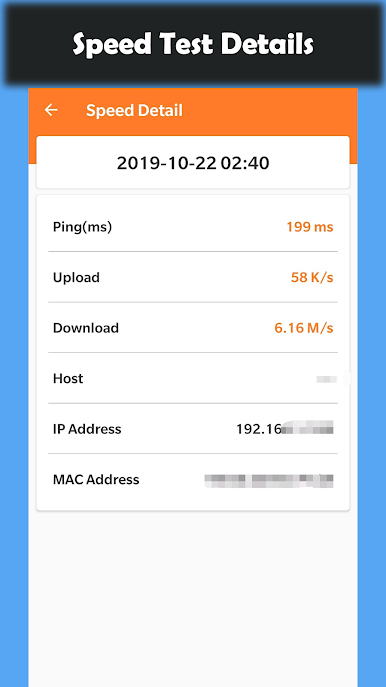
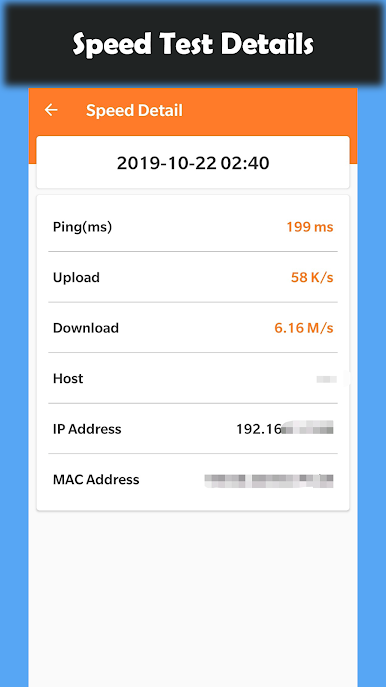
■ Test speed of Download, Upload and Ping.
■ Check internet speed.
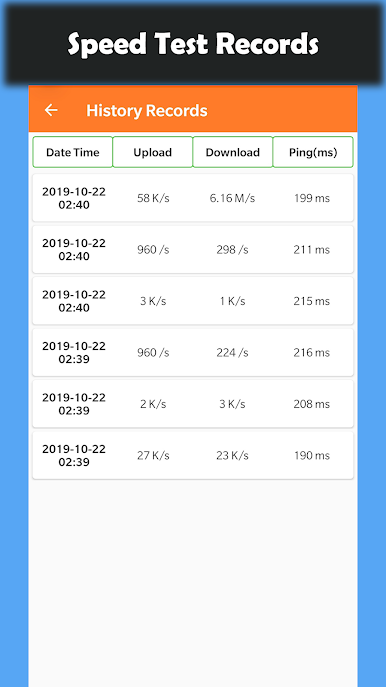
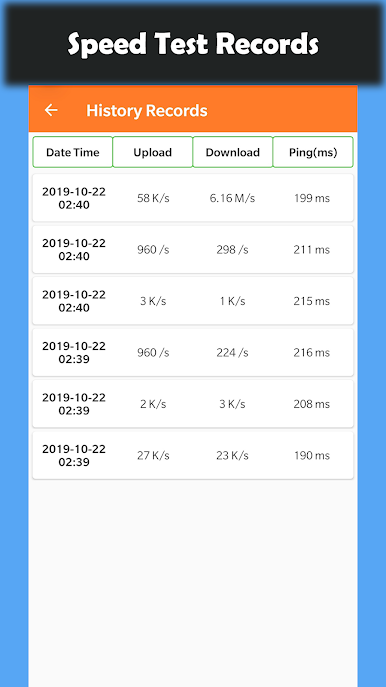
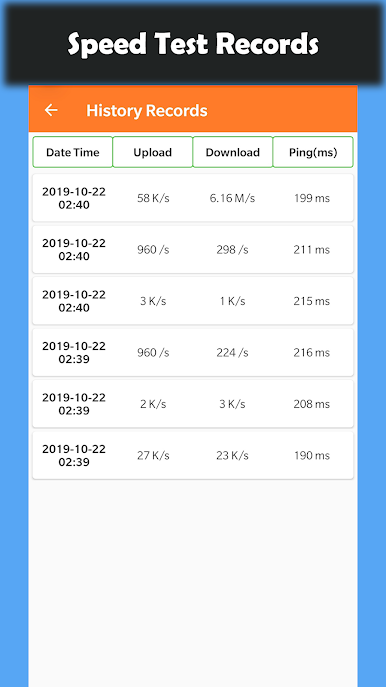
■ Save the past results of Internet speed test automatically.
■ View History
Play Speed Test - Test WiFi Speed on PC. It’s easy to get started.
-
Download and install BlueStacks on your PC
-
Complete Google sign-in to access the Play Store, or do it later
-
Look for Speed Test - Test WiFi Speed in the search bar at the top right corner
-
Click to install Speed Test - Test WiFi Speed from the search results
-
Complete Google sign-in (if you skipped step 2) to install Speed Test - Test WiFi Speed
-
Click the Speed Test - Test WiFi Speed icon on the home screen to start playing

