


Bumper Run
Play on PC with BlueStacks – the Android Gaming Platform, trusted by 500M+ gamers.

Page Modified on: May 21, 2026
Play Bumper Run on PC
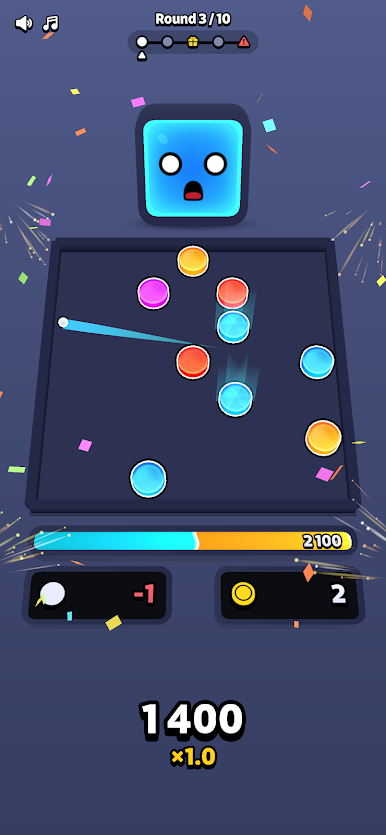
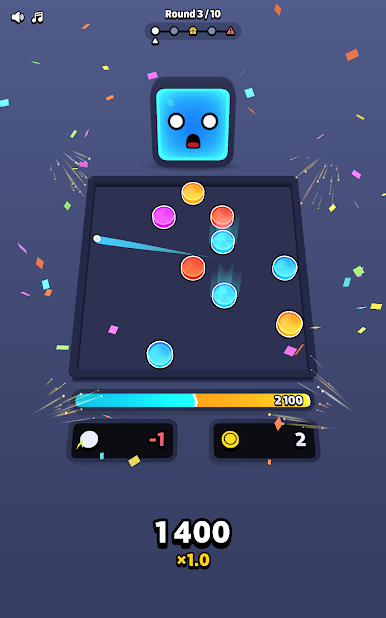
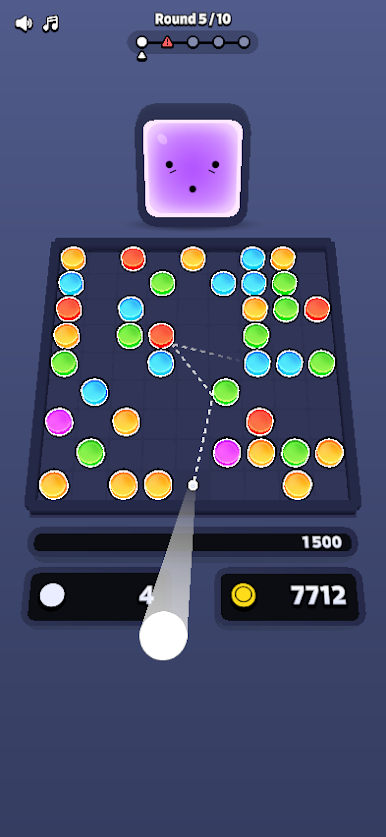
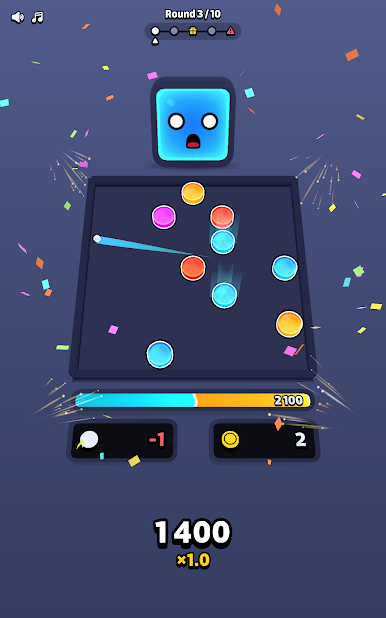
Launch your ball. Watch it bounce off bumpers. Chain reactions explode across the arena. Score skyrockets. You feel like a genius — even though half of it was pure chaos. That's the point.
Every run is different. Every decision matters. Every bounce could save you or end it all.
HOW IT WORKS
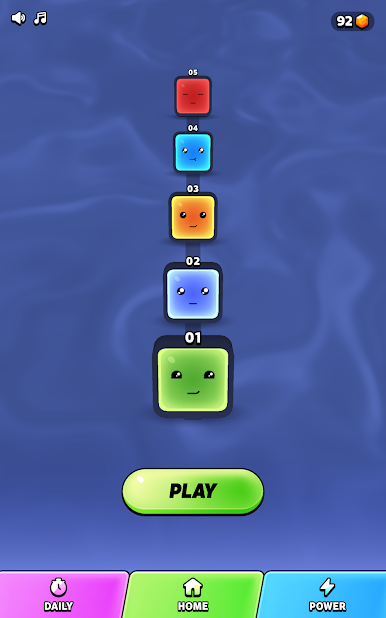
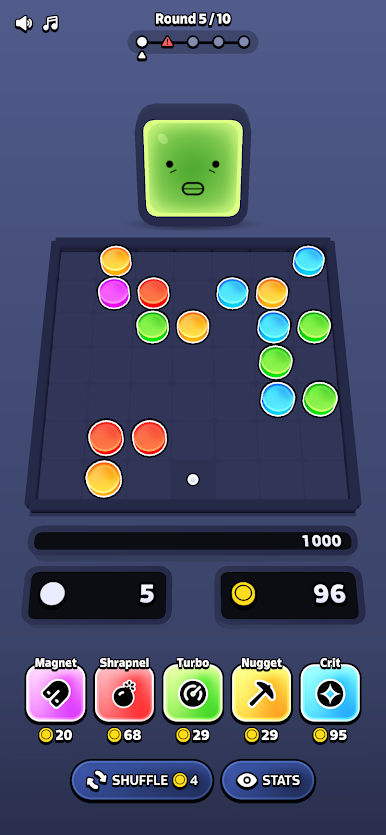
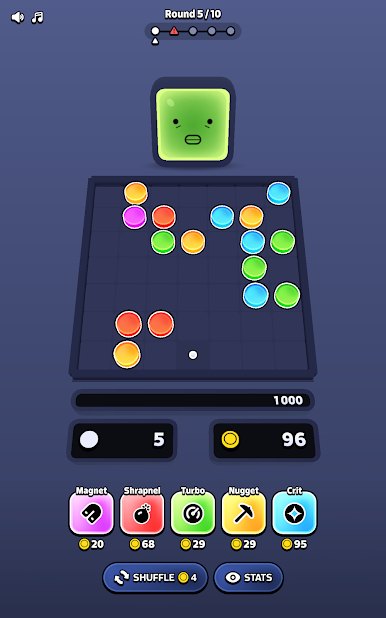
You start with 5 balls and a small deck of bumpers. Each round, hit the target score or lose a ball. Run out of balls and it's game over. Simple to learn, impossible to put down.
BUILD YOUR DECK
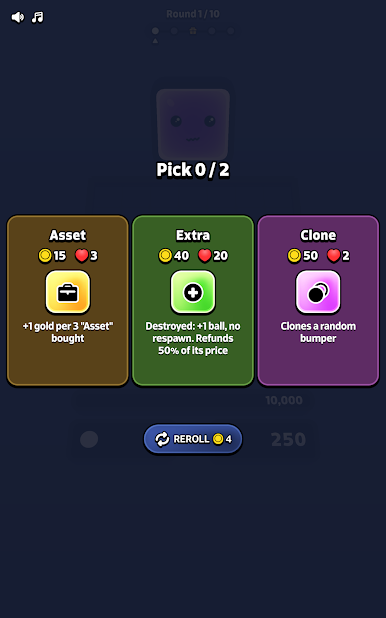
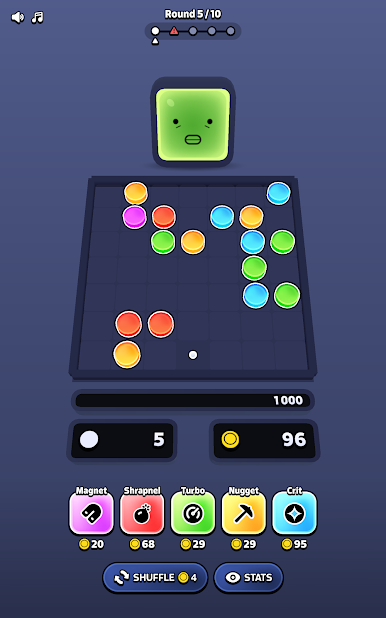
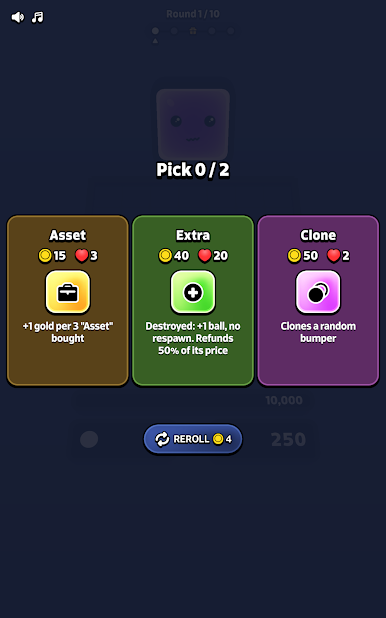
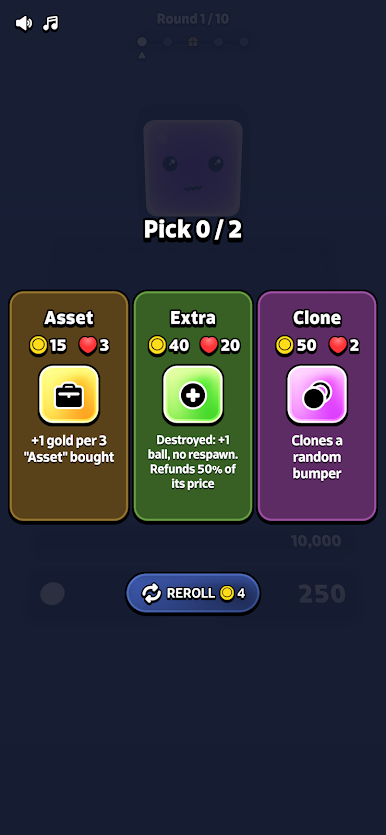
Pick bumpers from 5 families — Score, Gold, Support, Trigger, and Warp. You can only carry one per family, so choose wisely. Trigger chain reactions, multiply your score, or play it safe with support. Your call.
EMBRACE THE CHAOS
Bumpers land randomly on the grid. No two rounds feel the same. The best scores come from unexpected combos — rebounds you never planned, chain reactions you didn't see coming.
GROW BETWEEN RUNS
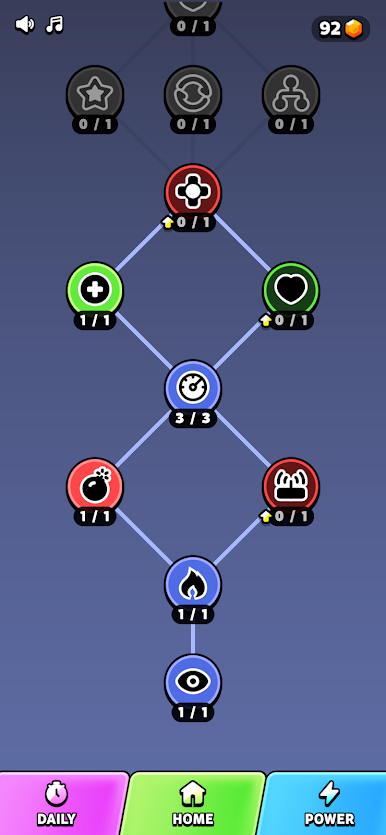
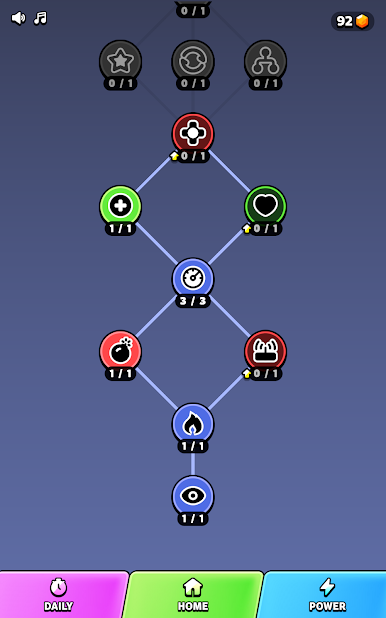
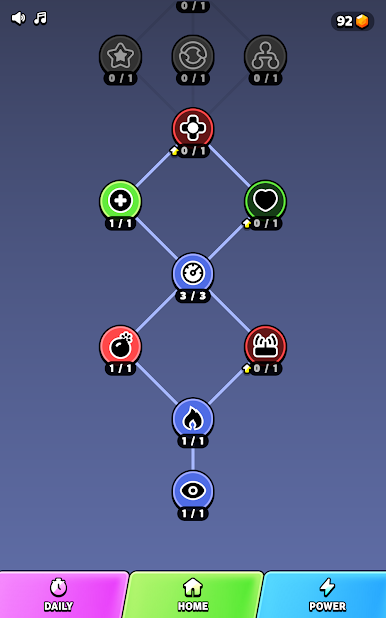
Spend gems in the Skill Tree to unlock permanent upgrades. Extra balls, cheaper rerolls, powerful new abilities. You get stronger. The game gets harder. The loop never gets old.
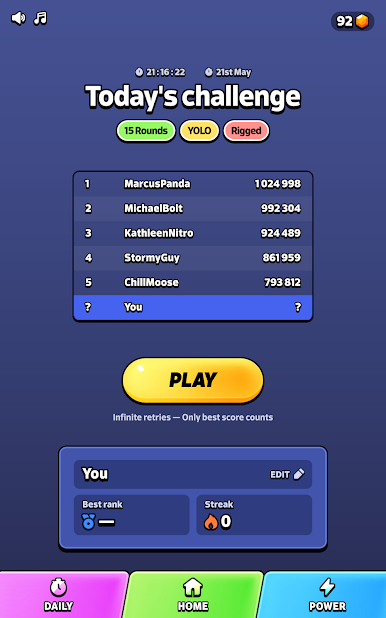
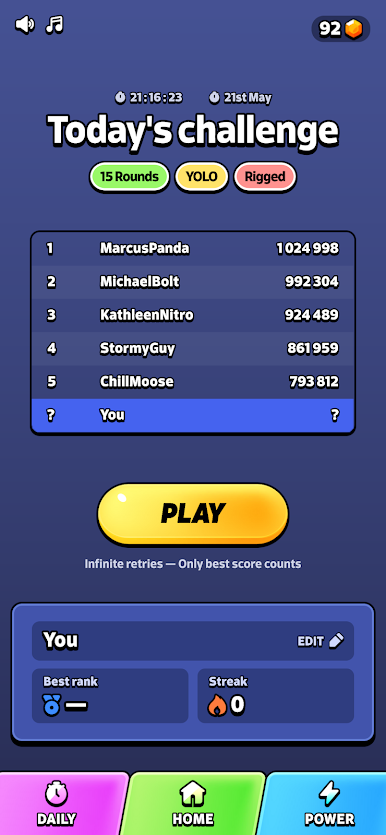
DAILY CHALLENGES
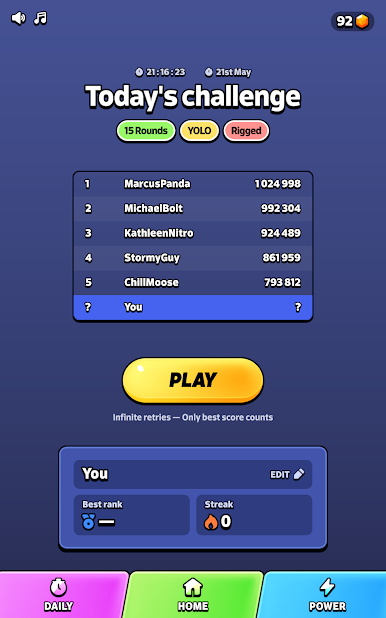
Same rules, same modifiers, everyone competes. Climb the leaderboard and prove your strategy isn't just luck.
FEATURES
- Roguelike deck-building with 5 bumper families
- Physics-driven pinball action
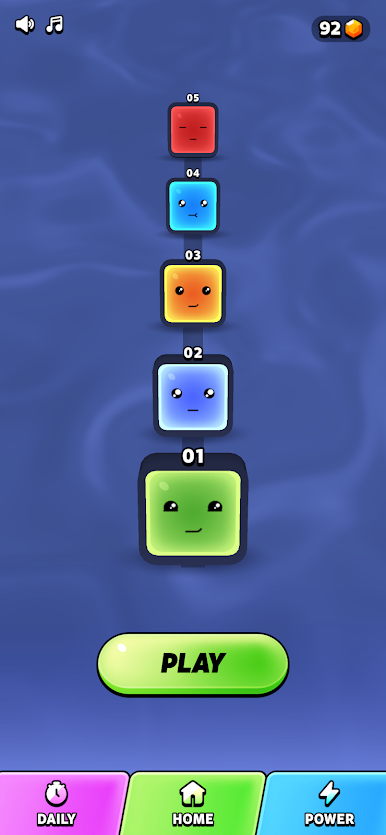
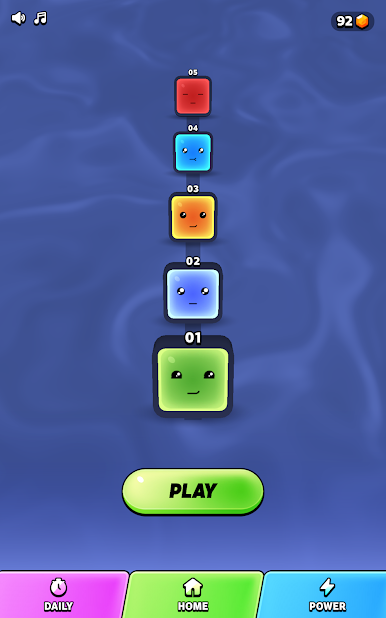
- Animated opponents that react to every hit
- Skill Tree with permanent meta-progression
- Daily Challenges with leaderboards
- One-thumb controls, zero ads during gameplay
Play Bumper Run on PC. It’s easy to get started.
-
Download and install BlueStacks on your PC
-
Complete Google sign-in to access the Play Store, or do it later
-
Look for Bumper Run in the search bar at the top right corner
-
Click to install Bumper Run from the search results
-
Complete Google sign-in (if you skipped step 2) to install Bumper Run
-
Click the Bumper Run icon on the home screen to start playing

