

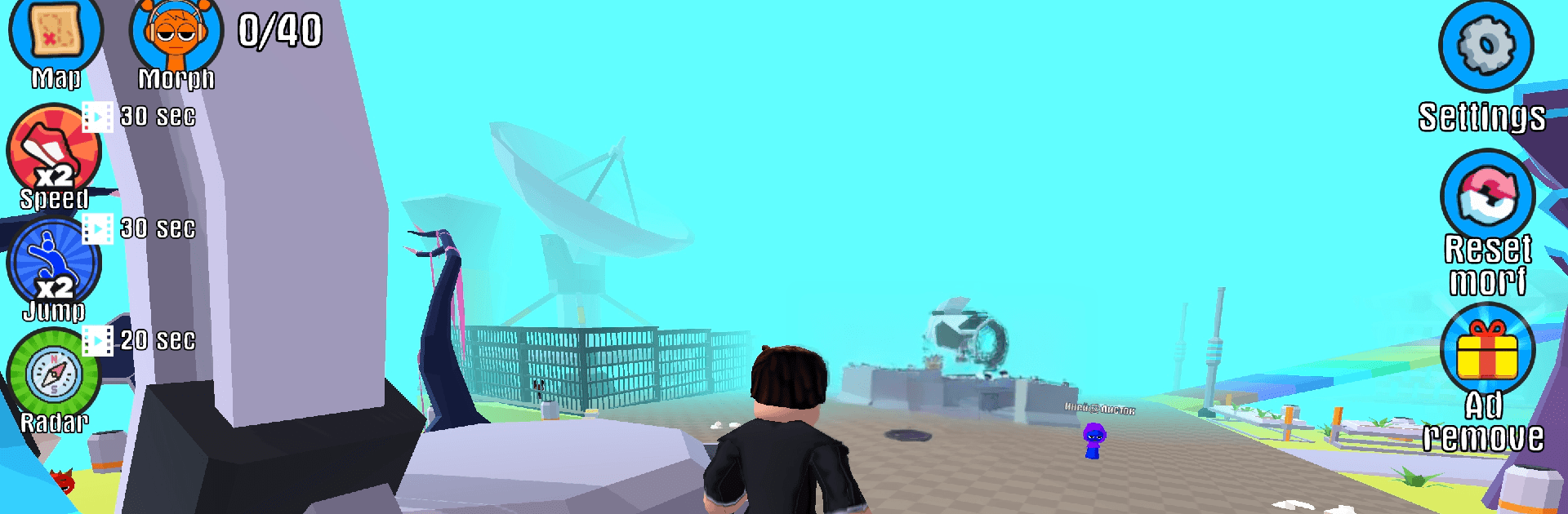
Spooky Beat: Find the Monsters
Play on PC with BlueStacks – the Android Gaming Platform, trusted by 500M+ gamers.

Page Modified on: Sep 7, 2026
Play Spooky Beat: Find the Monsters on PC or Mac
Bring your A-game to Spooky Beat: Find the Monsters, the Simulation game sensation from Doublentil. Give your gameplay the much-needed boost with precise game controls, high FPS graphics, and top-tier features on your PC or Mac with BlueStacks.
About the Game
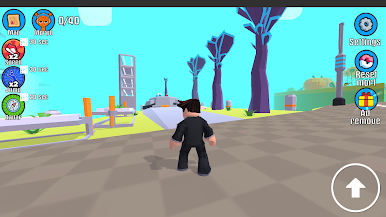
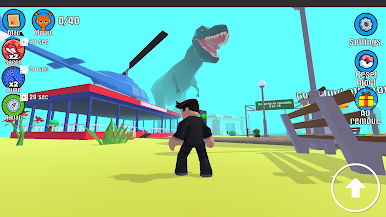
Spooky Beat: Find the Monsters is a playful mashup of hide-and-seek and rhythm, where you poke around eerie locations and follow musical cues to uncover cheeky creatures. This Simulation adventure keeps things light and clever, serving up quick hunts, quirky surprises, and missions that reward a sharp eye. Prefer a bigger screen and comfy controls? It runs smoothly on BlueStacks as well.
Game Features
- Beat-guided searching: Follow subtle audio and visual cues that groove along with the soundtrack to zero in on sneaky monsters.
- Haunted locales: Wander through creaky mansions, foggy forests, and other themed spots packed with personality and secrets.
- Pick-up-and-play controls: Jump in fast with simple interactions that feel natural, whether you’re exploring or chasing clues.
- Fresh goals each level: Tackle varied objectives—spot lists, timed hunts, and multi-step tasks that keep every run feeling new.
- Unlockable maps: Progress to open new areas, each with its own twist, hazards, and hidden nooks to comb through.
- Collectible critter album: Find, catalog, and admire a gallery of oddball monsters with charming animations and weird little quirks.
- Rewards and achievements: Complete missions to earn goodies, tick off milestones, and track your monster-hunting mastery.
- Replay-friendly surprises: Hidden spots shuffle and clues change, so returning to a favorite map still feels unexpected.
- Gentle spooky vibes: Enjoy cartoon-styled chills—moody lighting, playful jump-scares, and zero gore—great for a cozy scare.
- Play your way: Sneak in a quick round or settle in for a longer session; the pacing stays relaxed without losing challenge.
Get ready for a buttery smooth, high-performance gaming action only on BlueStacks.


Play Spooky Beat: Find the Monsters on PC. It’s easy to get started.
-
Download and install BlueStacks on your PC
-
Complete Google sign-in to access the Play Store, or do it later
-
Look for Spooky Beat: Find the Monsters in the search bar at the top right corner
-
Click to install Spooky Beat: Find the Monsters from the search results
-
Complete Google sign-in (if you skipped step 2) to install Spooky Beat: Find the Monsters
-
Click the Spooky Beat: Find the Monsters icon on the home screen to start playing

