


Spooky Beat: Find the Monsters
Play on PC with BlueStacks – the Android Gaming Platform, trusted by 500M+ gamers.

Page Modified on: Sep 23, 2026
Main Spooky Beat: Find the Monsters on PC
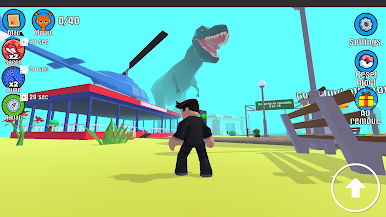
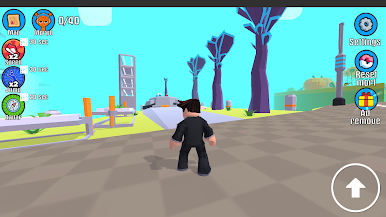
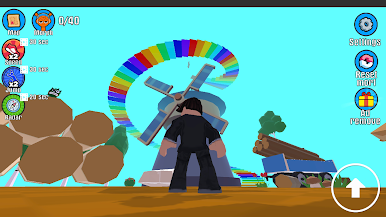
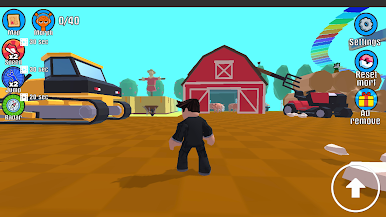
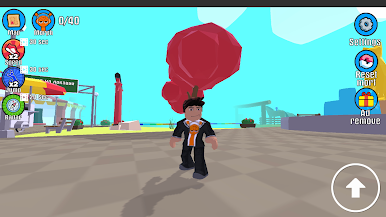
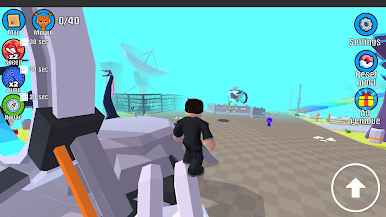
Step into a mysterious world where spooky monsters, catchy beats, and exciting adventures come together! Spooky Beats: Monster Hunt is a fun casual game that challenges you to explore haunted locations, search for hidden monsters, and complete thrilling rhythm-inspired missions.
Every level is filled with colorful environments, creepy creatures, and surprising secrets waiting to be discovered. Stay alert, explore every corner, and find all the hidden monsters before moving on to the next challenge. Whether you enjoy monster hunting, spooky adventures, or relaxing exploration games, there's always something new to uncover.
Game Features
• Explore spooky worlds full of hidden monsters.
• Search every area and discover creepy creatures.
• Enjoy fun beat-inspired gameplay and exciting challenges.
• Unlock new locations with unique themes and surprises.
• Complete missions to earn rewards and achievements.
• Play easy-to-learn controls designed for all ages.
• Discover colorful graphics with spooky cartoon visuals.
• Face new monster-hunting challenges in every level.
• Relax with satisfying gameplay that is fun anytime.
• Collect monsters and complete your spooky adventure.
Every adventure offers fresh surprises, hidden monsters, and exciting objectives. Improve your observation skills, complete every mission, and become the ultimate monster hunter.
Whether you play for a few minutes or spend hours exploring, Spooky Beats: Monster Hunt delivers an entertaining experience with fun gameplay, charming spooky characters, and endless adventures.
Download Spooky Beats: Monster Hunt today and start exploring mysterious worlds filled with hidden monsters, catchy beats, and exciting discoveries!

Play Spooky Beat: Find the Monsters on PC. It’s easy to get started.
-
Download and install BlueStacks on your PC
-
Complete Google sign-in to access the Play Store, or do it later
-
Look for Spooky Beat: Find the Monsters in the search bar at the top right corner
-
Click to install Spooky Beat: Find the Monsters from the search results
-
Complete Google sign-in (if you skipped step 2) to install Spooky Beat: Find the Monsters
-
Click the Spooky Beat: Find the Monsters icon on the home screen to start playing

